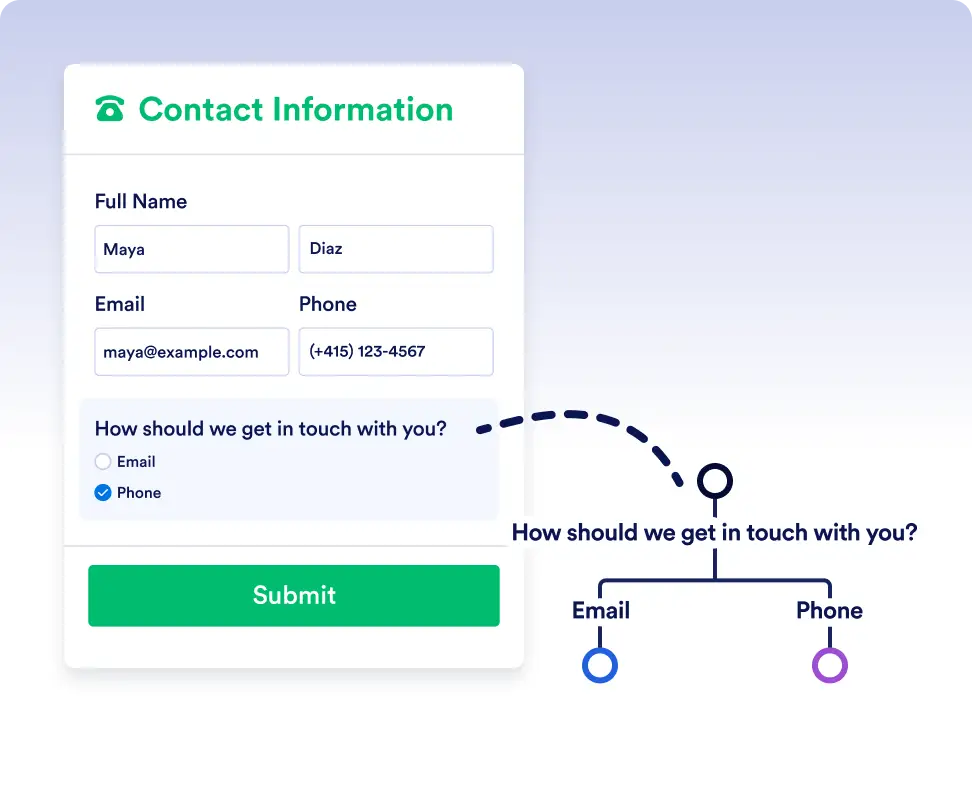
توجيه المهام والطلبات والموافقات تلقائيًا في مسارات مختلفة استنادًا إلى استجابات النماذج وبيانات سير العمل في الوقت الفعلي بحيث ينتهي العمل دائمًا في الأيدي الصحيحة.
منطق الصواب/الخطأ البسيط لسير عمل أكثر ذكاءً
تعمل شروط If/Else على إزالة التخمين والتوجيه اليدوي عن طريق التحقق تلقائيًا مما إذا كانت كل خطوة تفي بالمعايير التي تحددها. يضمن ذلك أن تتحرك المهام والنماذج والموافقات في الاتجاه الصحيح في كل مرة، مما يساعدك على إنشاء مهام سير عمل تظل دقيقة وفعالة ومؤتمتة بالكامل.
التوجيه الديناميكي لأي سيناريو
إضافة شرط If/Else سهلة بقدر اختيار حقول البيانات وتحديد الشرط. دع سير عمل Jotform يتولى إدارة التفرعات، لتتمكن من التركيز على إنجاز عملك وتقدّمه.
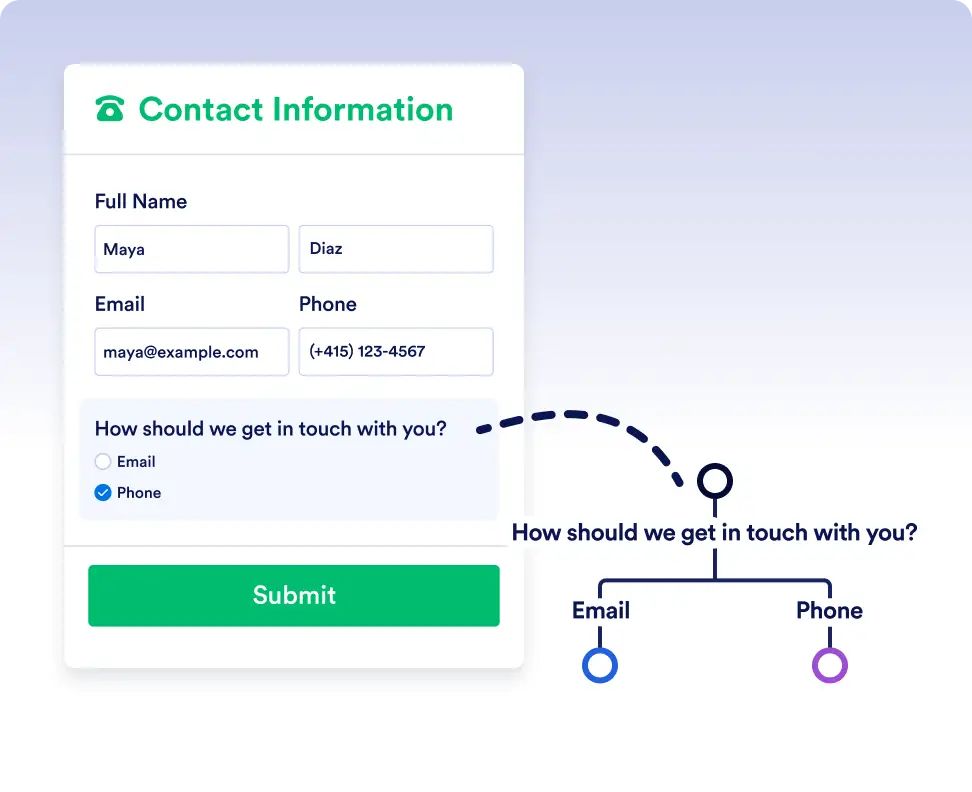
Smart routing with form data
Automatically send submissions down different paths depending on how users respond to a form. For example, route high-priority requests for immediate approval while sending standard requests through a regular review process.
Handle complex flows with conditional logic
Use If/Else conditions to adapt workflows to real-world scenarios. Trigger different actions, assign tasks to different teams, or skip unnecessary steps based on workflow data or previous outcomes.
الأسئلة الشائعة
هل لديك أسئلة حول هذه الميزة؟ اطلع على الأسئلة الشائعة أدناه للحصول على إجابات سريعة، أو اتصل بفريق الدعم لدينا للحصول على مزيد من التفاصيل.
You can use data from form responses, approval steps, assigned tasks, and other workflow elements used in the flow to define your If/Else conditions.
If no conditions are met, the workflow follows the default Else path, ensuring the process always continues.
Yes. You can add multiple rules to a single If/Else condition and choose whether all rules must be met or if any one of them is enough to trigger a path.