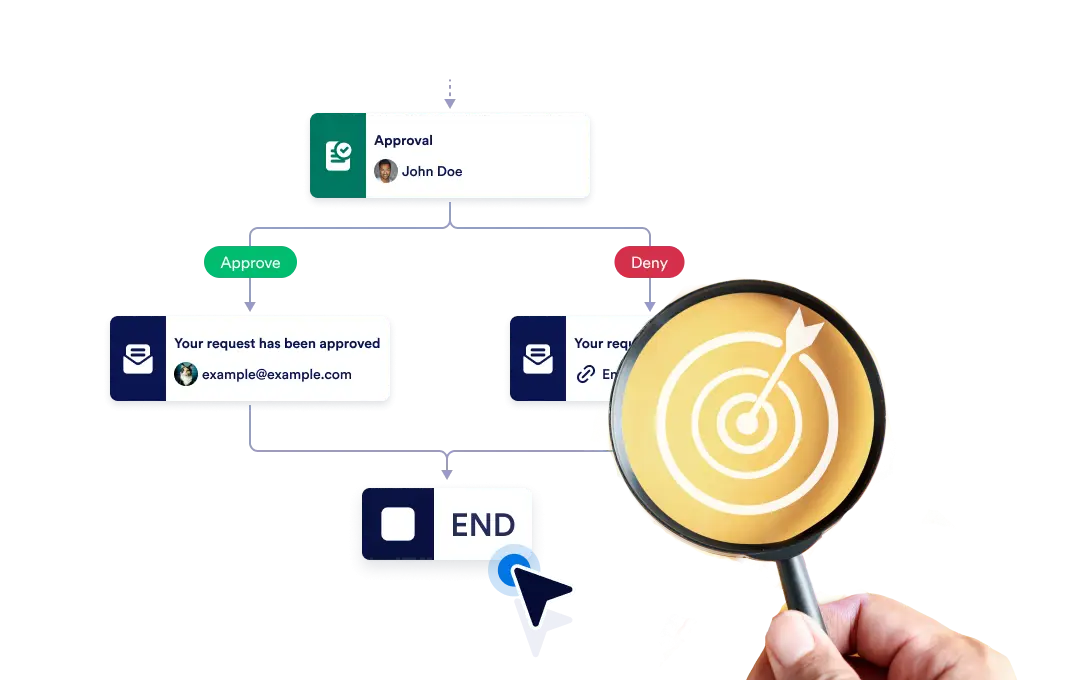
إما إنهاء سير العمل بالكامل فور انتهاء فرع معين، أو دع كل فرع يستمر بشكل مستقل حتى الانتهاء منه، لضمان المرونة والتحكم في العملية الخاصة بك.
التحكم في نهاية سير عملك
The End element lets you define how your workflow concludes once it reaches a finishing point. You can choose to terminate the entire workflow as soon as a specific branch ends, or allow other branches to continue running until they complete on their own.
إعداد السحب والإفلات البسيط
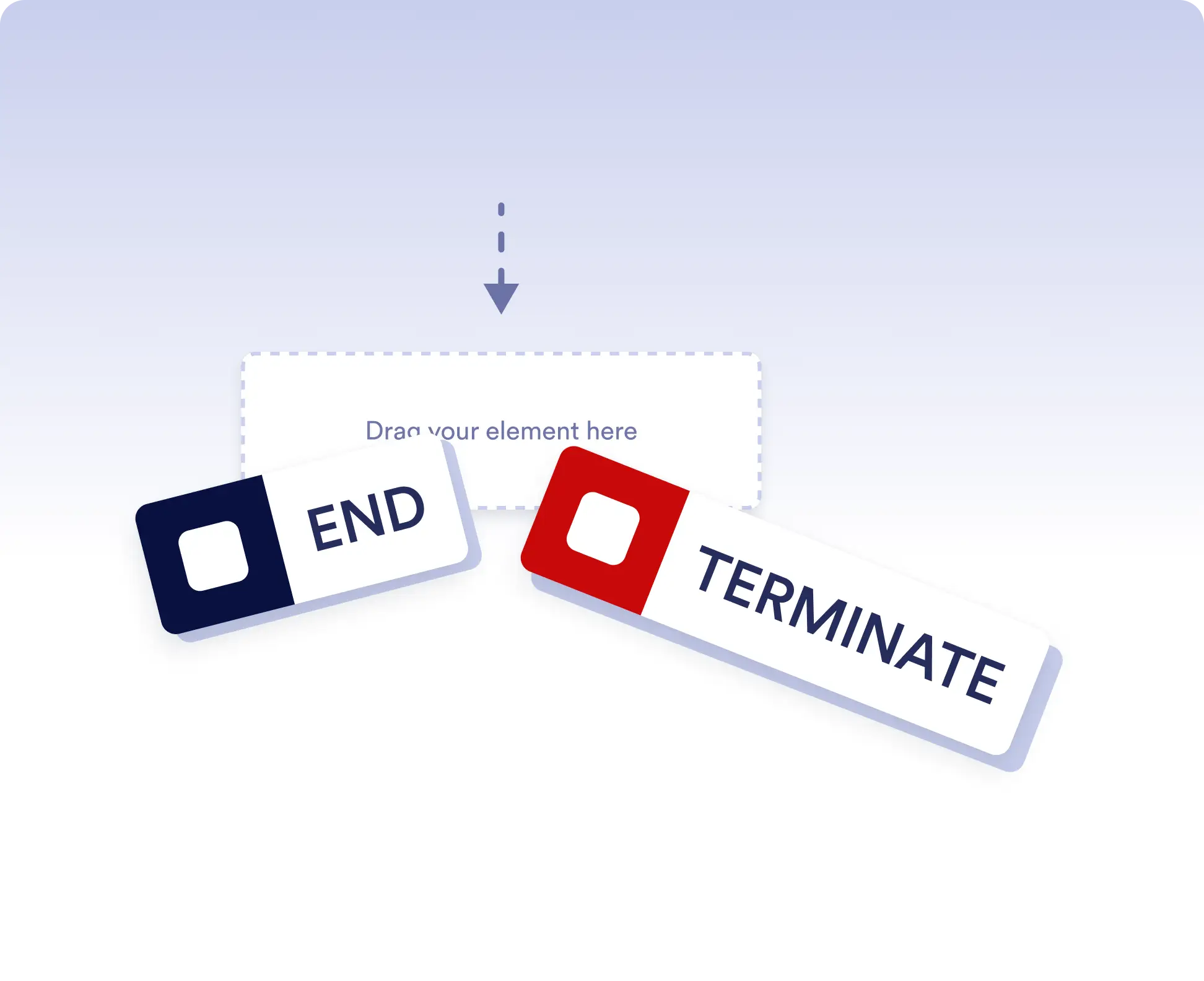
لتعيين سلوك إنهاء سير عملك، ما عليك سوى سحب عنصر الإنهاء إلى المكان الذي اخترته في التدفق وتهيئة قاعدة الإنهاء المفضلة لديك.
Avoid running extra actions
Terminate the entire workflow as soon as a specific branch is completed. This is ideal for rejection paths, final approvals, or scenarios where no further actions should run once a decision is made.
Allow independent branch completion
Allow branches to finish independently when parts of your workflow can run in parallel or are optional. This keeps your process flexible without forcing unnecessary synchronization.
الأسئلة الشائعة
هل لديك أسئلة حول هذه الميزة؟ اطلع على الأسئلة الشائعة أدناه للحصول على إجابات سريعة، أو اتصل بفريق الدعم لدينا للحصول على مزيد من التفاصيل.
End acts as a visual signal that a branch has completed, while Terminate stops the entire workflow immediately when that step is reached.
When a workflow is terminated, all remaining active steps and branches stop immediately and no further actions are executed.
Yes. You can place multiple End elements in different branches to define how and when each path should finish.