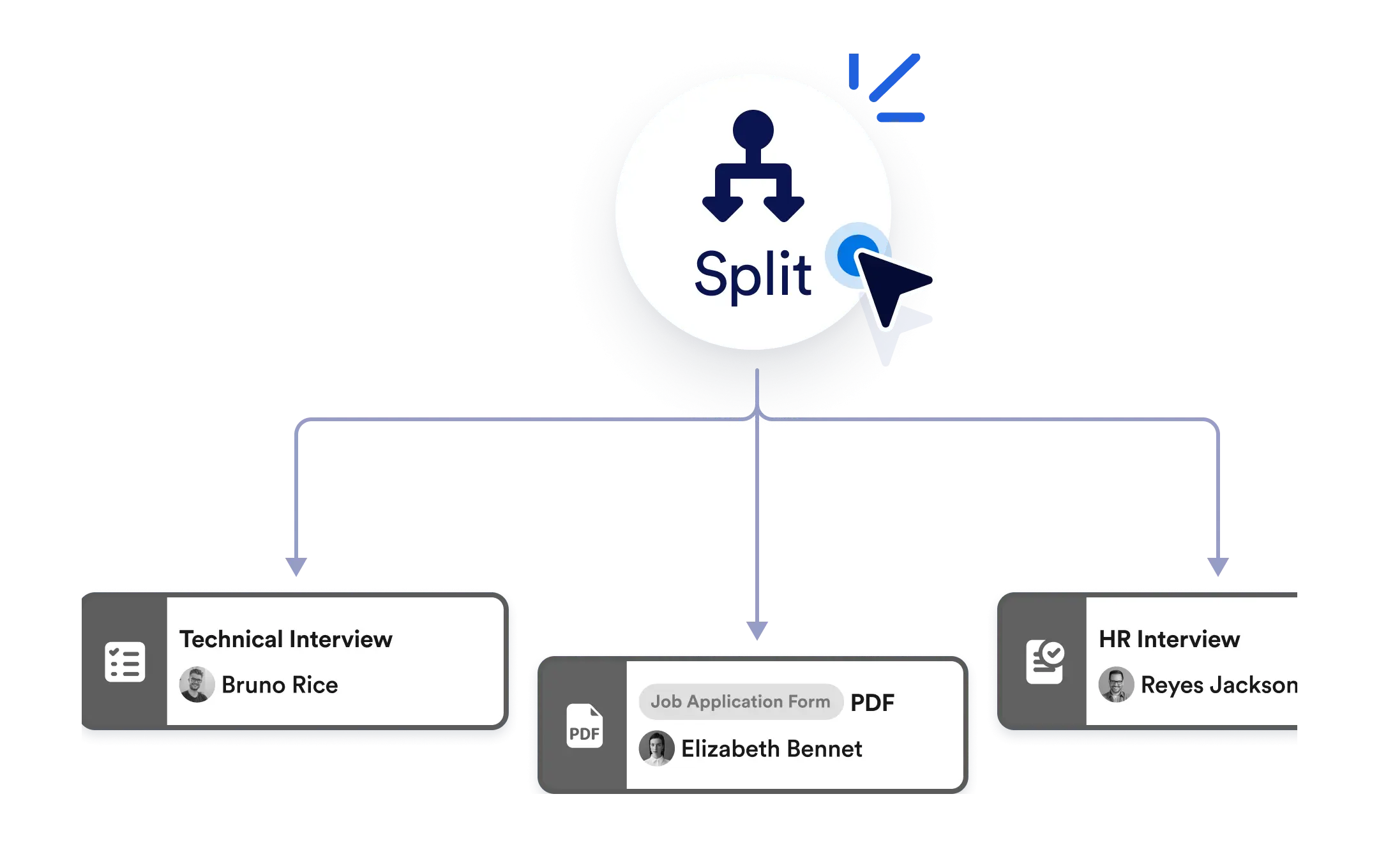
Sie müssen nicht warten, bis eine Aufgabe abgeschlossen ist, bevor Sie die nächste starten. Verwenden Sie das Element „Teilen“, um Ihren Workflow in parallele Schritte aufzuteilen. So arbeiten Sie effizienter und Ihr Team bleibt produktiv.
Parallele Aktionen
Fügen Sie das Split-Element zu Ihrem Workflow hinzu, um sofort mehrere Pfade zu erstellen. Ob Sie Benachrichtigungen senden, Aufgaben zuweisen oder Genehmigungen anfordern – alles läuft parallel.
Mehrere Aktionen auf einmal auslösen
Ziehen Sie das Split-Element per Drag-and-drop auf Ihre Workflow-Arbeitsfläche. Verbinden Sie es mit so vielen Aktionen, wie Sie brauchen, um Pfade zu erstellen – Programmierung oder komplizierte Einstellungen sind dafür nicht nötig.
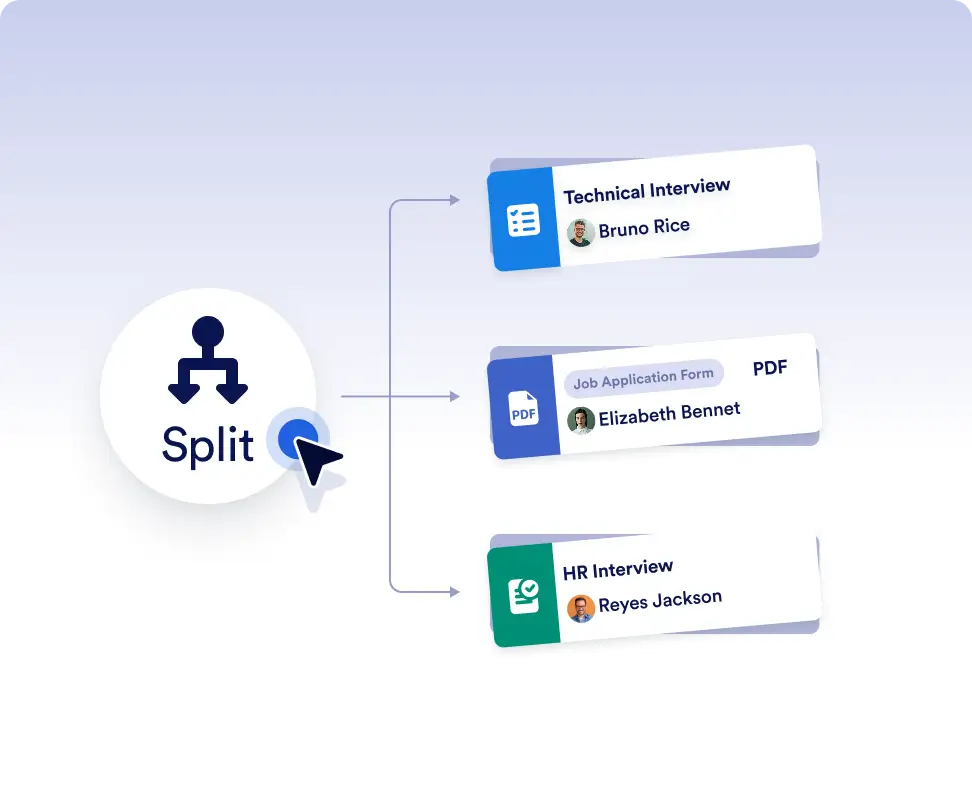
Mehrere Aktionen gleichzeitig ausführen
Lösen Sie Tasks, Genehmigungen, E-Mails oder PDF-Versand gleichzeitig aus, anstatt sie nacheinander auszuführen. Das hilft Ihnen, schneller voranzukommen und Workflows effizient zu halten, besonders wenn Schritte nicht voneinander abhängen.
Alle in Bewegung halten
Nutze parallele Aktionen, um mehrere Teams zu benachrichtigen, Aufgaben an verschiedene Rollen zuzuweisen oder gleichzeitig Genehmigungen anzufordern. Alle können sofort mit der Arbeit beginnen, ohne auf den Abschluss vorheriger Schritte warten zu müssen.
Häufig gestellte Fragen
Haben Sie Fragen zu dieser Funktion? Schauen Sie unten in die FAQs für kurze Antworten oder schreiben Sie unserem Support-Team.
Das Split-Element ermöglicht es Ihrem Workflow, sich in mehrere Pfade aufzuteilen, sodass mehrere Aktionen gleichzeitig ausgeführt werden können.
Sie können Aufgaben, Genehmigungen, Formularzuweisungen, PDF-Versand, Benachrichtigungen und mehr gleichzeitig ausführen.
Ja. Sie können ein Pfade zusammenführen-Element verwenden, um parallele Pfade wieder zusammenzuführen und zu entscheiden, wann der Workflow fortgesetzt werden soll.