
Beenden Sie entweder den gesamten Workflow sofort, wenn ein bestimmter Pfad endet, oder lassen Sie jeden Pfad unabhängig weiterlaufen, bis er abgeschlossen ist. So behalten Sie die Kontrolle über Ihren Prozess.
Ende Ihres Workflows steuern
The End element lets you define how your workflow concludes once it reaches a finishing point. You can choose to terminate the entire workflow as soon as a specific branch ends, or allow other branches to continue running until they complete on their own.
Einfache Einrichtung per Drag-and-drop
Ziehen Sie das Ende-Element an die gewünschte Stelle im Flow und wählen Sie eine Beendigungsregel, um das Verhalten am Ende Ihres Workflows festzulegen.
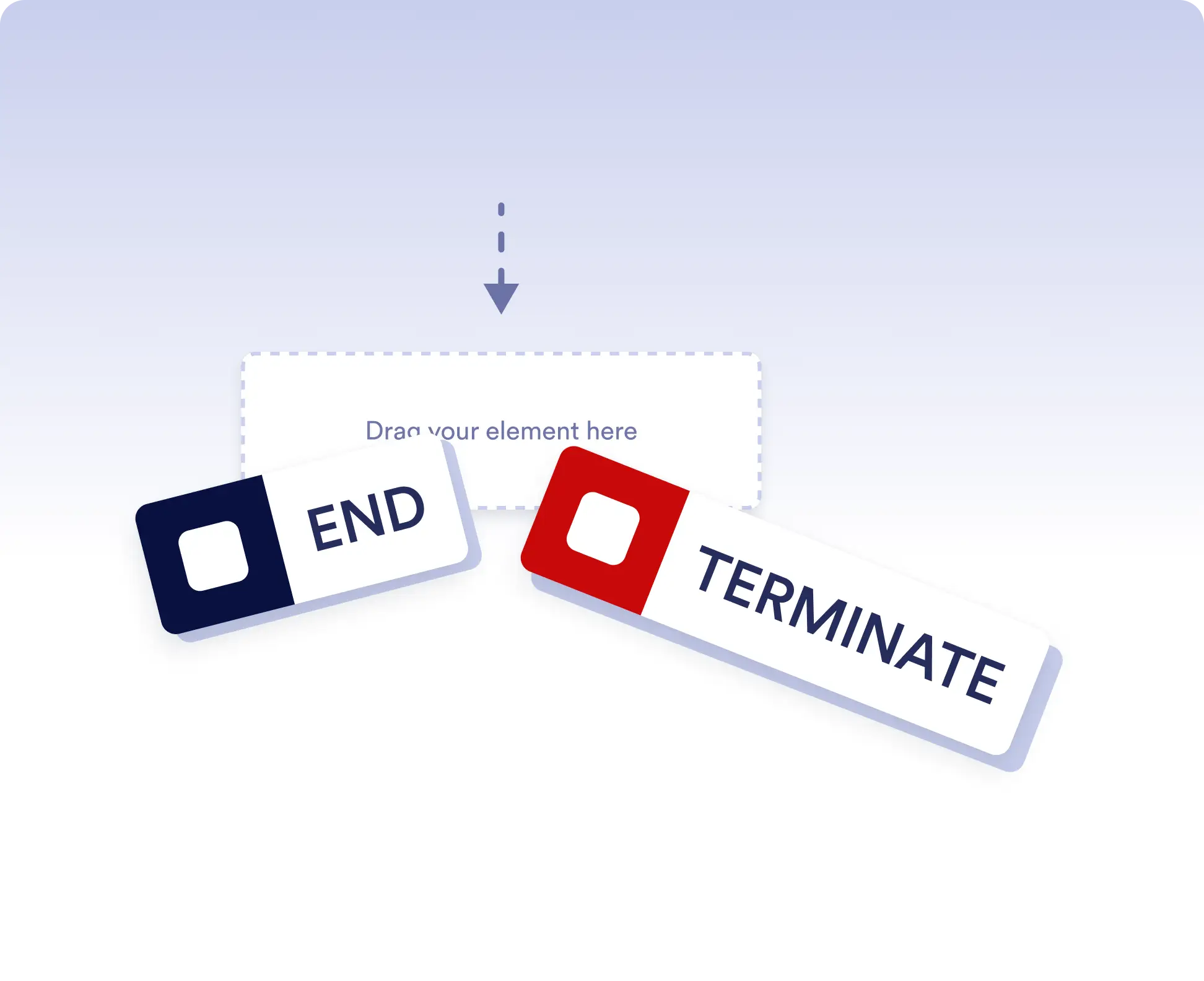
Avoid running extra actions
Terminate the entire workflow as soon as a specific branch is completed. This is ideal for rejection paths, final approvals, or scenarios where no further actions should run once a decision is made.
Allow independent branch completion
Allow branches to finish independently when parts of your workflow can run in parallel or are optional. This keeps your process flexible without forcing unnecessary synchronization.
Häufig gestellte Fragen
Haben Sie Fragen zu dieser Funktion? Schauen Sie unten in die FAQs für kurze Antworten oder schreiben Sie unserem Support-Team.
End acts as a visual signal that a branch has completed, while Terminate stops the entire workflow immediately when that step is reached.
When a workflow is terminated, all remaining active steps and branches stop immediately and no further actions are executed.
Yes. You can place multiple End elements in different branches to define how and when each path should finish.