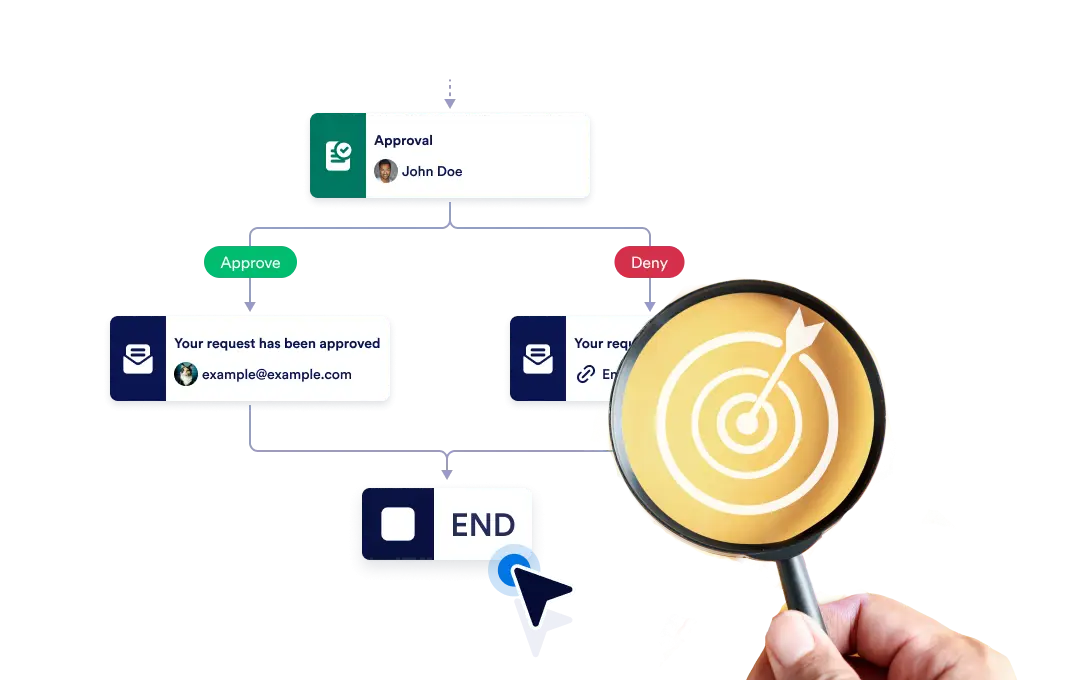
Ya sea que finalice todo el flujo de trabajo al instante cuando una ruta específica termine, o permita que cada ruta continúe de forma independiente hasta que finalice, garantizando flexibilidad y control en su proceso.
Controle el final de su flujo de trabajo
The End element lets you define how your workflow concludes once it reaches a finishing point. You can choose to terminate the entire workflow as soon as a specific branch ends, or allow other branches to continue running until they complete on their own.
Configuración simple de arrastrar y soltar
Para establecer el comportamiento de finalización de su flujo de trabajo, simplemente arrastre el elemento Finalizar al lugar elegido en el flujo y configure su regla de finalización preferida.
Avoid running extra actions
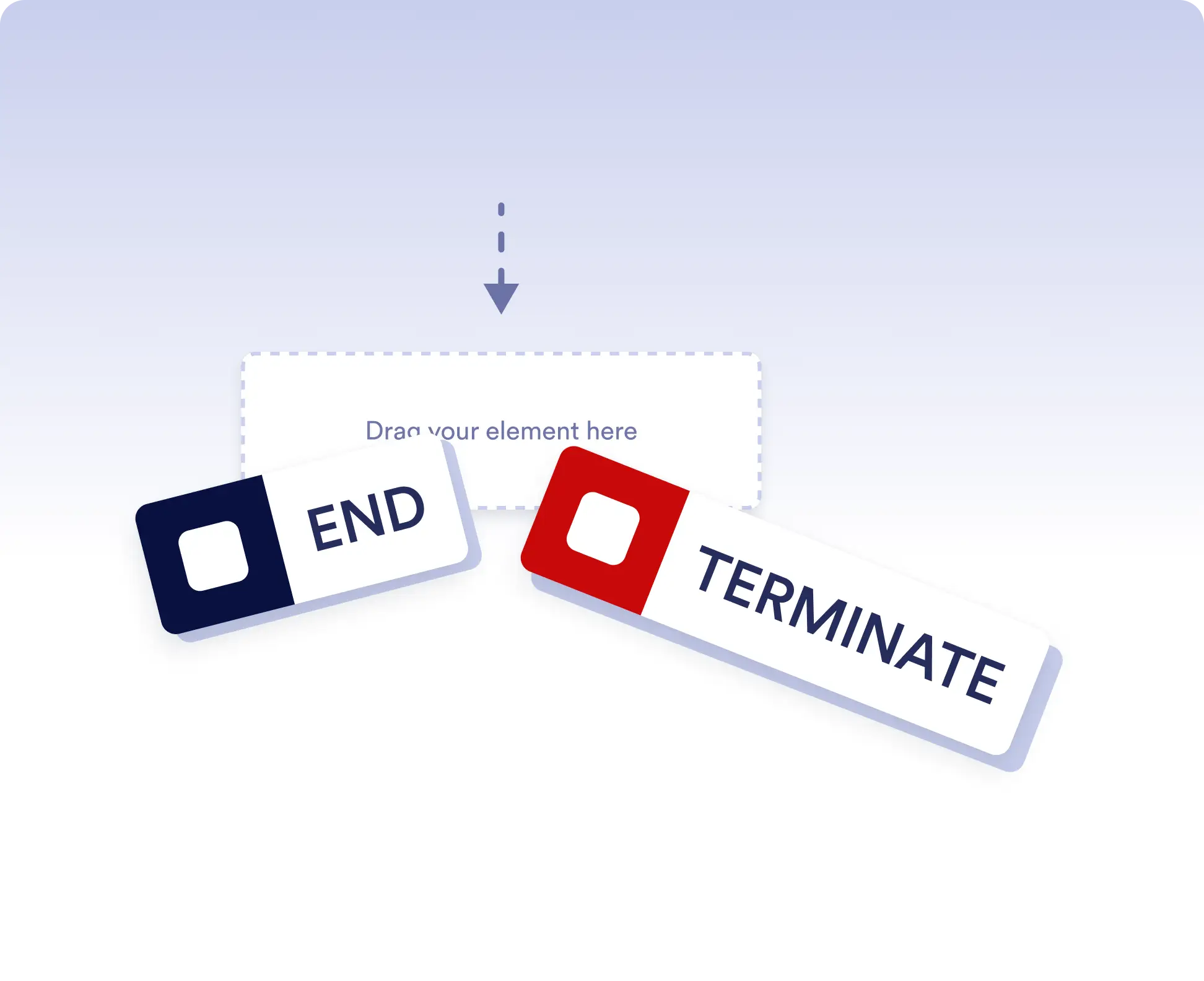
Terminate the entire workflow as soon as a specific branch is completed. This is ideal for rejection paths, final approvals, or scenarios where no further actions should run once a decision is made.
Allow independent branch completion
Allow branches to finish independently when parts of your workflow can run in parallel or are optional. This keeps your process flexible without forcing unnecessary synchronization.
Preguntas Frecuentes
¿Tiene preguntas sobre esta función? Explore las preguntas frecuentes a continuación para obtener respuestas rápidas, o comuníquese con nuestro equipo de soporte para más detalles.
End acts as a visual signal that a branch has completed, while Terminate stops the entire workflow immediately when that step is reached.
When a workflow is terminated, all remaining active steps and branches stop immediately and no further actions are executed.
Yes. You can place multiple End elements in different branches to define how and when each path should finish.