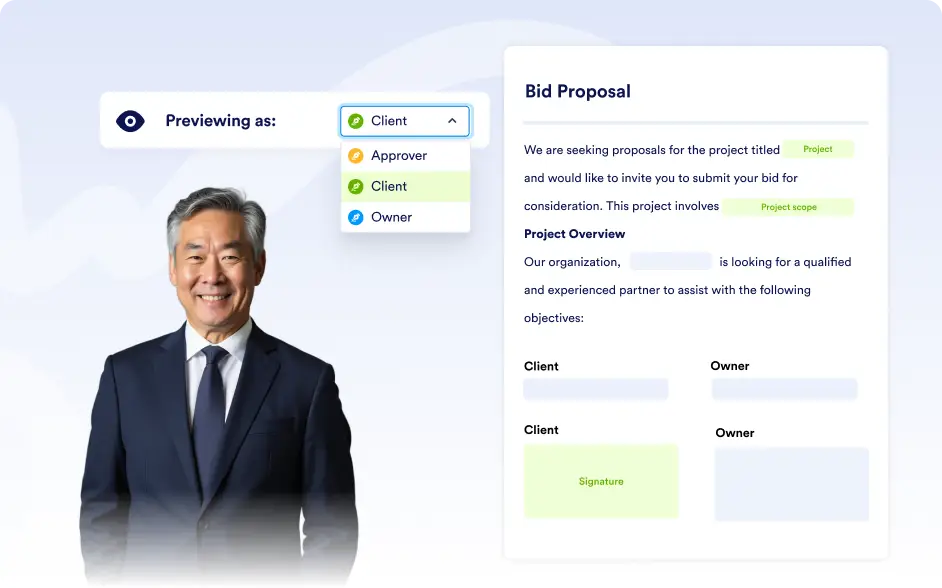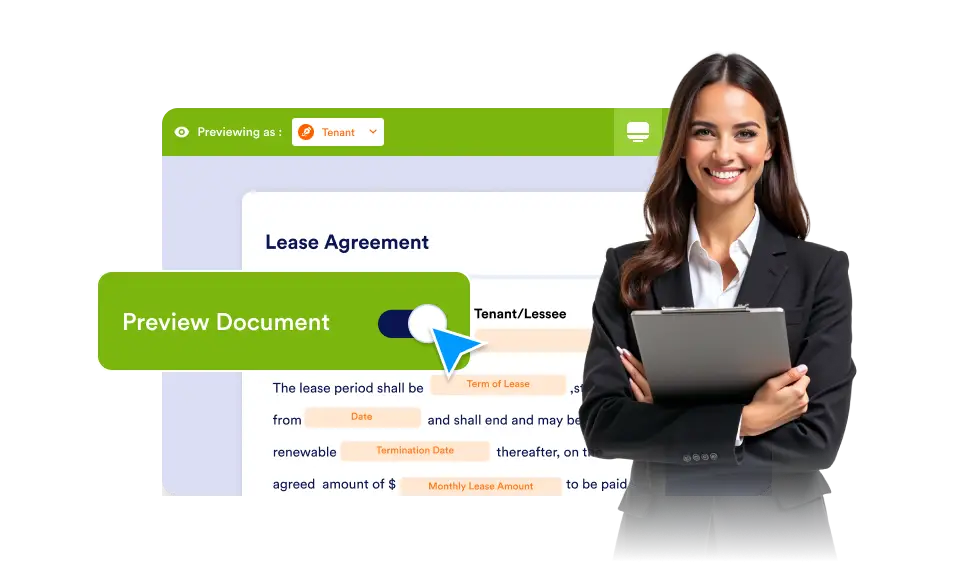
Avoid unexpected errors and ensure every field, page, and signing step is correctly placed by using the built-in preview mode before your document reaches signers.
Confianza antes de hacer el lanzamiento
Test the entire signing experience in advance so you can review field placement, confirm the signing order, validate recipient roles, and ensure each step of the workflow functions correctly before the document is shared.
Vista previa en tiempo real
Instantly check how each field, page, and input will render across the entire document, allowing you to review layout consistency, spacing, and readability so every element appears clear, accurate, and easy for signers to complete.
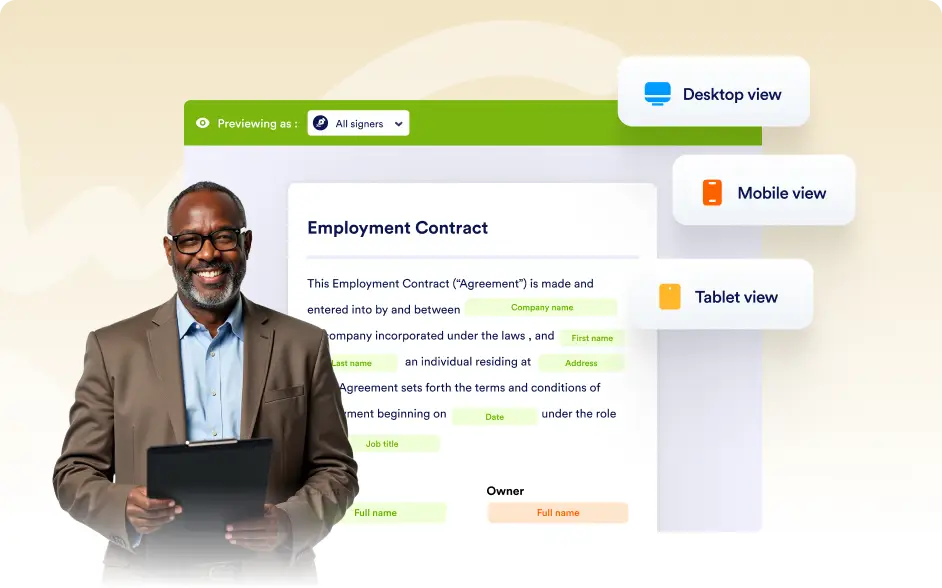
Pruebas basadas en roles
Preview the document from the perspective of different signers or approvers to confirm that each role sees the correct fields, assigned responsibilities, and signing order before the document is sent.