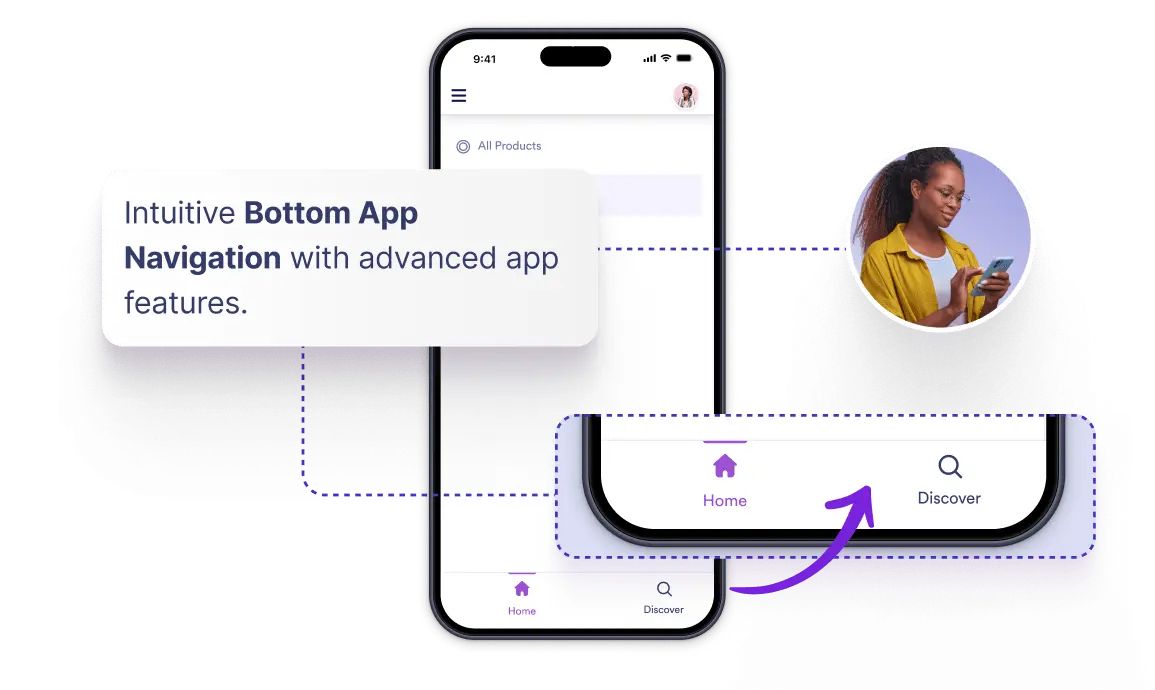
Toggle on bottom navigation in your settings to provide smooth, one-tap page transitions across mobile devices.
Streamline Mobile Navigation
Deliver a native app feel on mobile devices. Turn on the bottom navigation toggle to give users instant access to primary pages right at the bottom of their screens.
Preguntas Frecuentes
You can activate it instantly by switching on the Bottom Navigation toggle inside your Navigation Settings menu.
It improves overall usability by placing essential page links at the bottom of the screen, making page navigation faster and more natural on mobile devices.
Yes, tapping any page icon in the bottom bar instantly redirects users to that section without opening full menus.