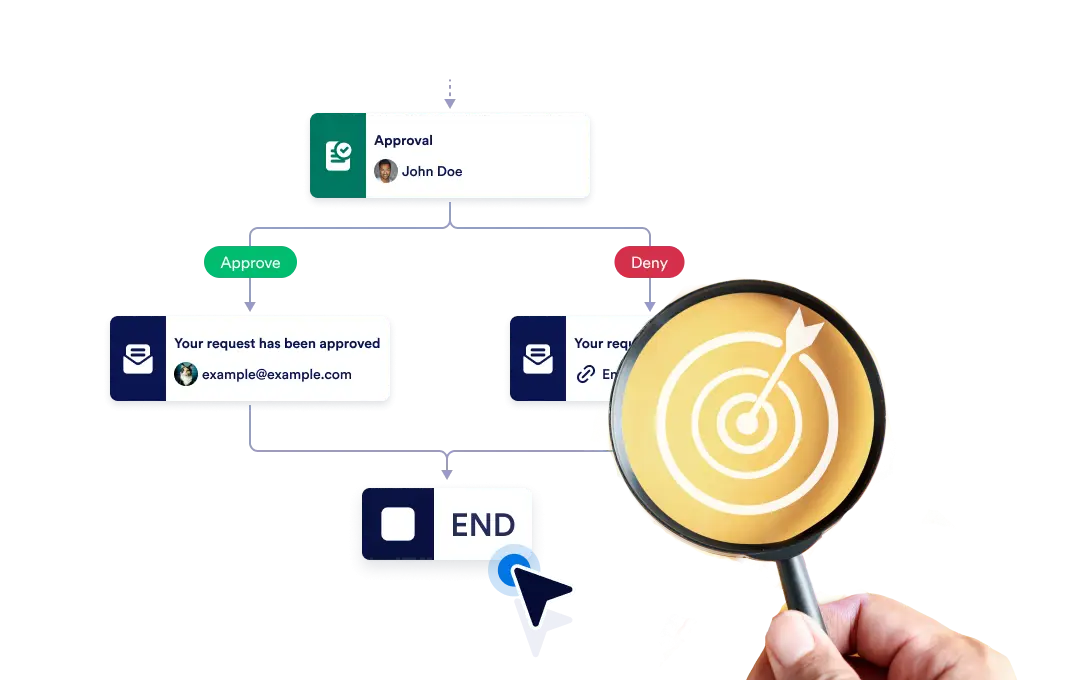
Ou mettre fin à l'ensemble du flux de travail instantanément lorsqu'une branche spécifique se termine, ou laisser chaque branche continuer de manière indépendante jusqu'à ce qu'elle soit terminée. ainsi flexibilité et contrôle dans votre processus.
Contrôlez la fin de votre flux de travail
The End element lets you define how your workflow concludes once it reaches a finishing point. You can choose to terminate the entire workflow as soon as a specific branch ends, or allow other branches to continue running until they complete on their own.
Configuration simple par glisser-déposer
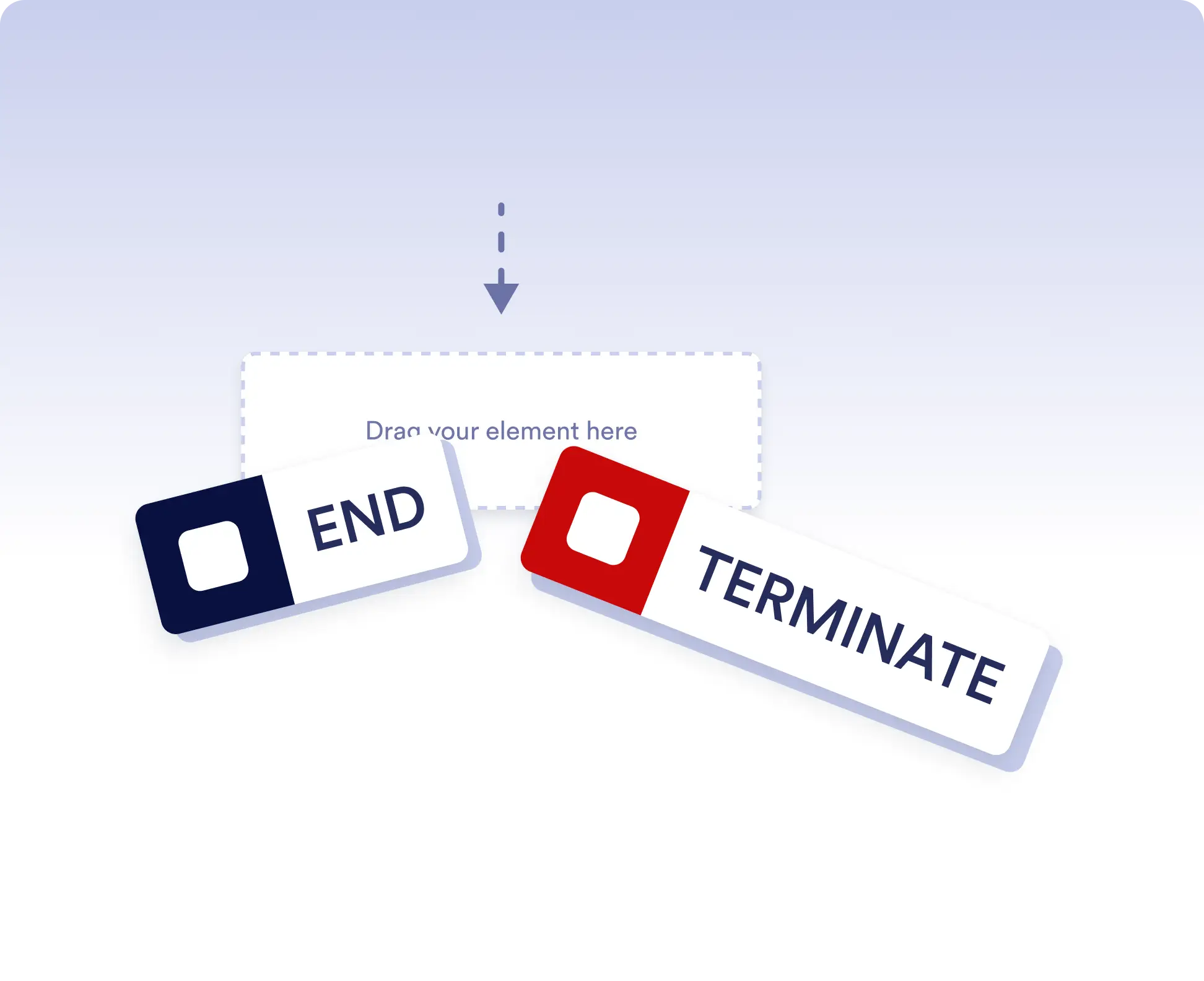
Pour définir le comportement de fin de votre flux de travail, faites simplement glisser l'élément Fin à l'emplacement souhaité dans le flux et configurez votre règle de terminaison préférée.
Avoid running extra actions
Terminate the entire workflow as soon as a specific branch is completed. This is ideal for rejection paths, final approvals, or scenarios where no further actions should run once a decision is made.
Allow independent branch completion
Allow branches to finish independently when parts of your workflow can run in parallel or are optional. This keeps your process flexible without forcing unnecessary synchronization.
FAQ
Vous avez des questions sur cette fonctionnalité ? Consultez la FAQ ci-dessous pour obtenir des réponses rapides, ou contactez notre équipe d'assistance pour plus de détails.
End acts as a visual signal that a branch has completed, while Terminate stops the entire workflow immediately when that step is reached.
When a workflow is terminated, all remaining active steps and branches stop immediately and no further actions are executed.
Yes. You can place multiple End elements in different branches to define how and when each path should finish.