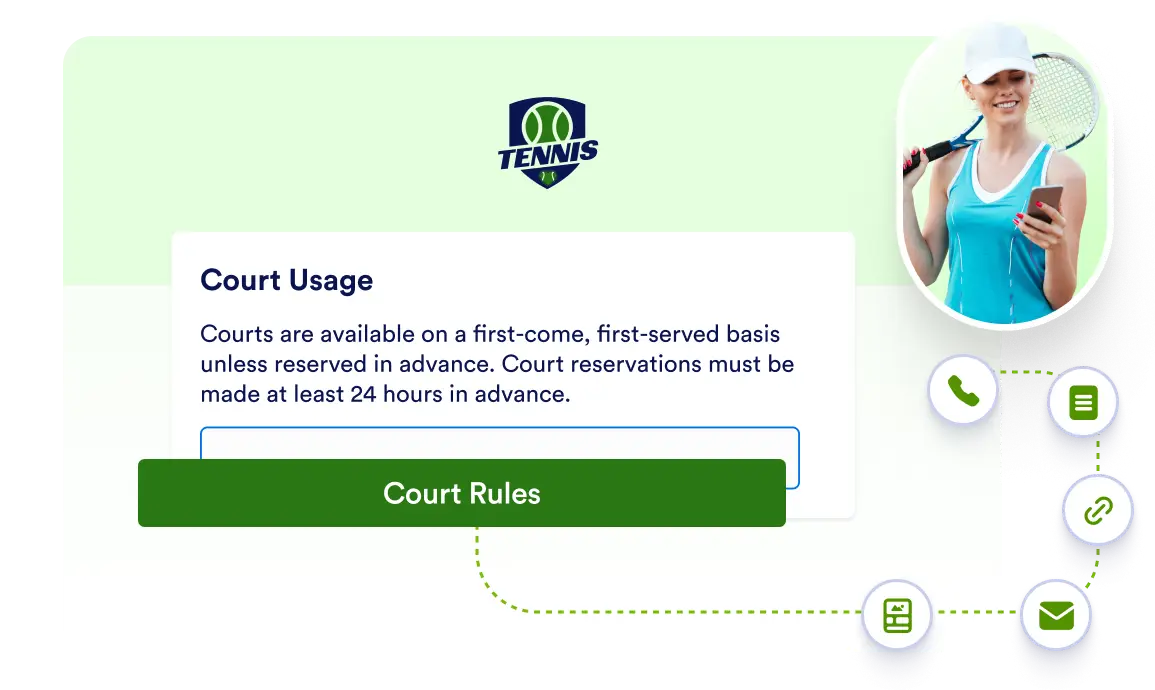
Add single button elements with tailored corner curvature, alignment controls, and integrated action triggers.
Customize Button Styles and Interactive Actions
Fine-tune your button's visual appearance and functional behavior. Adjust corner styles, set alignment, and assign instant actions to create seamless user navigation.
Direct Action Integration
Assign key user actions to your button element, including opening internal pages, launching forms, visiting links, sending emails, initiating phone calls, or triggering share modals.
FAQ
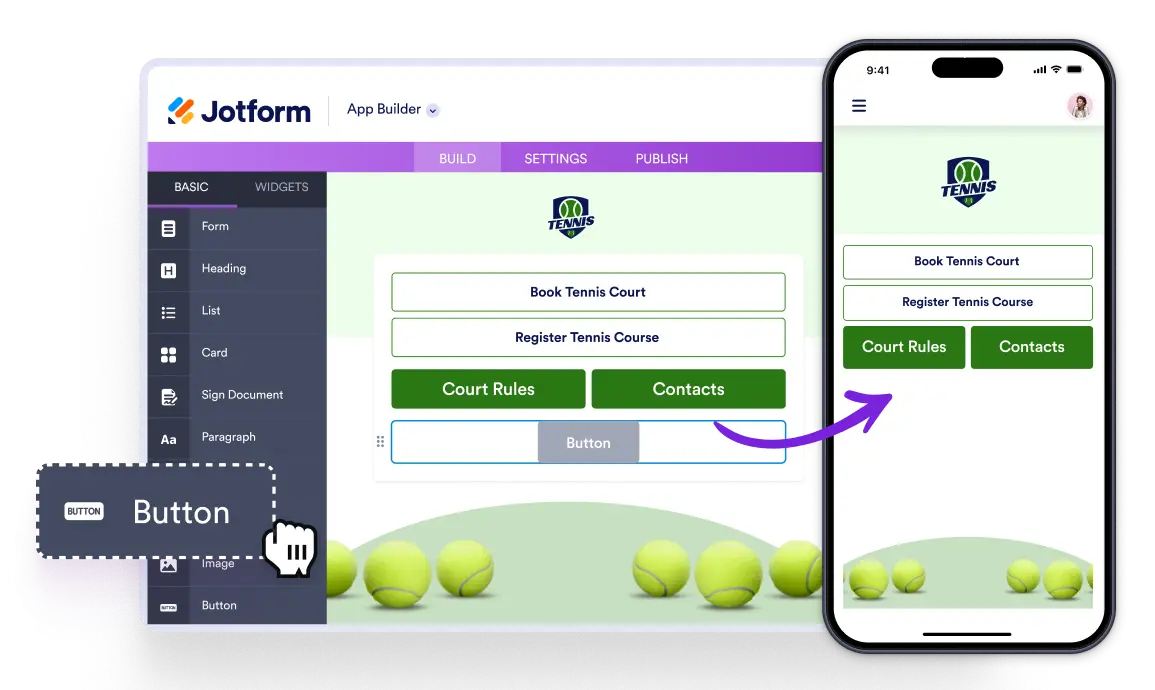
Each Button element functions as an individual action button, allowing you to assign one specific action per element.
You can choose from six distinct actions: Open Page, Open Form, Open URL, Send Email, Make Call, and Open Share Modal.
Yes, you can adjust the corner style (border radius curvature) as well as the alignment to fit your design preferences.