workflow
Make your workflow wait until a specific date and time, a date field from any form used in the workflow, or a configurable time before or after a date field. Schedule actions to run at the right moment and automate time-based processes without adding complex workflow logic or manual follow-ups.
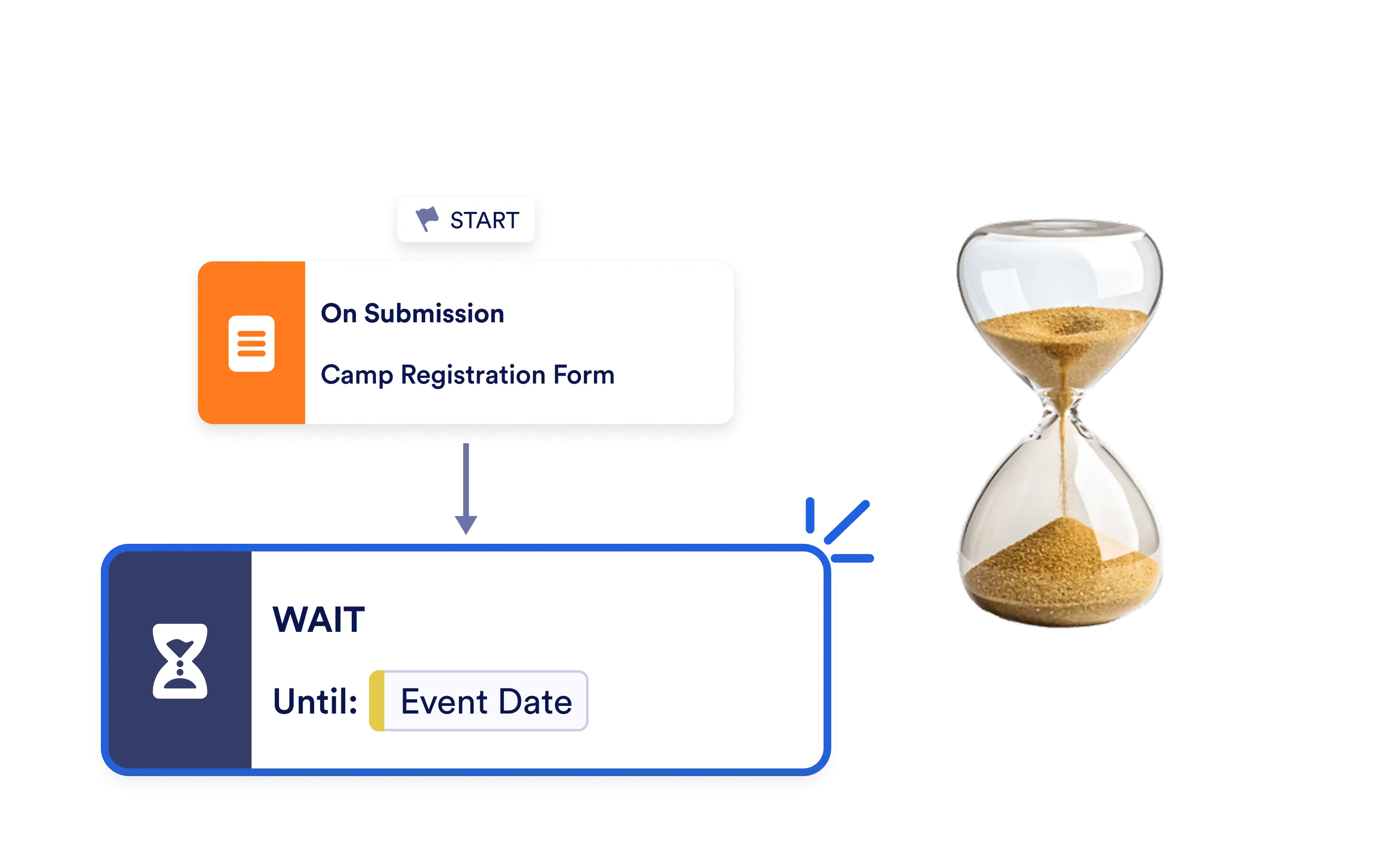
Add the Wait element to your Jotform Workflow to schedule when the next step should run, ensuring every action happens at exactly the right time.
Delay Workflow Execution with the Wait Element
Configure the Wait element to resume your workflow on a specific date, when a selected date field is reached, or a set amount of time before or after a date field.
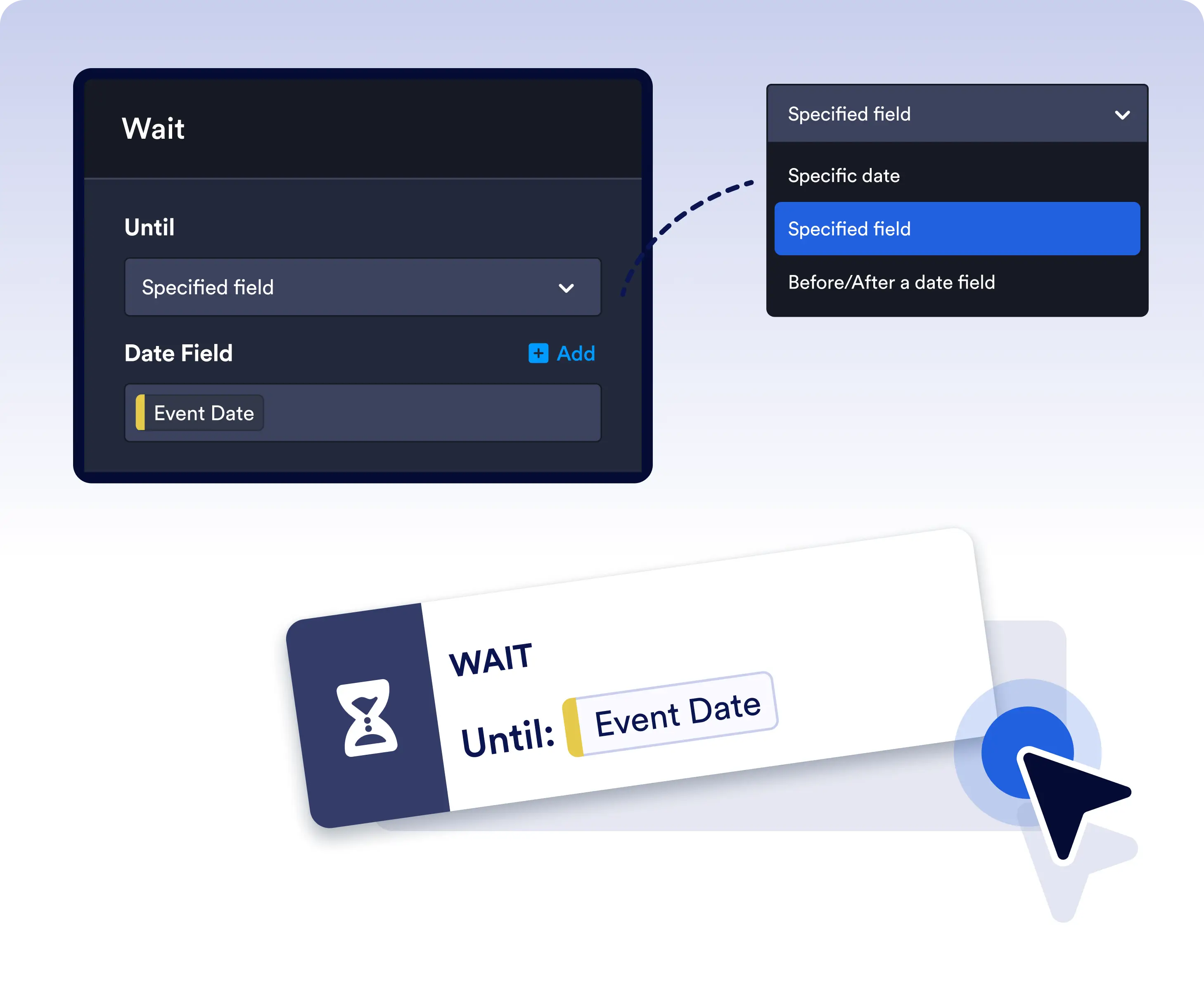
Wait Until a Specific Date or Date Field
Schedule workflow execution for an exact date and time or pause until a date stored in any form used by your workflow, making it easy to automate deadline-driven processes.
FAQ
The Wait element pauses workflow execution until a specified date and time, a selected date field, or a configurable time before or after a date field. It's ideal for scheduling actions, reminders, approvals, and other time-based automations.
You can configure the Wait element to resume a workflow on a specific date and time, when a selected date field is reached, or a specified amount of time before or after a date field used in your workflow.
The Wait element is useful for onboarding, appointment scheduling, payment reminders, contract renewals, event planning, follow-up emails, subscription management, and any workflow where actions need to occur at the right time instead of immediately.