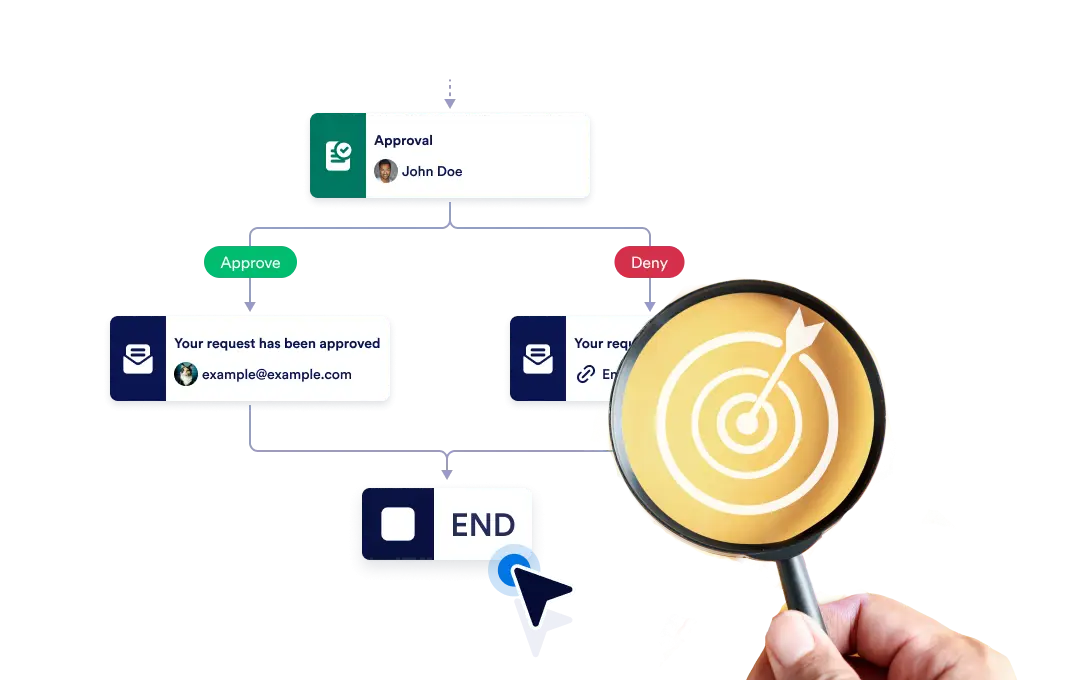
Baik hentikan seluruh alur kerja secara instan saat cabang tertentu berakhir, atau biarkan setiap cabang berlanjut secara independen hingga selesai, memastikan fleksibilitas dan kontrol dalam proses Anda.
Kontrol Akhir Alur Kerja Anda
The End element lets you define how your workflow concludes once it reaches a finishing point. You can choose to terminate the entire workflow as soon as a specific branch ends, or allow other branches to continue running until they complete on their own.
Pengaturan Seret-dan-Lepas yang Sederhana
Untuk mengatur perilaku akhir alur kerja Anda, cukup seret elemen Akhir ke tempat yang Anda pilih dalam alur dan konfigurasikan aturan penghentian pilihan Anda.
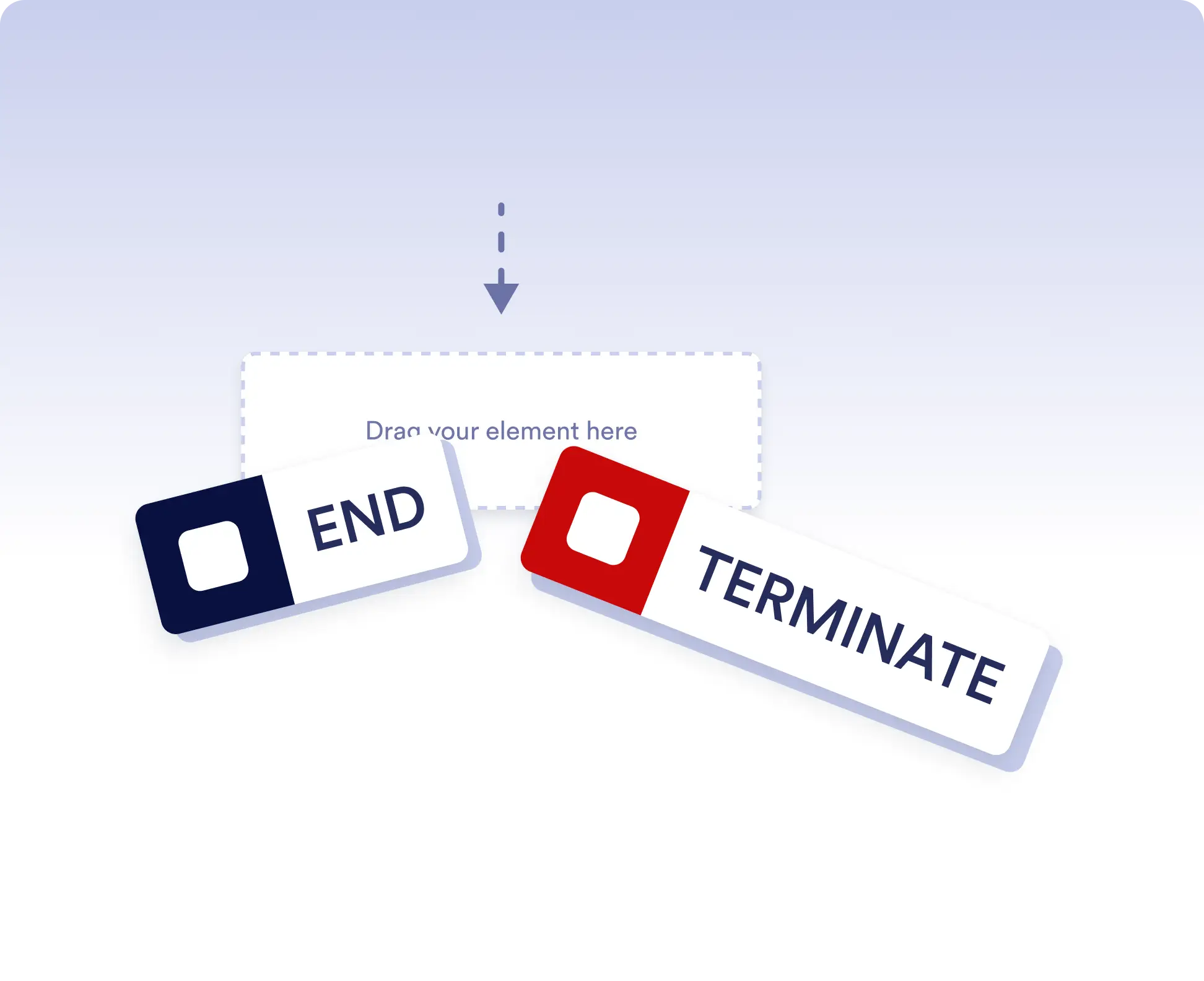
Avoid running extra actions
Terminate the entire workflow as soon as a specific branch is completed. This is ideal for rejection paths, final approvals, or scenarios where no further actions should run once a decision is made.
Allow independent branch completion
Allow branches to finish independently when parts of your workflow can run in parallel or are optional. This keeps your process flexible without forcing unnecessary synchronization.
Pertanyaan yang Sering Diajukan
Punya pertanyaan tentang fitur ini? Jelajahi FAQ di bawah ini untuk jawaban cepat, atau hubungi tim dukungan kami untuk detail lebih lanjut.
End acts as a visual signal that a branch has completed, while Terminate stops the entire workflow immediately when that step is reached.
When a workflow is terminated, all remaining active steps and branches stop immediately and no further actions are executed.
Yes. You can place multiple End elements in different branches to define how and when each path should finish.