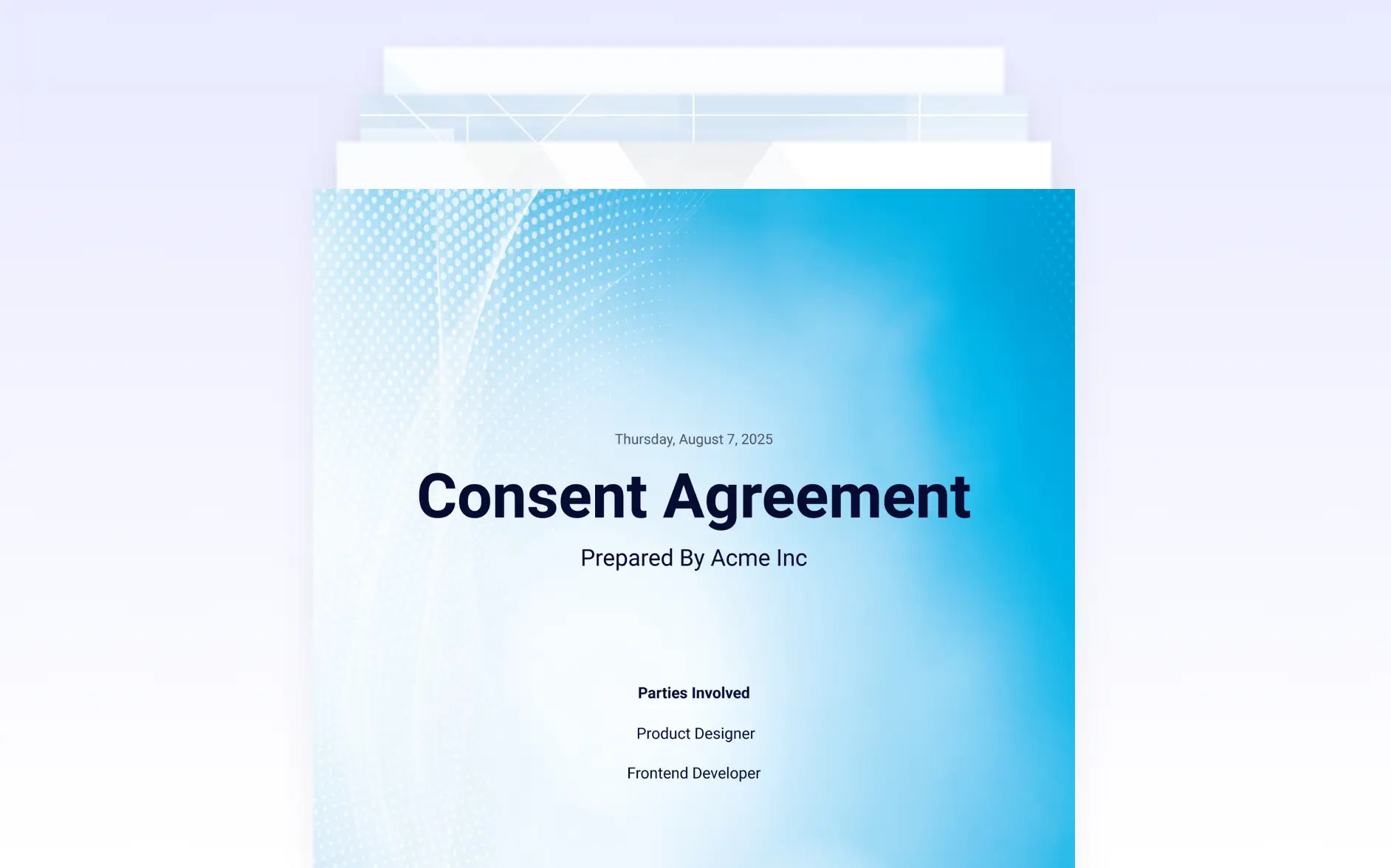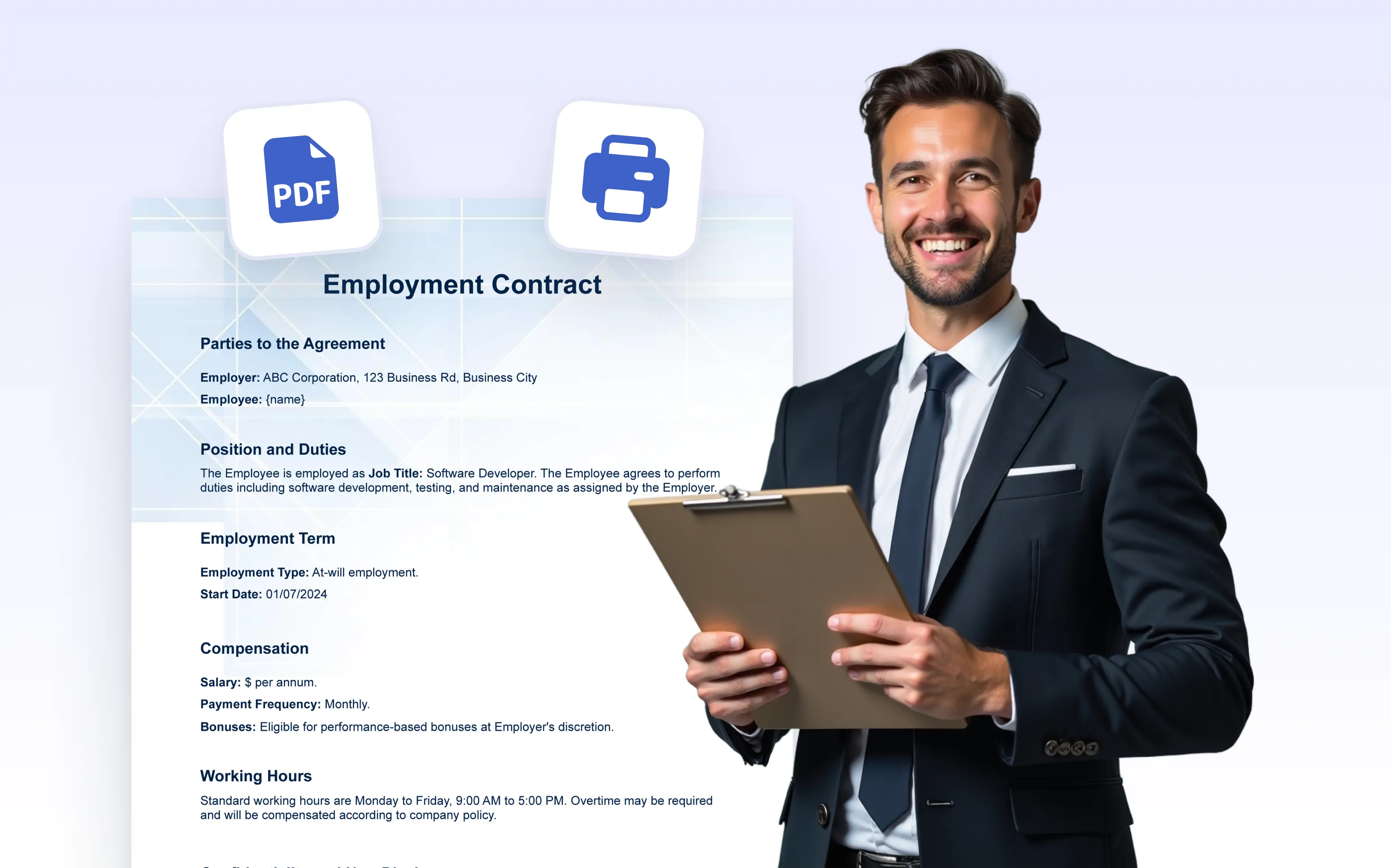
Generate print ready PDFs with clean layouts and accurate formatting. Ensure contracts, certificates, and reports look on paper every time.
One-Click Access to Print Settings
By selecting the print option in the PDF Editor, you can open the print dialog instantly, displaying the current layout of your document. This gives you a clear preview and immediate access to your browser’s print settings; perfect for saving time and avoiding formatting issues.
Get Physical Copies with the Layout You Designed
Whether you're printing submission records, invoices, or certificates, the printed document reflects the exact styling and structure you've set in the editor. Fonts, spacing, backgrounds, and alignment are preserved so your printed copy looks as polished as your digital version.