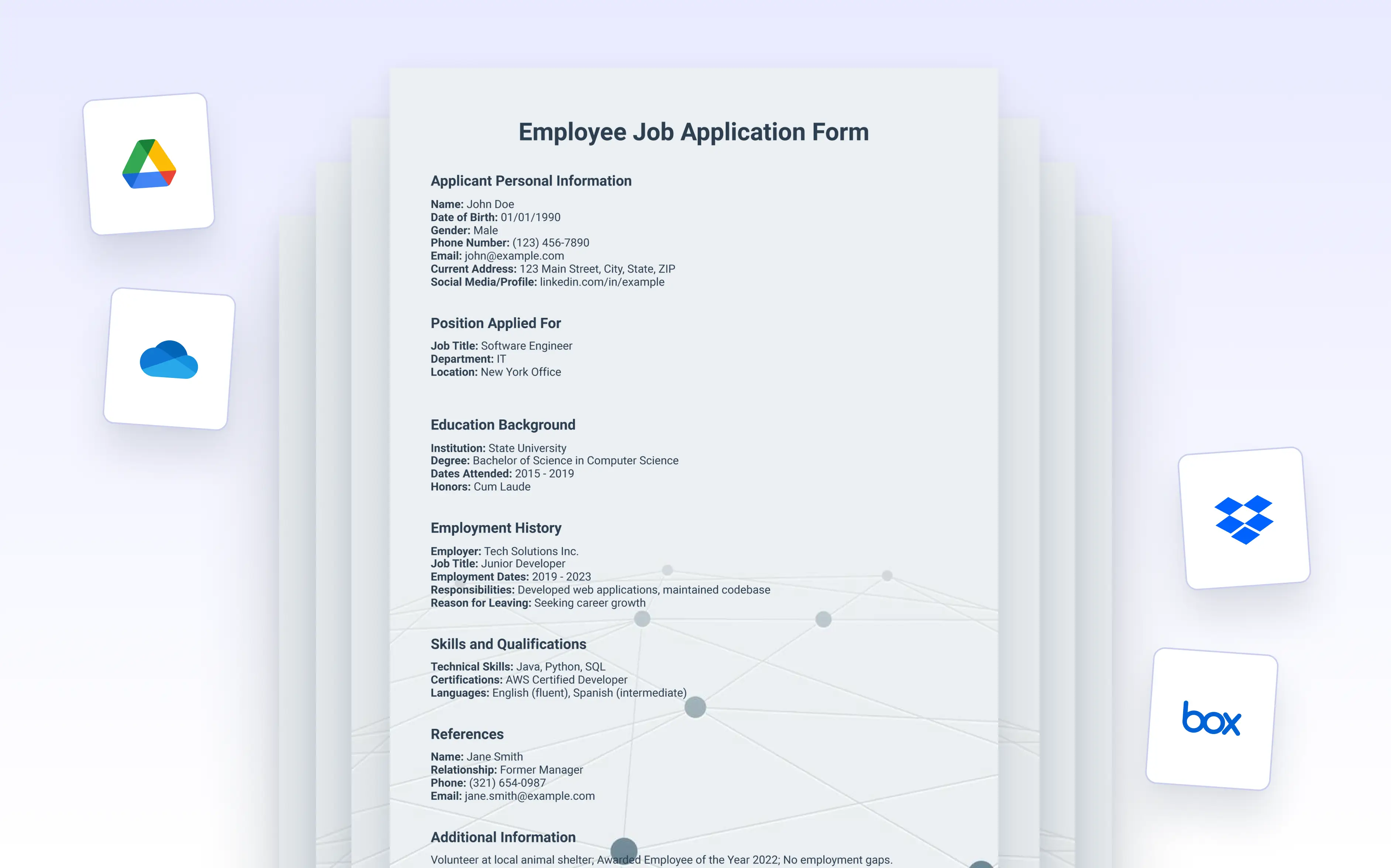
Send selected PDFs to , Dropbox, Box, OneDrive, or Egnyte and keep every document stored automatically without manual uploads.
Cloud Storage Integrations Across Jotform Products
Automatically send generated PDFs to your connected cloud storage as soon as submissions are received. With integrations available in Jotform Forms, Jotform Tables, and Jotform Workflows, you can store and manage documents without manual steps while keeping files organized and easy to access.
Customize Folder Structure and File Naming
You can choose which folders to store documents in, set up automated naming rules based on form data, and even manage versioning through your cloud provider. This ensures every document is easy to find, securely backed up, and immediately ready for use; whether from desktop or mobile.
Forms Integrations
Connect your forms to Google Drive, Dropbox, Box, OneDrive, or Egnyte to automatically send selected PDF templates after each submission. This is ideal for storing contracts, invoices, and confirmations as soon as they are created.
Tombol Aksi Tabel Jotform
Add action buttons in Jotform Tables to send PDF documents to Google Drive, Dropbox, Box, OneDrive, or Egnyte with a single click. This gives your team instant control over when and where PDFs are stored.
Jotform Workflows Integrations
Send PDF templates to Google Drive, Dropbox, Box, OneDrive, or Egnyte through Jotform Workflows. Automatically store documents after approvals or when specific conditions are met to keep your process organized and consistent.