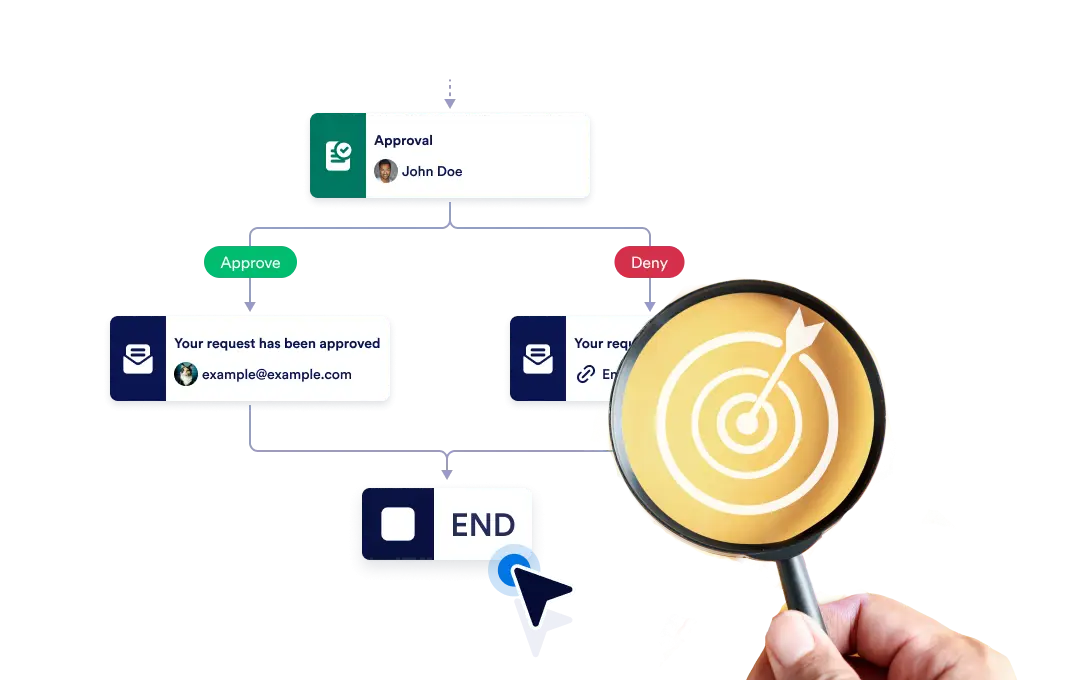
Scegli se terminare immediatamente l’intero flusso di lavoro quando termina un ramo specifico oppure lasciare che ogni ramo continui indipendentemente fino al completamento, garantendo flessibilità e controllo nel tuo processo.
Controlla la fine del tuo flusso di lavoro
The End element lets you define how your workflow concludes once it reaches a finishing point. You can choose to terminate the entire workflow as soon as a specific branch ends, or allow other branches to continue running until they complete on their own.
Configurazione semplice trascina e rilascia
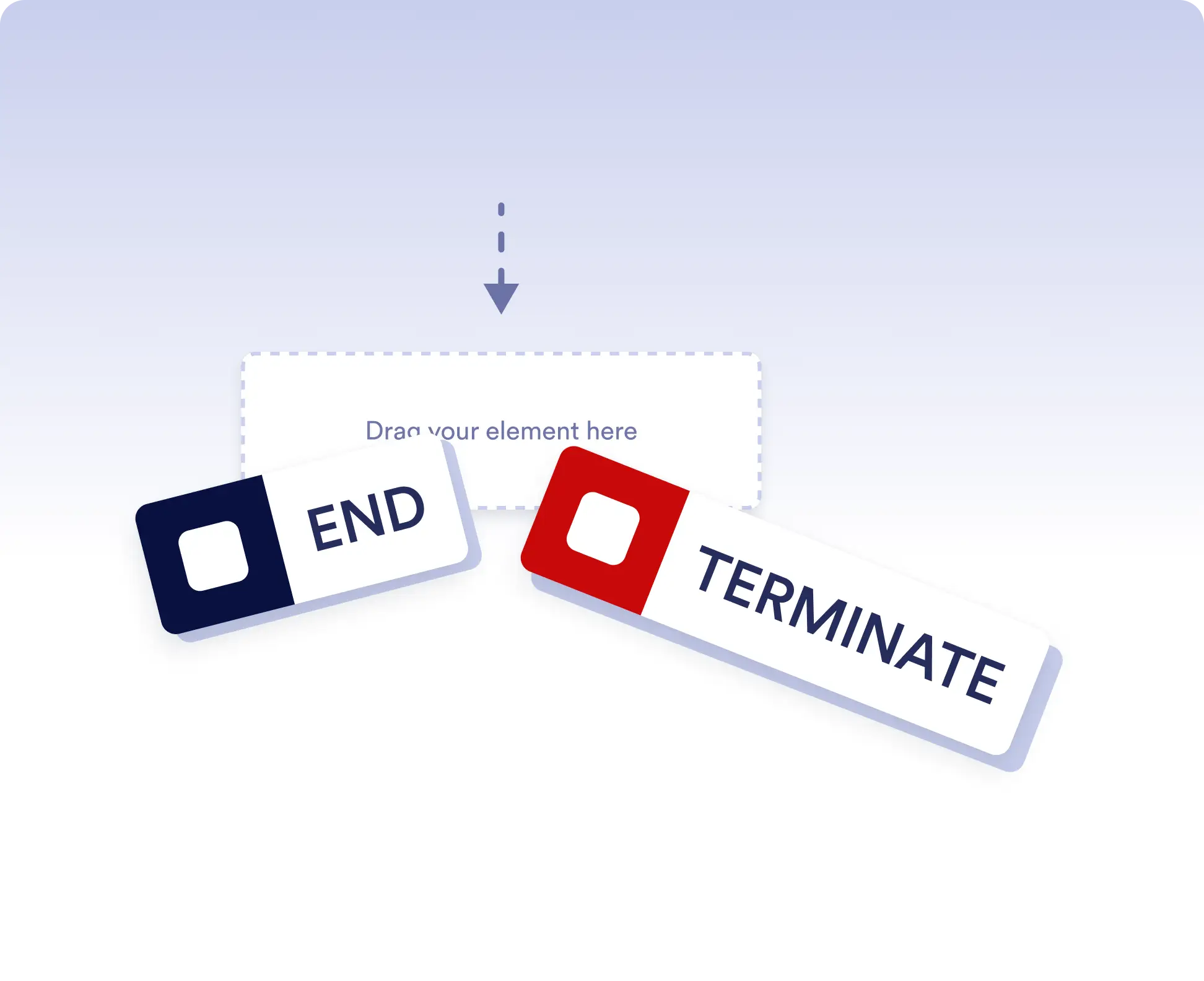
Per impostare il comportamento di fine del tuo flusso di lavoro, trascina semplicemente l’elemento End nel punto desiderato del flusso e configura la regola di terminazione preferita.
Avoid running extra actions
Terminate the entire workflow as soon as a specific branch is completed. This is ideal for rejection paths, final approvals, or scenarios where no further actions should run once a decision is made.
Allow independent branch completion
Allow branches to finish independently when parts of your workflow can run in parallel or are optional. This keeps your process flexible without forcing unnecessary synchronization.
Domande frequenti
Hai domande su questa funzionalità? Consulta le FAQ qui sotto per risposte rapide o contatta il nostro team di assistenza per maggiori dettagli.
End acts as a visual signal that a branch has completed, while Terminate stops the entire workflow immediately when that step is reached.
When a workflow is terminated, all remaining active steps and branches stop immediately and no further actions are executed.
Yes. You can place multiple End elements in different branches to define how and when each path should finish.