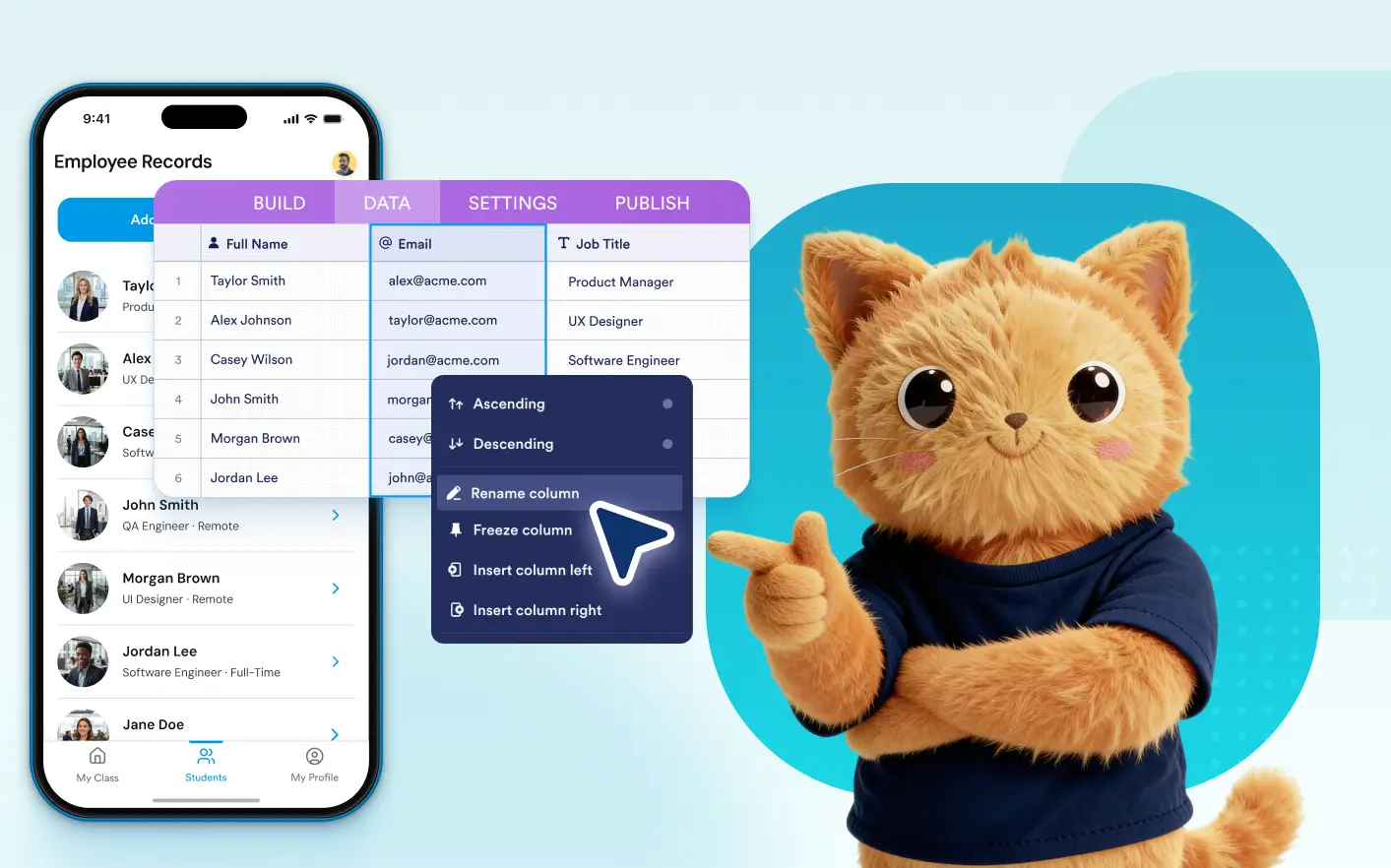
Jotform AI App Builder automatically creates the tables your app needs. Once generated, you can access and manage those tables in one place without leaving App Builder.
Access AI-Created Tables in One Place
Tables created during AI app creation or AI-powered app updates automatically appear in the Data tab, making it easy to manage your app's underlying data.
Edit Rows And Columns
Update records, add new fields, modify columns, and organize table data directly from the Data tab to keep your app information accurate and up to date.
Domande frequenti
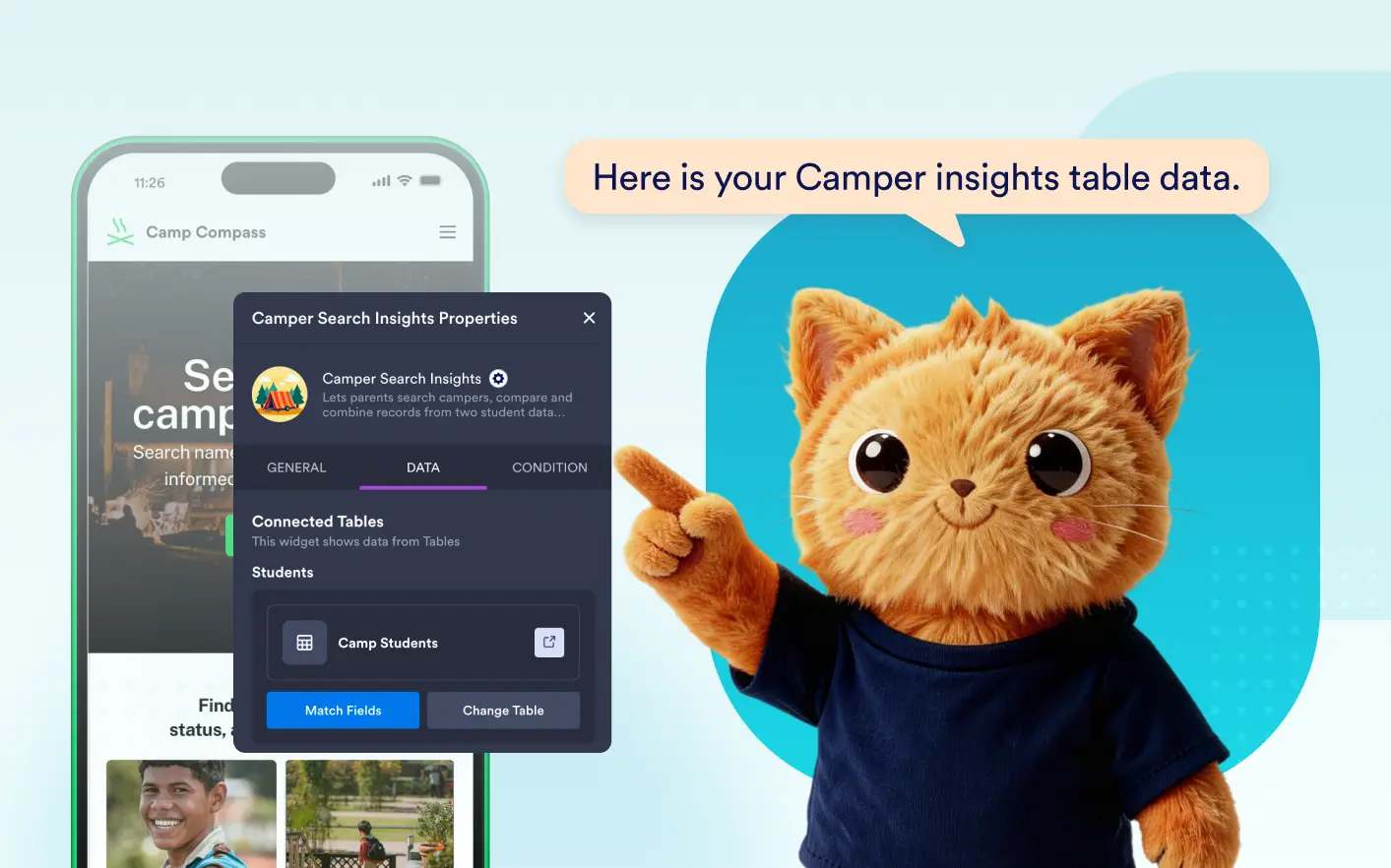
The Data tab displays tables connected to list elements in your app, including tables automatically created during AI app generation and AI-powered app modifications.
Yes. You can update rows, columns, and table structures directly from the Data tab after your app has been generated.
You can manage records, create relationships between tables, use AI columns, generate data, and access the full set of Jotform Tables features from within App Builder.