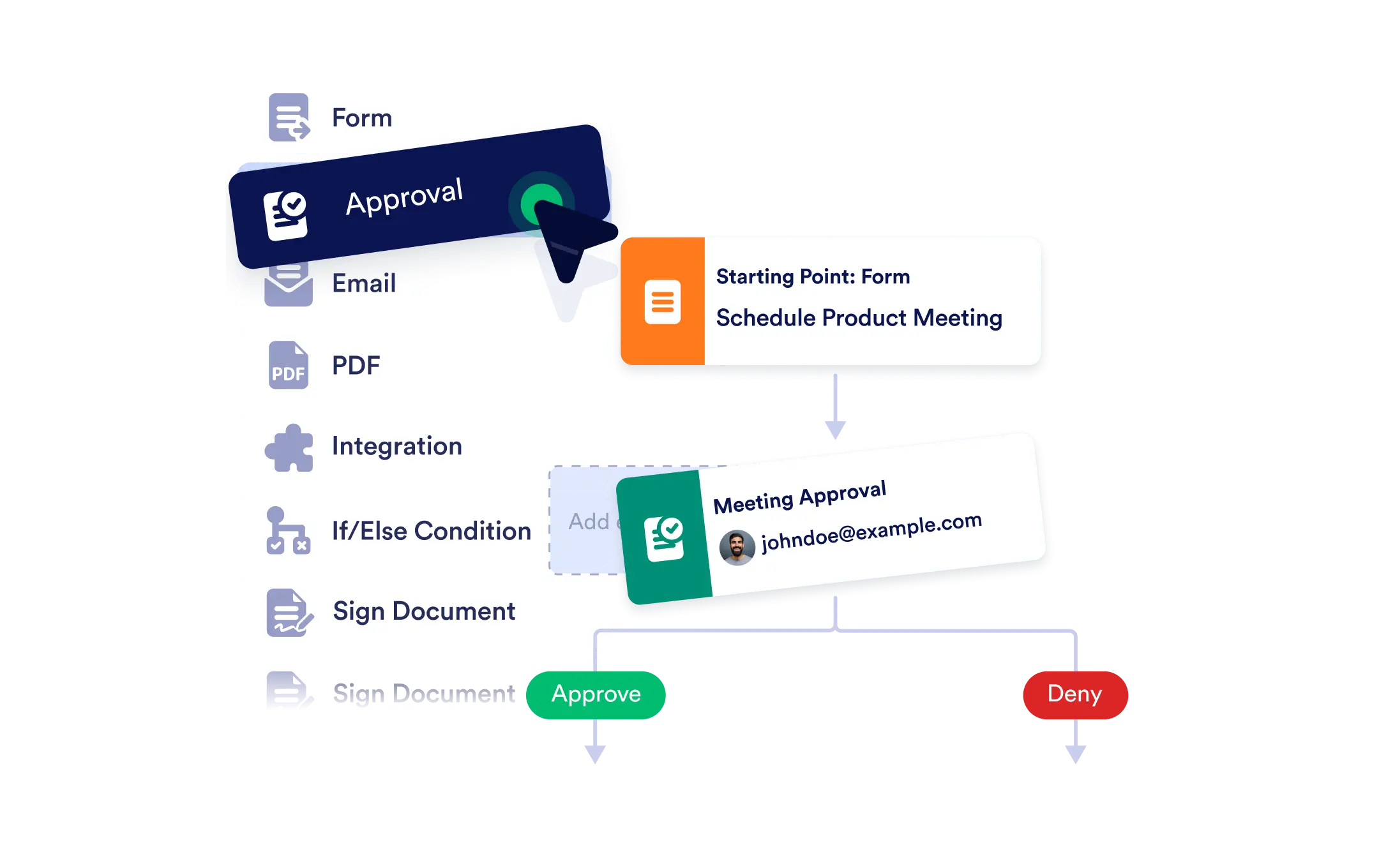
Create end-to-end workflows with ease using our no-code, visual builder. Whether you're automating internal approvals or coordinating multi-step tasks, simply drag, drop, and connect the pieces and bring your processes to life instantly.
Visual Process Mapping
See your entire workflow at a glance. The builder’s clear layout helps you visualize branching paths, conditional logic, and task dependencies.
Add Workflow Elements with Ease
From approvals to emails, just drag what you need onto the canvas. Each element is customizable to match your exact process.
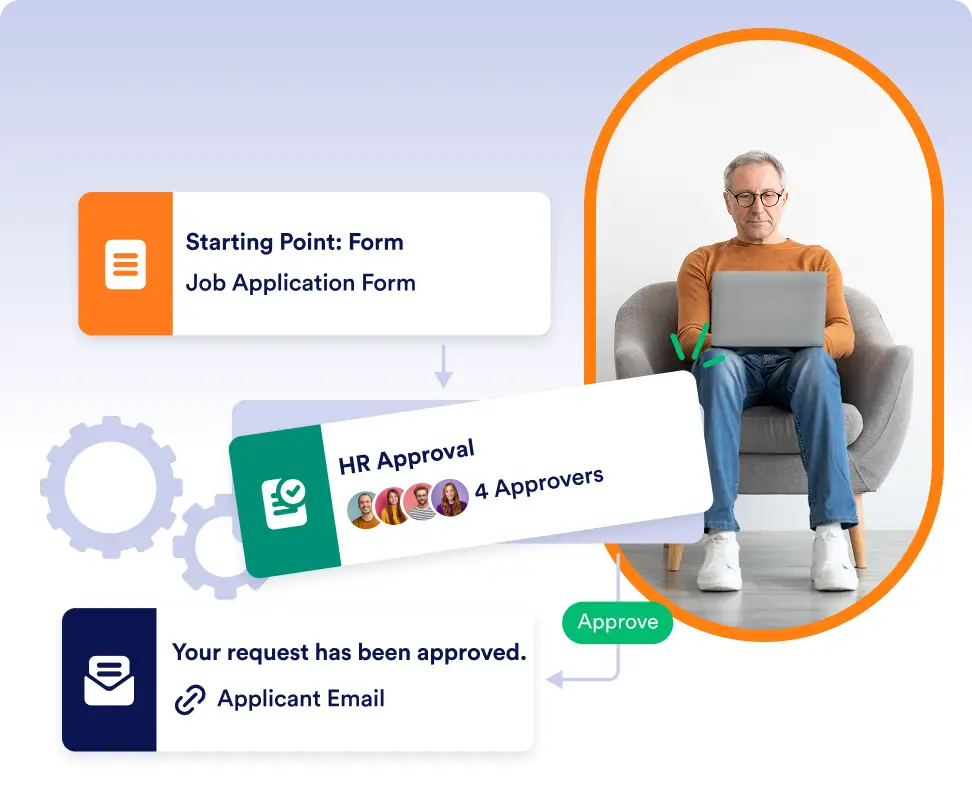
Connect and Configure in Seconds
Use visual connectors to define the sequence of actions. Add logic and rules to personalize how your flow behaves based on form responses or conditions.
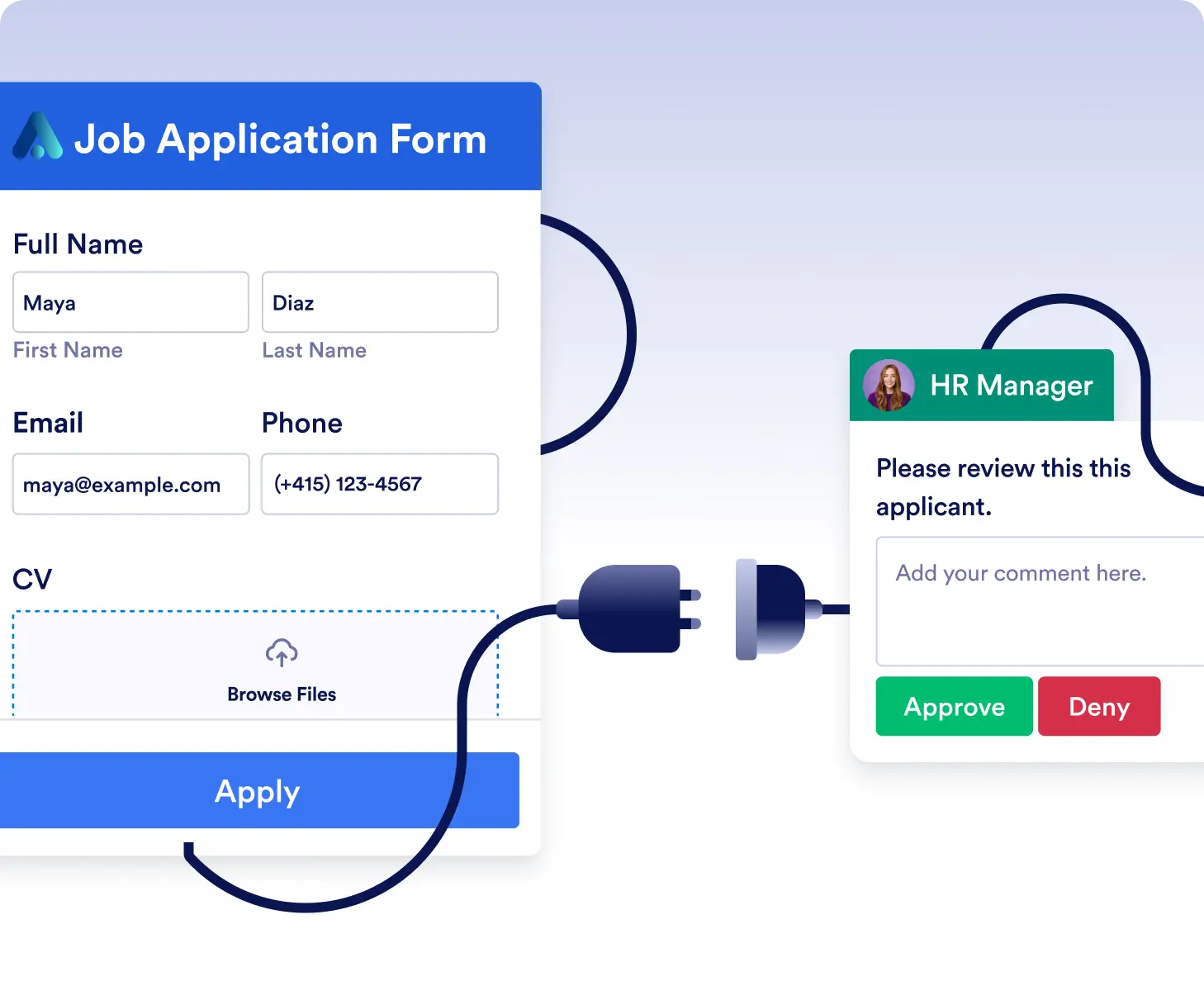
コーディング不要で承認ワークフローをデザイン
ドラッグ&ドロップ要素を使って、リクエスト、申請、社内レビューの承認プロセスを作成できます。フォーム、承認、通知を視覚的につなげて、組織内の意思決定フローに合わせましょう。
分岐ロジックを使って複雑なワークフローを構築
ユーザーの回答に応じて変化するワークフローを簡単に設計できます。条件付きパス、自動メール、フォローアップアクションを追加して、複数のシナリオを1つの整理されたフローで処理できます。
よくある質問
この機能についてご不明な点がございましたら、以下のよくある質問で回答をご確認いただくか、サポートチームまでお気軽にお問い合わせください。
承認、メール、条件、統合、決済などを追加できます。各要素は、特定のプロセスに合わせてカスタマイズ可能です。
いいえ。この作成ツールは完全にノーコードです。要素をcanvasにドラッグし、視覚的に接続するだけでワークフローを作成できます。
Yes. You can edit, rearrange, or expand your workflow at any time. The visual layout makes it easy to update steps or logic as your needs evolve.