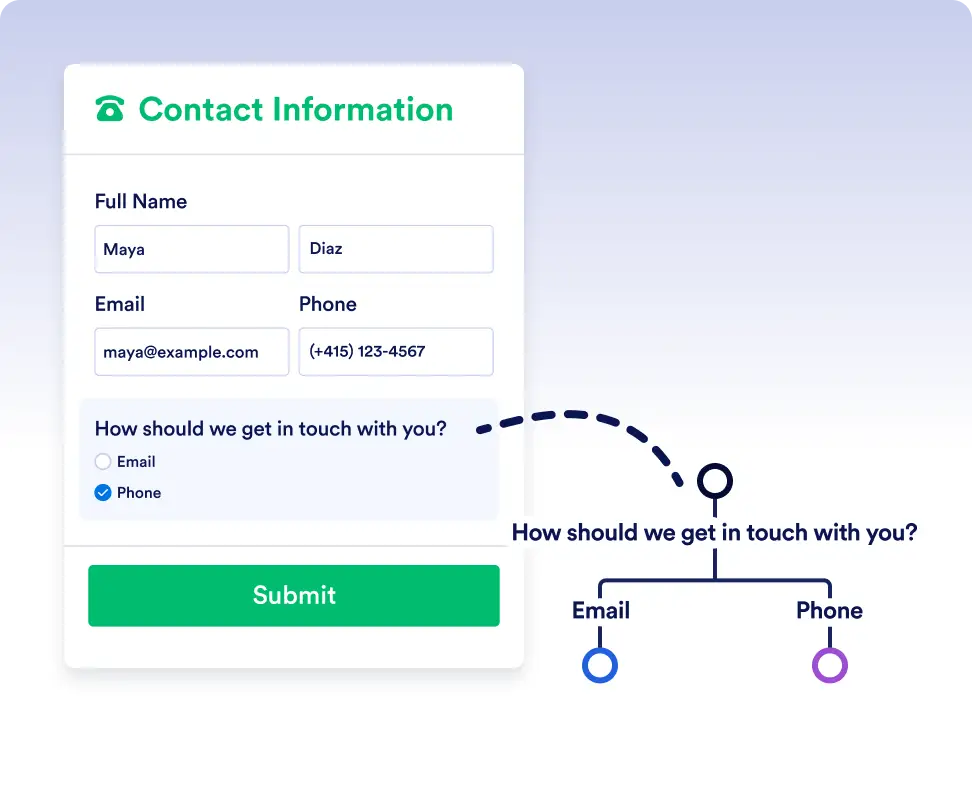
フォームの回答やワークフローデータに基づいて、タスク、リクエスト、承認を自動的に適切なルートへ振り分け、業務が常に適切な担当者に届くようにします。
シンプルなTrue/Falseロジックでより賢いワークフロー
If/Else条件を使えば、推測や手動での振り分けが不要になります。各ステップが定義した条件を満たしているかを自動的にチェックし、タスク、フォーム、承認が毎回正しい方向へ進むようになります。これにより、正確で効率的、かつ完全に自動化されたワークフローを構築できます。
あらゆるシナリオに対応する動的なルーティング
If/Else条件の追加は、データフィールドを選択して条件を設定するだけの簡単な操作です。分岐処理はJotformワークフローにお任せして、あなたは業務を前に進めることに集中できます。
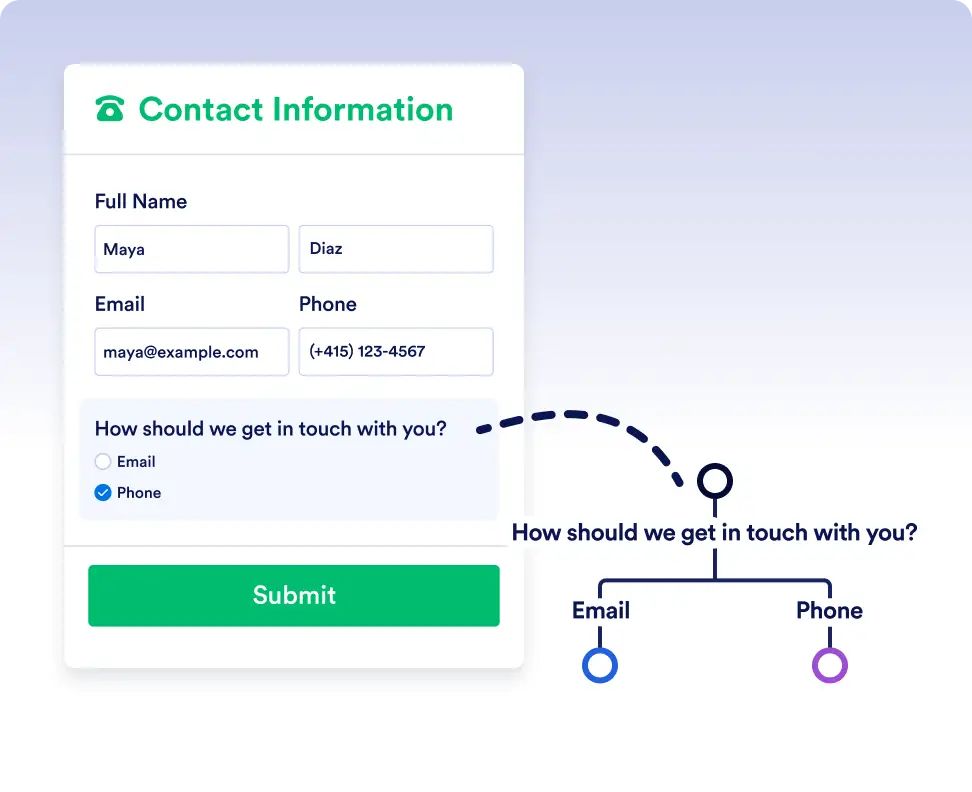
Smart routing with form data
Automatically send submissions down different paths depending on how users respond to a form. For example, route high-priority requests for immediate approval while sending standard requests through a regular review process.
Handle complex flows with conditional logic
Use If/Else conditions to adapt workflows to real-world scenarios. Trigger different actions, assign tasks to different teams, or skip unnecessary steps based on workflow data or previous outcomes.
よくある質問
この機能についてご不明な点がございましたら、以下のよくある質問で回答をご確認いただくか、サポートチームまでお気軽にお問い合わせください。
You can use data from form responses, approval steps, assigned tasks, and other workflow elements used in the flow to define your If/Else conditions.
If no conditions are met, the workflow follows the default Else path, ensuring the process always continues.
Yes. You can add multiple rules to a single If/Else condition and choose whether all rules must be met or if any one of them is enough to trigger a path.