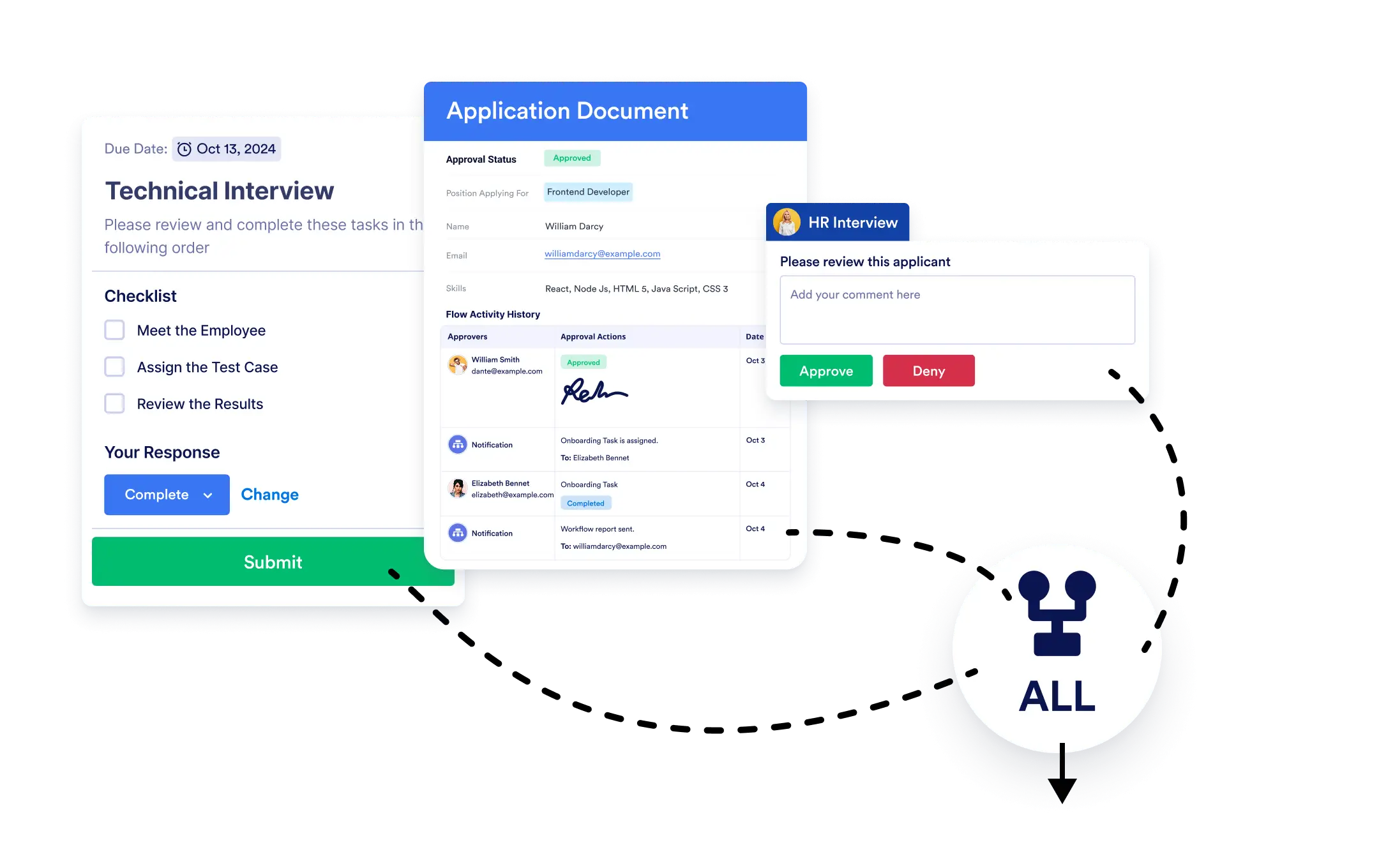
ワークフローを続行するタイミングを決定できます。すべてのタスクが完了するまで待つか、1つのブランチが完了したら次に進むか、Jotformワークフローなら簡単に設定できます。
ブランチの統合
並列パスを簡単に統合できます。ブランチをマージ要素をドラッグ&ドロップして、ワークフローのパスを再結合したい場所に配置するだけです。
並列パスを簡単に統合
Merge Branchesエレメントをワークフローにドラッグし、分岐を接続するだけ。完了条件を数秒で設定すれば、複雑なシナリオも簡単に処理できます。
マージ条件を設定:
- すべての接続されたブランチが完了するまで待機してから次に進むか、または
- いずれかのブランチが完了したら、すぐに次へ進む
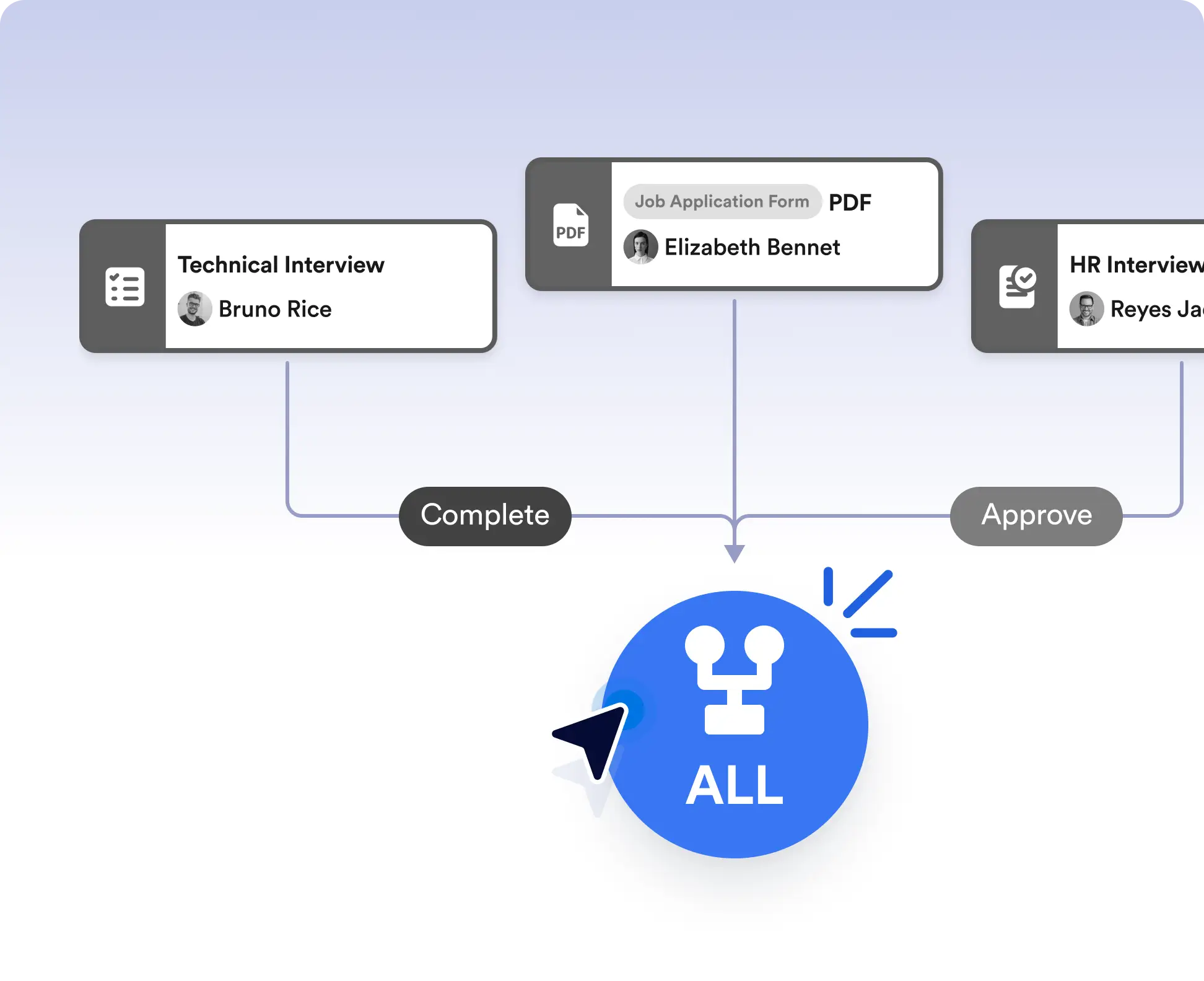
Run tasks in parallel, then merge them
Run multiple tasks or approvals at the same time, then merge them back into a single path. Choose to continue only after all branches are completed, making this ideal for reviews, multi-step checks, or parallel data collection.
Continue after the first completed action
Move your workflow forward as soon as one branch is finished when timing matters. This works well for scenarios like first-response handling, optional tasks, or competitive approvals where waiting on every path isn’t necessary.
よくある質問
この機能についてご不明な点がございましたら、以下のよくある質問で回答をご確認いただくか、サポートチームまでお気軽にお問い合わせください。
Merge Branches lets you bring parallel workflow paths back together and control when the workflow should continue.
You can choose to wait for all connected branches to finish or allow the workflow to continue as soon as any one branch is completed.
Yes. You can use multiple Merge Branches elements to manage complex workflows with several parallel sections.