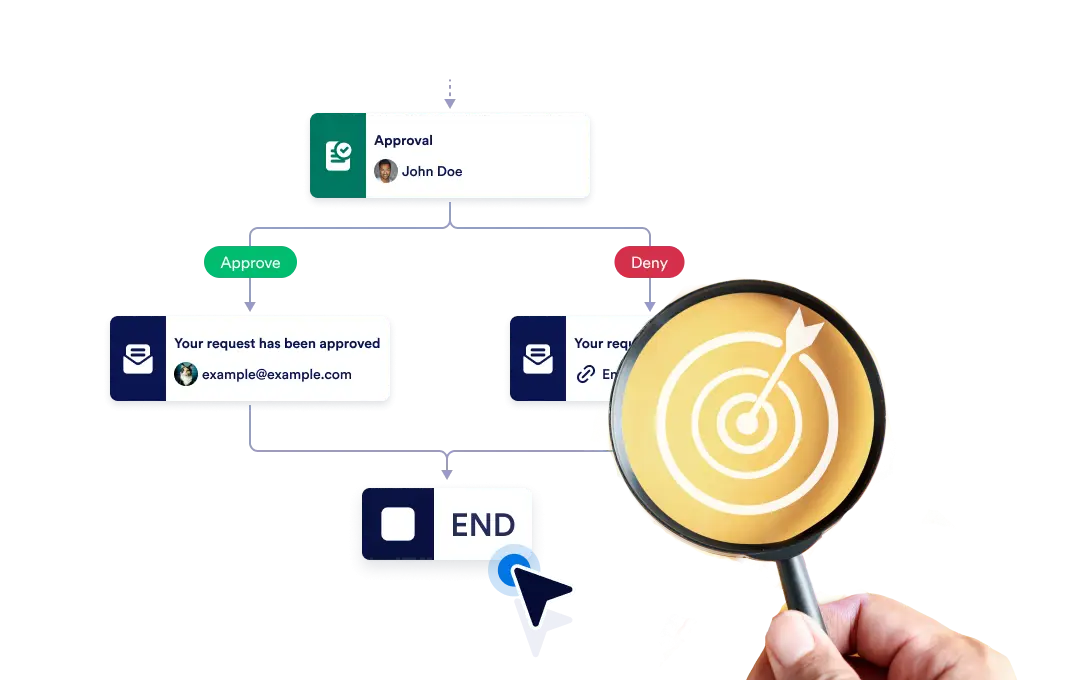
特定のブランチが終了した時点でワークフロー全体を即座に終了させるか、各ブランチを独立して完了まで継続させるかを選択でき、プロセスの柔軟性と制御性を確保します。
ワークフローの終了を制御
The End element lets you define how your workflow concludes once it reaches a finishing point. You can choose to terminate the entire workflow as soon as a specific branch ends, or allow other branches to continue running until they complete on their own.
ドラッグ&ドロップで簡単に導入
ワークフローの終了動作を設定するには、終了要素を選択した場所にドラッグし、希望する終了ルールを設定するだけです。
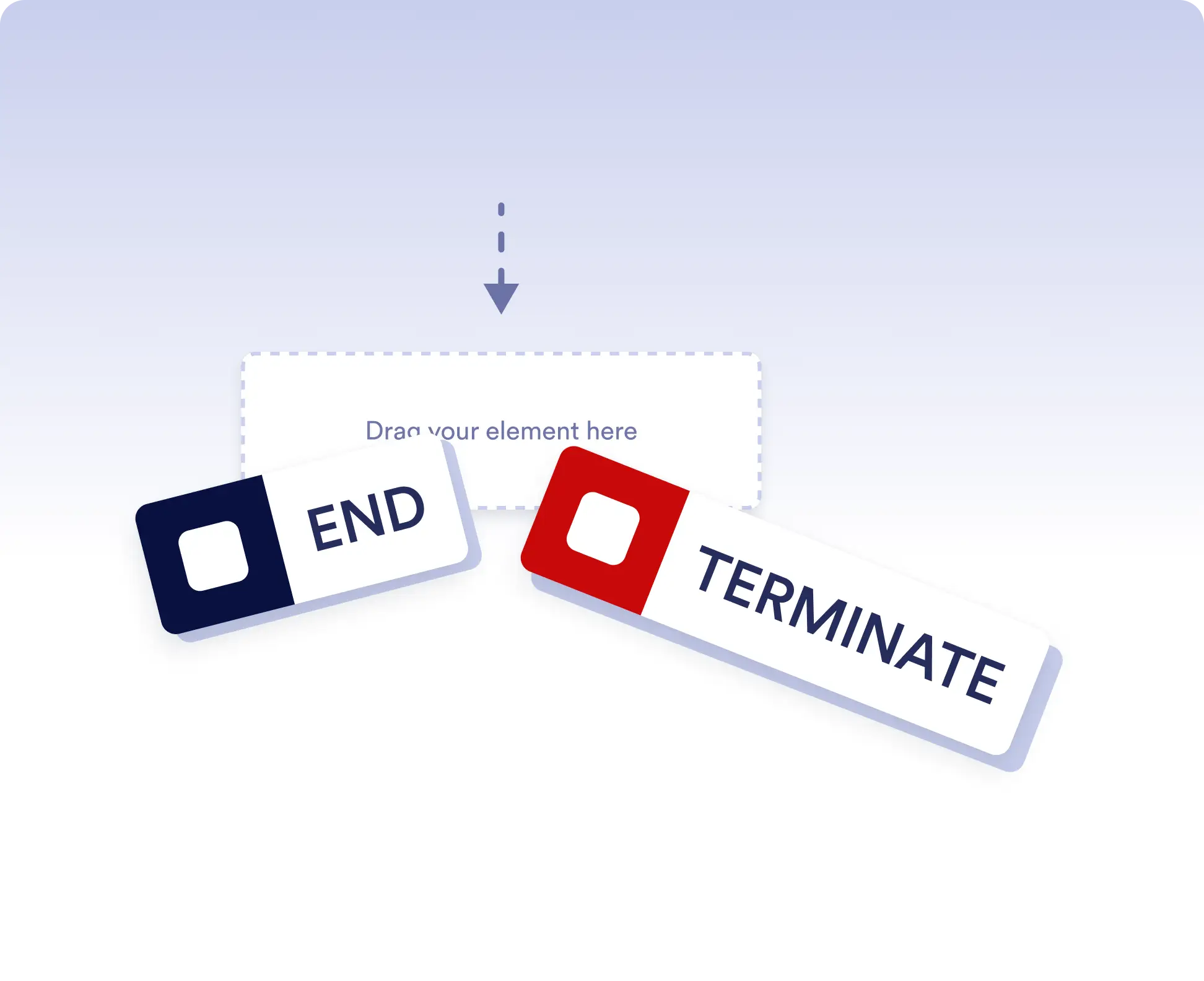
Avoid running extra actions
Terminate the entire workflow as soon as a specific branch is completed. This is ideal for rejection paths, final approvals, or scenarios where no further actions should run once a decision is made.
Allow independent branch completion
Allow branches to finish independently when parts of your workflow can run in parallel or are optional. This keeps your process flexible without forcing unnecessary synchronization.
よくある質問
この機能についてご不明な点がございましたら、以下のよくある質問で回答をご確認いただくか、サポートチームまでお気軽にお問い合わせください。
End acts as a visual signal that a branch has completed, while Terminate stops the entire workflow immediately when that step is reached.
When a workflow is terminated, all remaining active steps and branches stop immediately and no further actions are executed.
Yes. You can place multiple End elements in different branches to define how and when each path should finish.