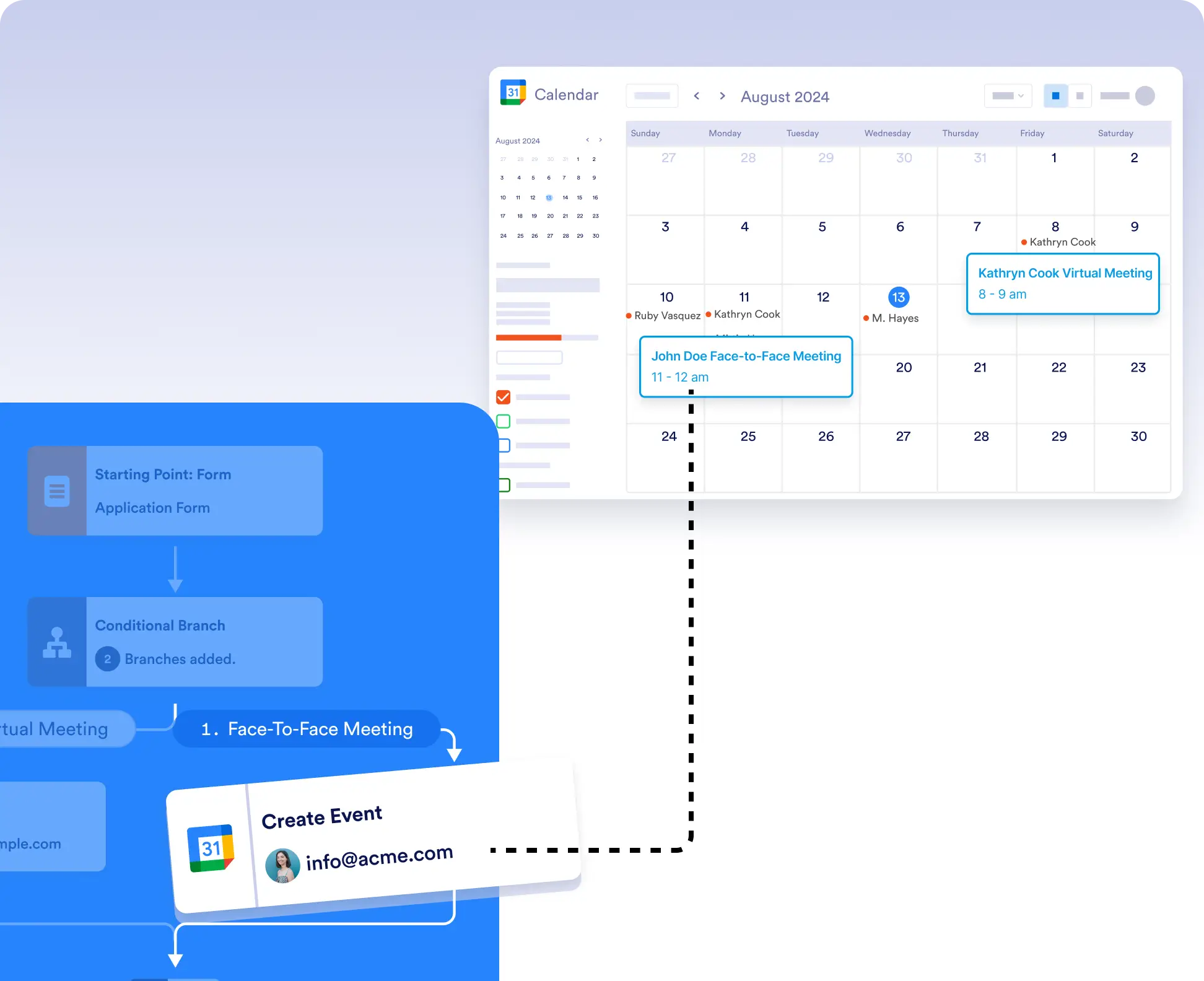
Whether you’re coordinating meetings, setting appointments, or planning events, automatically add them to Google Calendar without leaving your workflow. Use conditional logic to control exactly when and where events are created.
条件付きロジックで柔軟なイベント作成
送信のたびにイベントを作成したくない場合は、条件付きロジックを使用して、特定の条件を満たした場合にのみカレンダーイベントを作成したり、異なるイベントを異なるカレンダーに振り分けることができます。
かんたんなセットアップと認証
ワークフローにGoogle Calendarの連携をドラッグして、「イベントを作成」または「Google Meetでイベントを作成」を選択し、アカウントを接続してフォームフィールドをマッピングするだけで始められます。