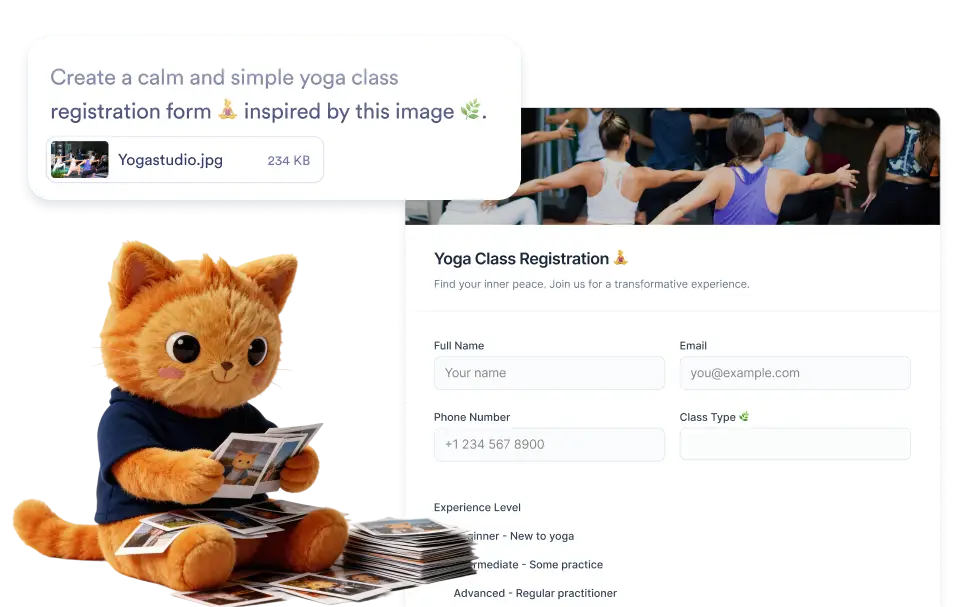
アイデアやユースケースを表す画像をアップロードし、必要に応じて作成したいフォームを説明してください。AIは視覚的な手がかりと指示の両方を使用して、関連する質問とフィールドを含む構造化されたフォームを生成します。
画像を使ってフォームを生成
結果を改善するには、画像をアップロードする際に作成したいフォームの説明を追加することもできます。Jotform AIは、画像からの視覚的な情報とあなたの説明の両方を使用して、より正確なフォーム構造を生成します。
画像のコンテキストを使用してフォームを作成
作成したいフォームのコンテキストを提供する画像をアップロードすることから始めましょう。Jotform AIが画像を分析し、検出された詳細を使用して、関連するフィールドを含む構造化されたフォームを自動的に生成します。
よくある質問
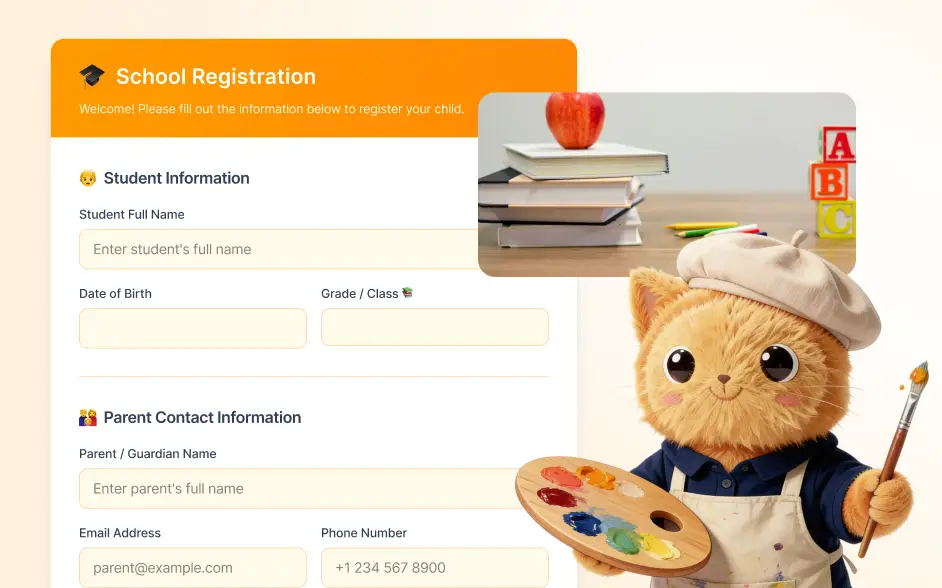
アイデアやユースケースを表す画像をアップロードし、必要に応じて作成したいフォームの簡単な説明を追加します。Jotform AIは、視覚的なコンテンツとあなたの説明を組み合わせて分析し、関連性の高いフィールドを持つ構造化されたオンラインフォームを生成します。公開前に編集することもできます。
You can upload many types of images such as product photos, visual concepts, event posters, menus, sketches, or screenshots. Jotform AI analyzes the visual context of the image and uses it to generate a form that matches the theme or purpose suggested by the image.
Yes. Once the form is generated, you can fully customize it in the Jotform form builder. Edit field labels, add or remove questions, adjust field types, reorganize sections, and customize the form design so the final version fits your workflow perfectly.