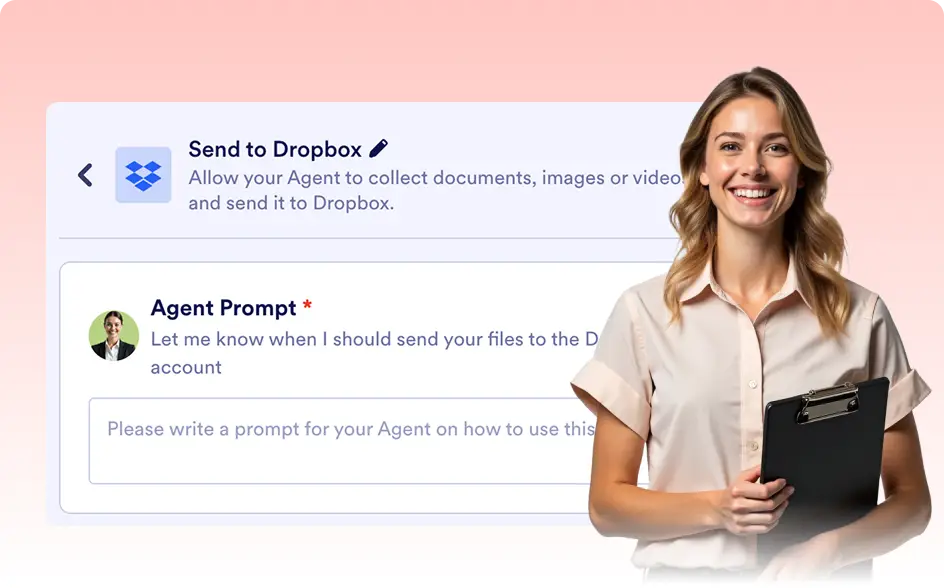
Connect Your AI Agent to Dropbox
Effortlessly store and manage your files by integrating Dropbox with your AI Agent. With Jotform’s Dropbox integration, your AI can automatically upload files to your Dropbox account based on conversation triggers. Simply authorize the integration, set up your triggers, and let the AI manage your files seamlessly.

Streamline your file management by enabling your AI Agent to store important files in Dropbox. From documents to images, everything you need can be securely saved to your cloud storage.
AI-Powered Dropbox Uploads
Allow your AI Agent to automatically upload files to Dropbox based on conversation prompts, ensuring files are securely stored and ready for access whenever needed.
Upload Files to Dropbox
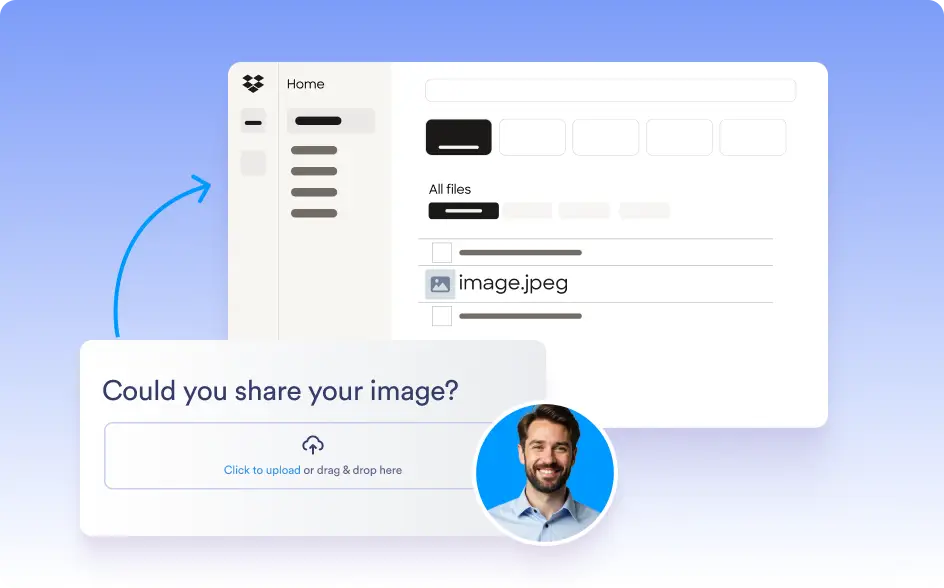
Set your AI Agent to push shared files to Dropbox, ensuring important documents, images, and other media are automatically backed up to the cloud without manual intervention.
Simple Authorization Process
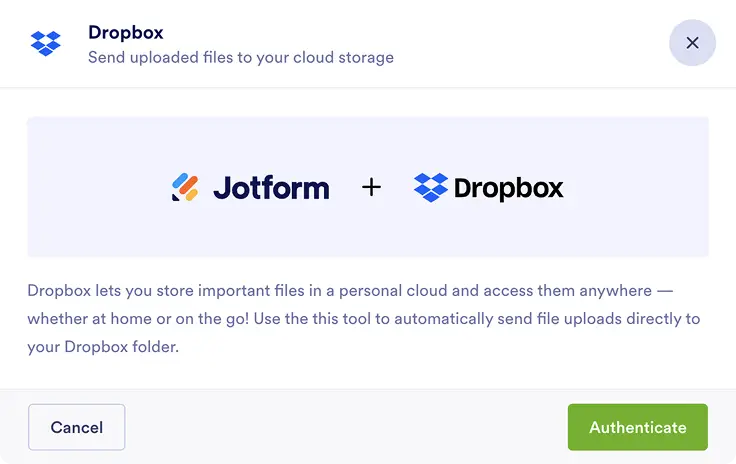
To activate the Dropbox integration, users simply need to authorize the connection, allowing your AI Agent to securely upload files to their Dropbox account.
Trigger File Uploads with AI Prompts
Define specific prompts to decide when and which files should be uploaded to Dropbox, ensuring that your AI Agent uploads exactly what you need, at the right time.