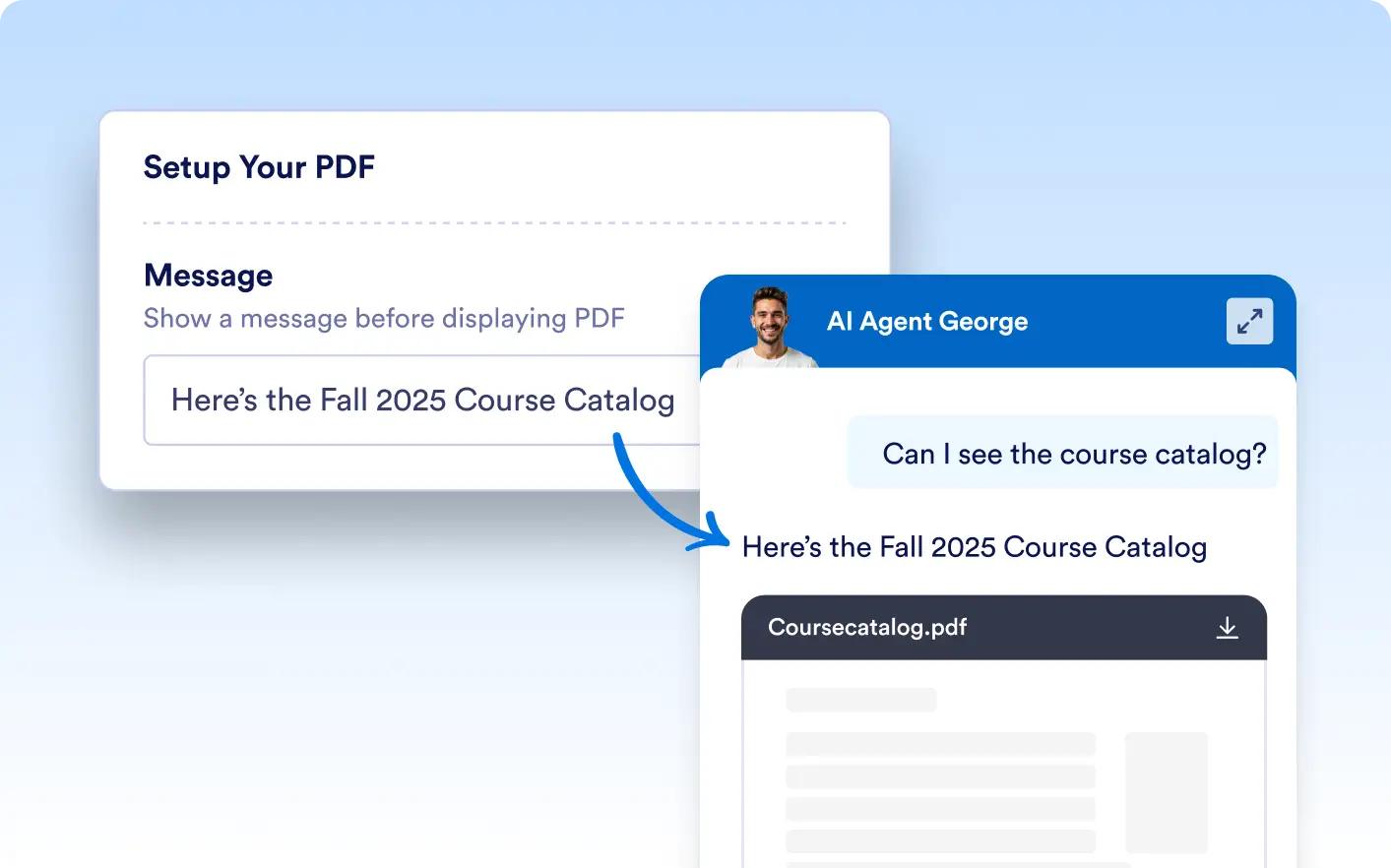
Enable your AI agent to show uploaded PDFs directly in the chat window based on conversation triggers you define. Enhance clarity and engagement by providing full‑length documents without leaving the chat.
AI‑Powered PDF Display
Whether it’s a course catalog, user guide, or product brochure, your AI agent can automatically present the appropriate PDF when users ask for it. No more manual back‑and‑forth—just instant access to the right documents.
PDF Responses Based on Chat Prompts
Configure specific prompts or keywords (e.g., “When a user asks for the course catalog, show this PDF.”) to instruct your AI agent when to display each PDF. This ensures users receive the exact document they need, right when they need it.

Add a Custom Message to PDFs
Accompany every PDF with a tailored message. For instance, “Here’s the Fall 2025 Course Catalog—let me know if you need more details!” This personal touch guides users and sets expectations before they dive into the document.