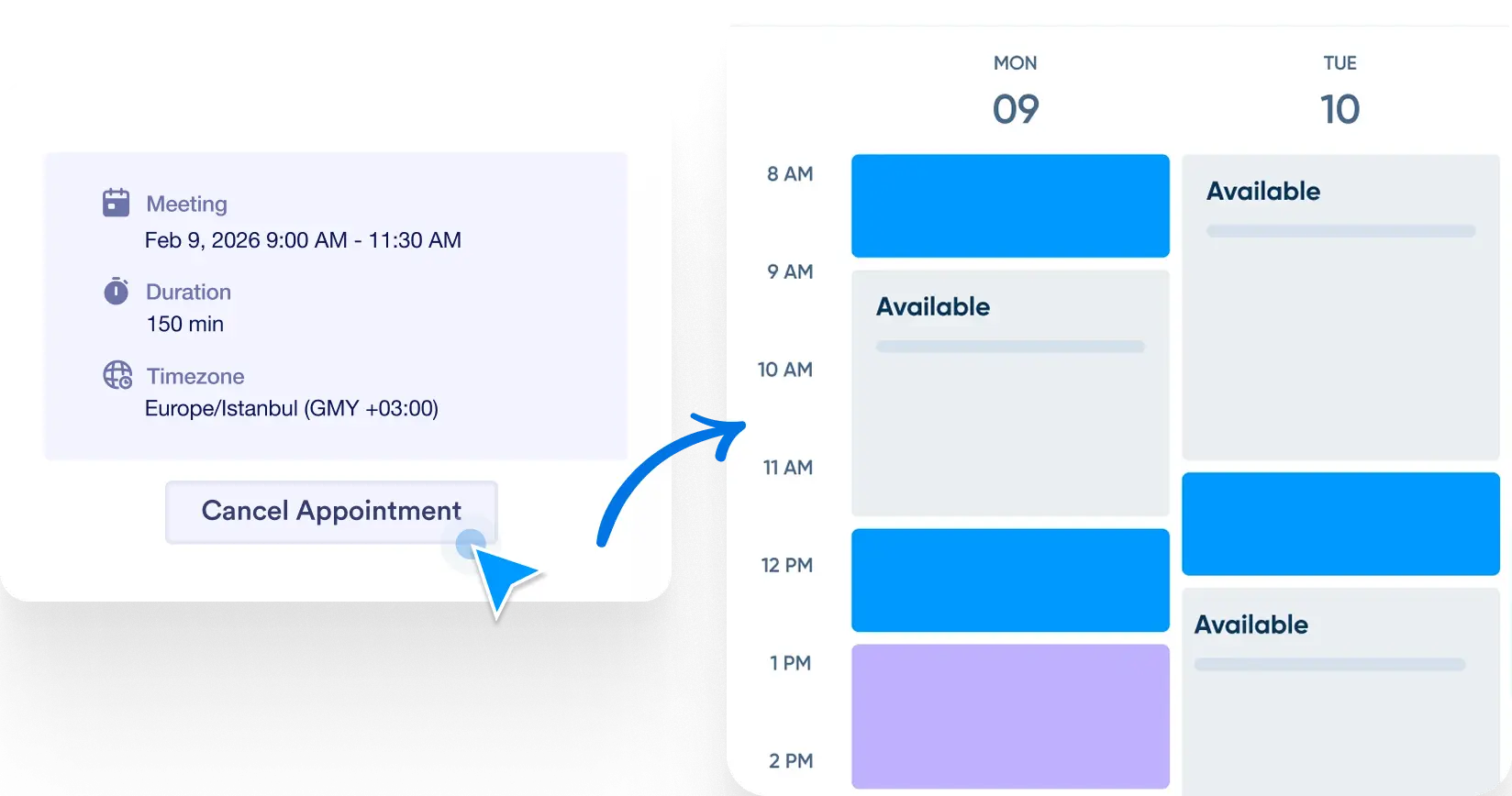
When a user edits or cancels an appointment, the changes are instantly reflected in your calendar. Jotform ensures your availability stays accurate and your schedule stays in sync.
Self-Serve Scheduling Management for Attendees
Users receive a personalized link in their confirmation email that lets them reschedule or cancel with a single click—no need to contact support or fill out another form.
Easy Access from Reminder Emails
Each confirmation or reminder email includes buttons to reschedule or cancel the appointment. These actions trigger real-time updates, automatically adjusting your calendar availability.
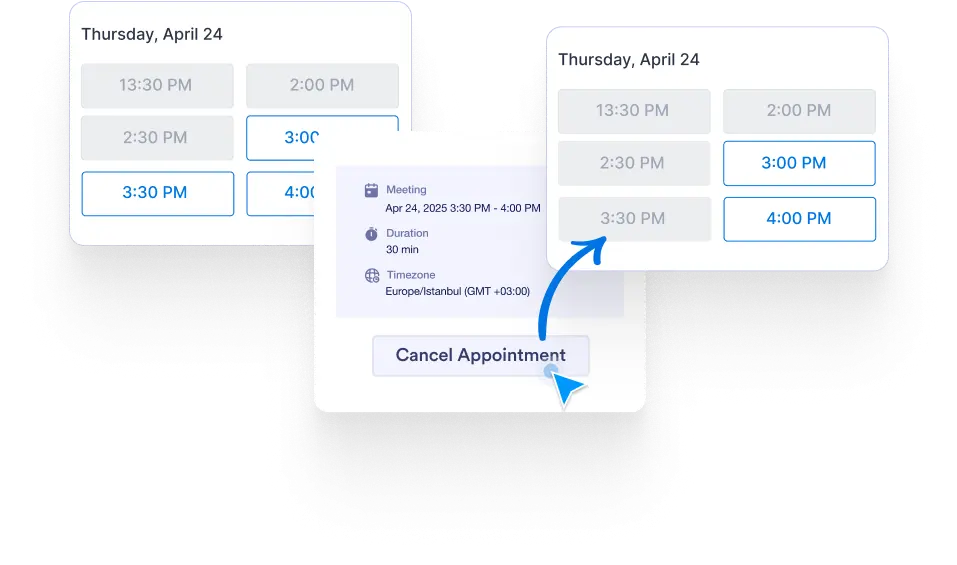
Automatic Calendar Sync on Changes
When users update or cancel their appointments, your integrated calendar—Google Calendar, Outlook, or Calendly—is updated accordingly. This helps prevent conflicts and keeps your availability accurate at all times.