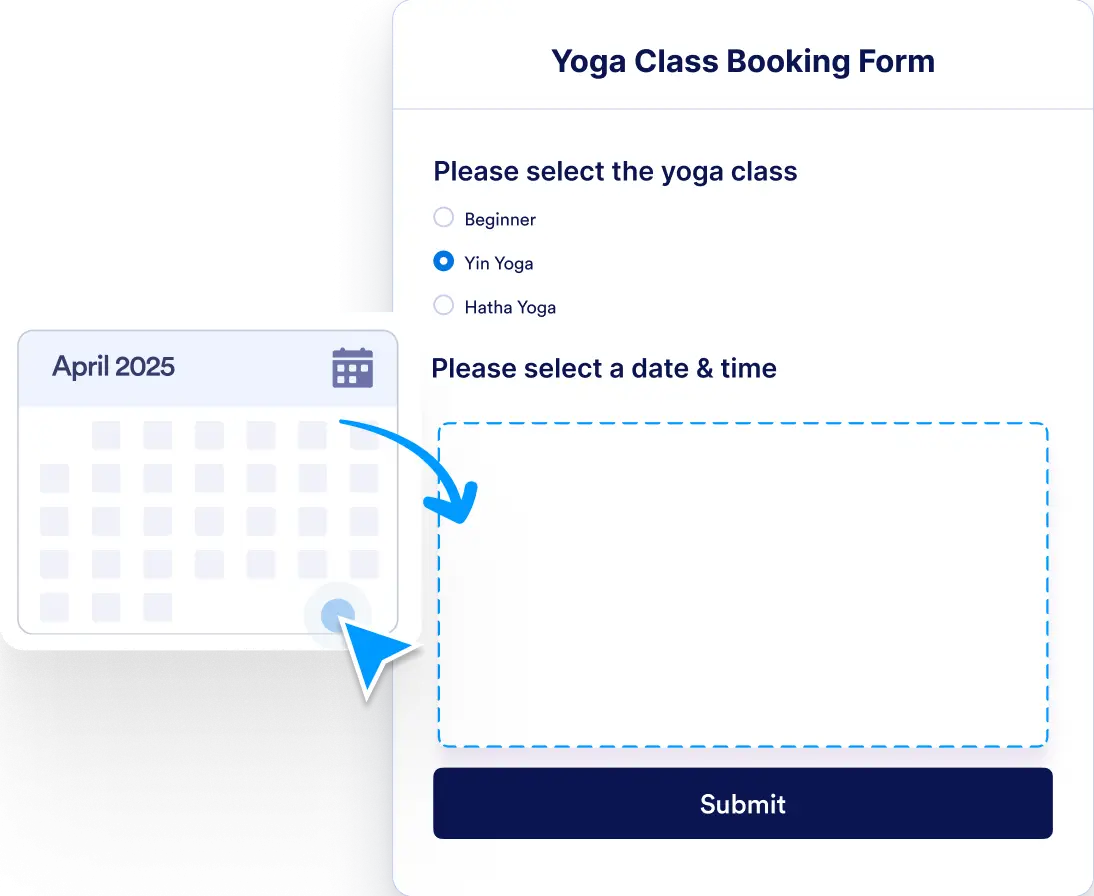
Creating an appointment form with Jotform is quick and effortless. Add an appointment field to any form by simply dragging and dropping.
Personalized and Efficient Appointment Scheduling
Jotform’s Appointment Field lets you create a fully customized booking experience tailored to your business needs. Start from scratch and design your appointment form, adjusting settings like availability and booking rules to suit your schedule and customer preferences.
Real-Time Calendar Sync
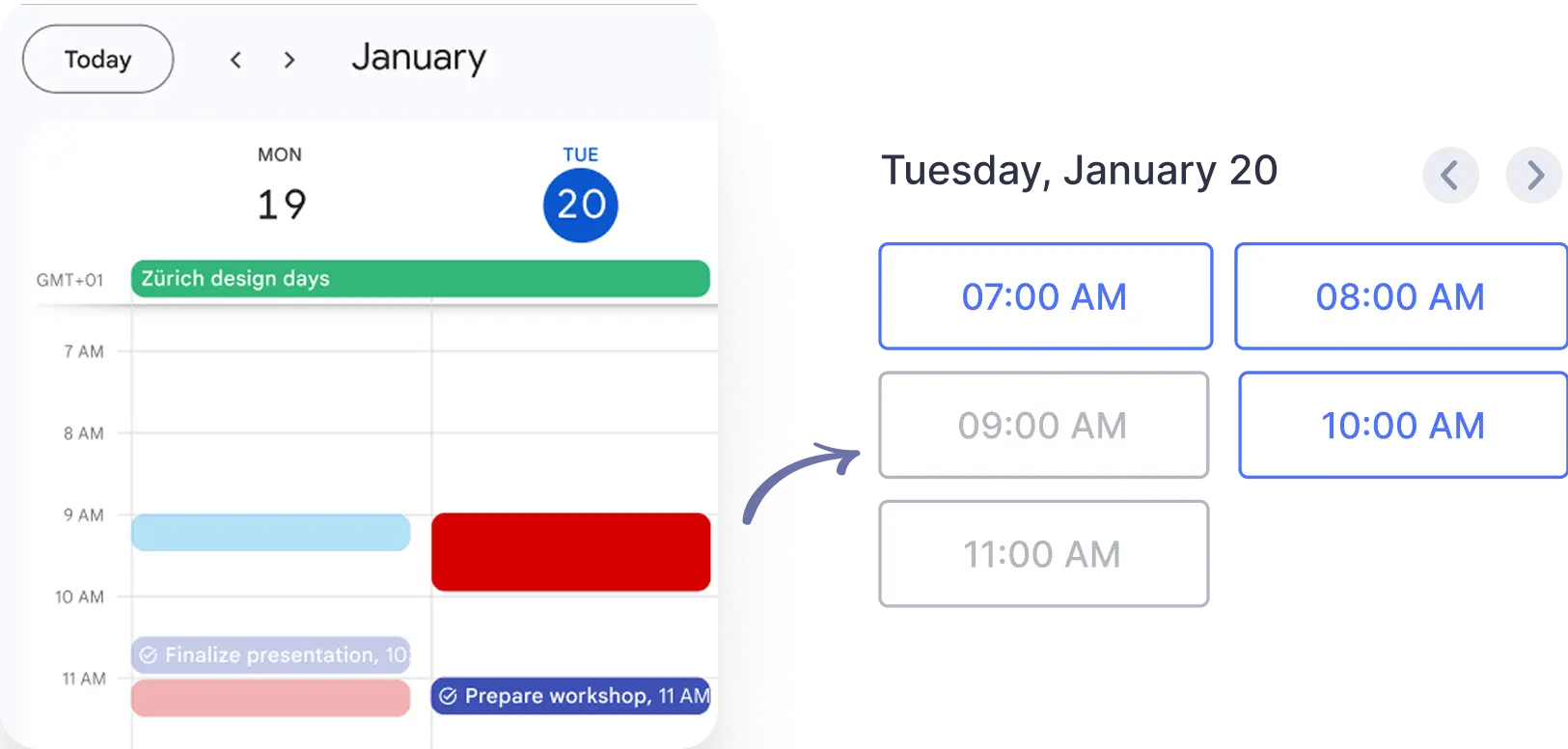
Form submissions instantly reflect in your connected calendar. Existing events in your calendar also block time slots on your form, preventing scheduling conflicts.
No Coding Required
Build, customize, and sync your appointment form without writing a single line of code. Jotform’s intuitive interface makes it easy for anyone to get started.