Sync Appointments with Outlook Calendar and Add Skype Meetings
Simplify scheduling and virtual meetings by syncing your Jotform Appointments with Outlook Calendar. Automatically generate Skype links for booked events, so attendees can join meetings with a single click straight from their calendar invites.

Save time and avoid manual setup by letting Jotform automatically add Skype links to your Outlook Calendar events. Keep your meetings organized and accessible, directly from every appointment created through your forms.
Two-Way Outlook Calendar Sync with Auto-Generated Skype Links
Maintain a seamless scheduling experience by syncing your form appointments with Outlook Calendar. Each new event includes a ready-to-use Skype link — ensuring easy, instant access for all participants.
Instantly Share Skype Meeting Details
When a user books an appointment through your form, Jotform instantly creates an event in your Outlook Calendar complete with a Skype meeting link. No manual steps needed — just book, schedule, and meet.
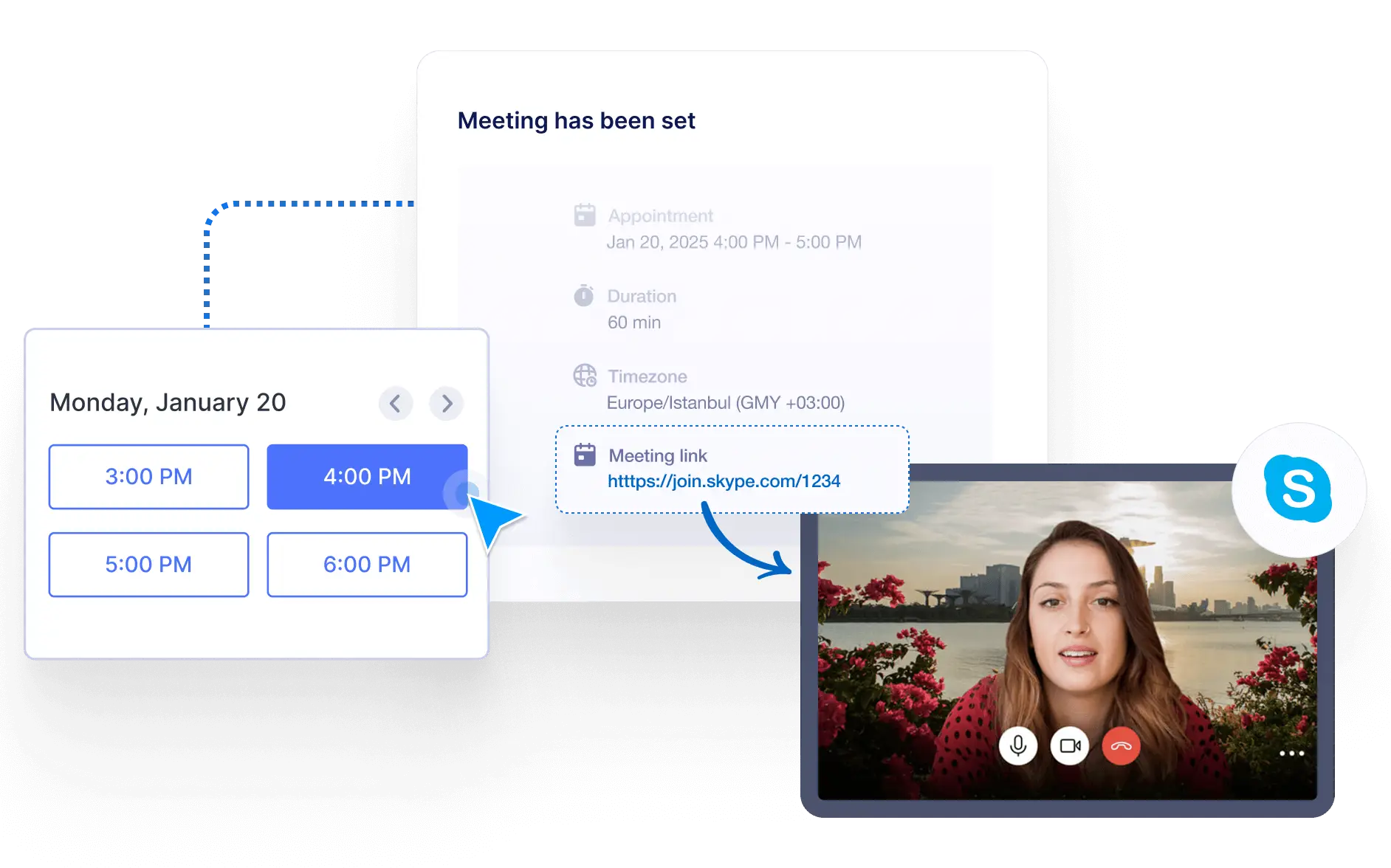
Seamless Virtual Connections
Whether it's a client consultation, remote team meeting, or support session, attendees get direct access to Skype details immediately—making it simple to join and stay on schedule.

Prevent Scheduling Conflicts
Thanks to real-time two-way sync, if a time slot is already reserved in your Outlook Calendar, it will automatically be blocked on your form. This keeps your availability accurate and avoids double-bookings.
Instant Calendar Updates
Make changes in your Outlook Calendar, and they’ll reflect immediately in your form’s available time slots. Stay fully synchronized across your tools without switching between apps.