Schedule Meetings Instantly with Microsoft Teams
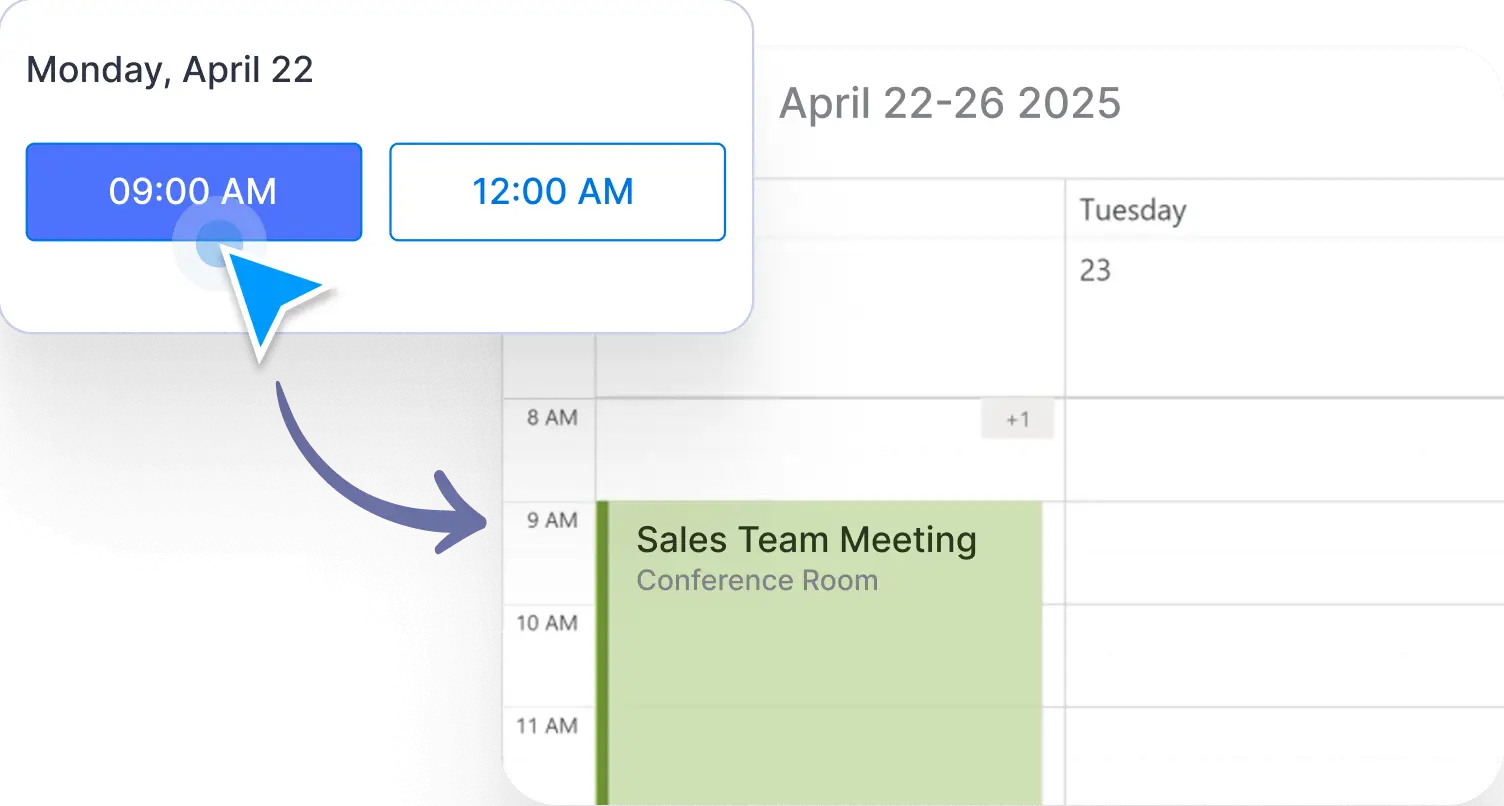
Seamlessly connect your Jotform appointment forms to Microsoft Teams. With two-way sync, meetings booked through your form automatically appear in your Teams calendar—and your existing availability updates in real time to avoid conflicts. Simply integrate your Microsoft account and let Jotform handle the scheduling.

Avoid back-and-forth emails by linking your appointment forms with Microsoft Teams. Jotform syncs both ways, so booked meetings instantly appear in your calendar—and any busy slots are removed from your form availability automatically.
Teams-Powered Appointment Scheduling
Automatically add meetings to your Microsoft Teams calendar from submitted forms. No manual setup required—your event scheduling and participant registration happen the moment someone submits your form.
Simplified Scheduling for Online Meetings
By using this helpful Microsoft Teams integration with Jotform, you can send form submission data straight to your Teams channels and generate calendar events automatically.