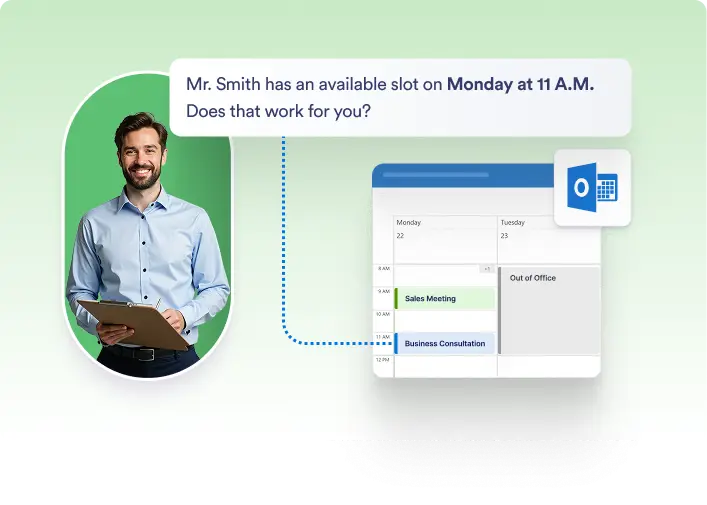
Allow your AI Agent to book meetings directly on your Outlook Calendar using natural language prompts and smart scheduling rules.
AI-Powered Appointment Booking
Let your AI Agent handle the scheduling for you. By connecting your Outlook Calendar, you can enable your AI to book appointments based on your availability, preferences, and prompts. Just set your time slots, define your availability, and let the AI do the rest — no back-and-forth emails required.
Connect Outlook Calendar in Minutes
Easily integrate your Outlook account with your AI Agent. A simple authorization process allows secure access, so your AI can manage calendar events on your behalf.

Tell Your AI When to Book
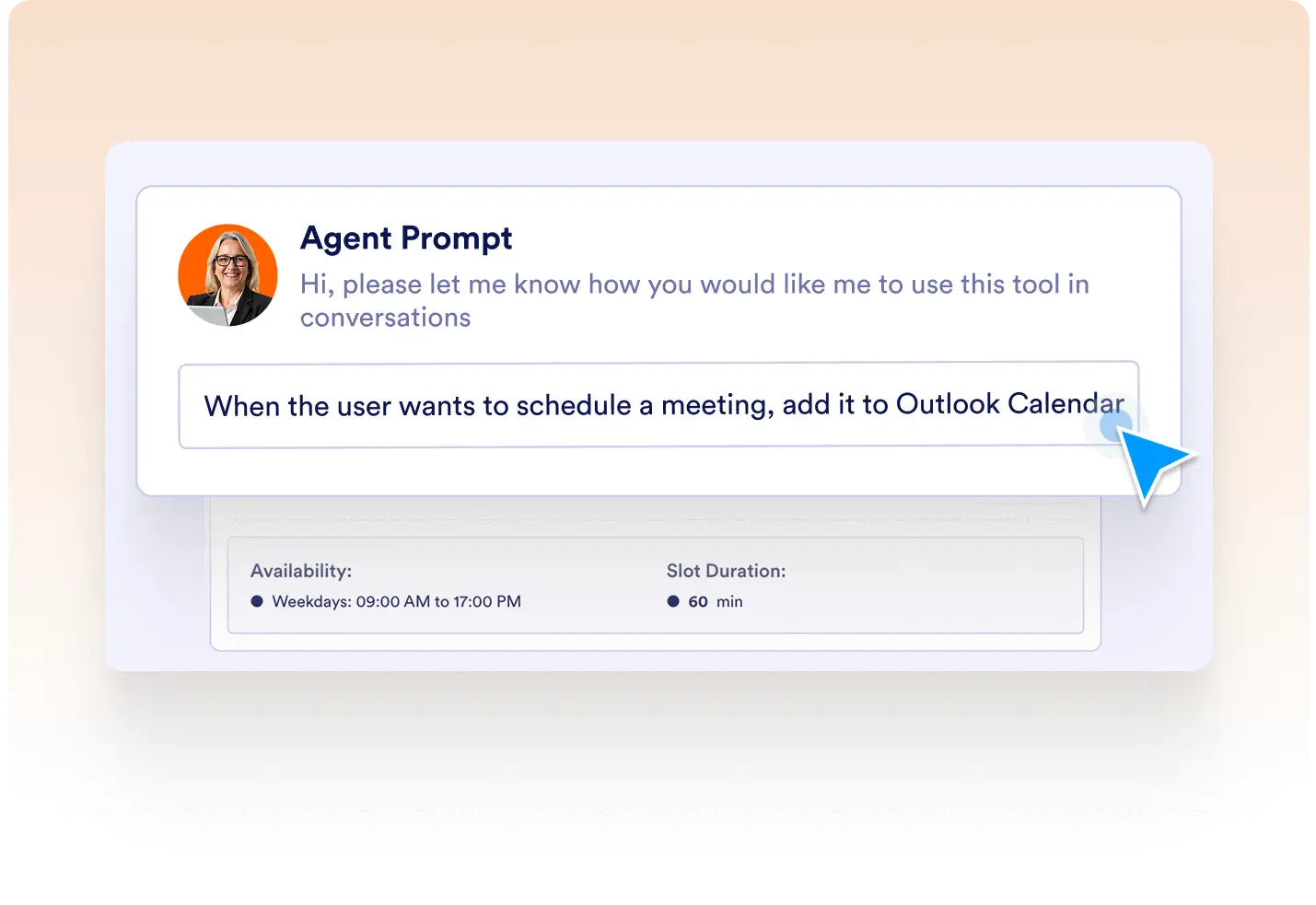
Guide your AI with custom prompts that define how and when to schedule appointments. Whether you want meetings only on certain days or avoid overlapping with breaks, your AI understands and follows your rules.
Customize Your Availability
Set slot durations, daily available times, time zones, and buffer times to define when appointments can be scheduled. Ensure that bookings always align with your personal or team calendar preferences.

Instant Calendar Updates
Once a booking is made, the AI instantly adds the appointment to your Outlook Calendar — keeping you organized and preventing double-bookings.