Create a Workflow from Scratch
Easily create your Workflows from scratch. Add a trigger form, drag in elements, and build your flow step by step, tailored exactly to your needs.

Take complete control of your workflows by starting from a blank slate. Create processes that match your organization’s unique operations with no predefined structure or limitations.
Step by step Workflow Creation
Begin with a single trigger form and build out every step of your workflow with drag-and-drop elements. From simple approvals to complex, branching automations, you decide how the process flows.
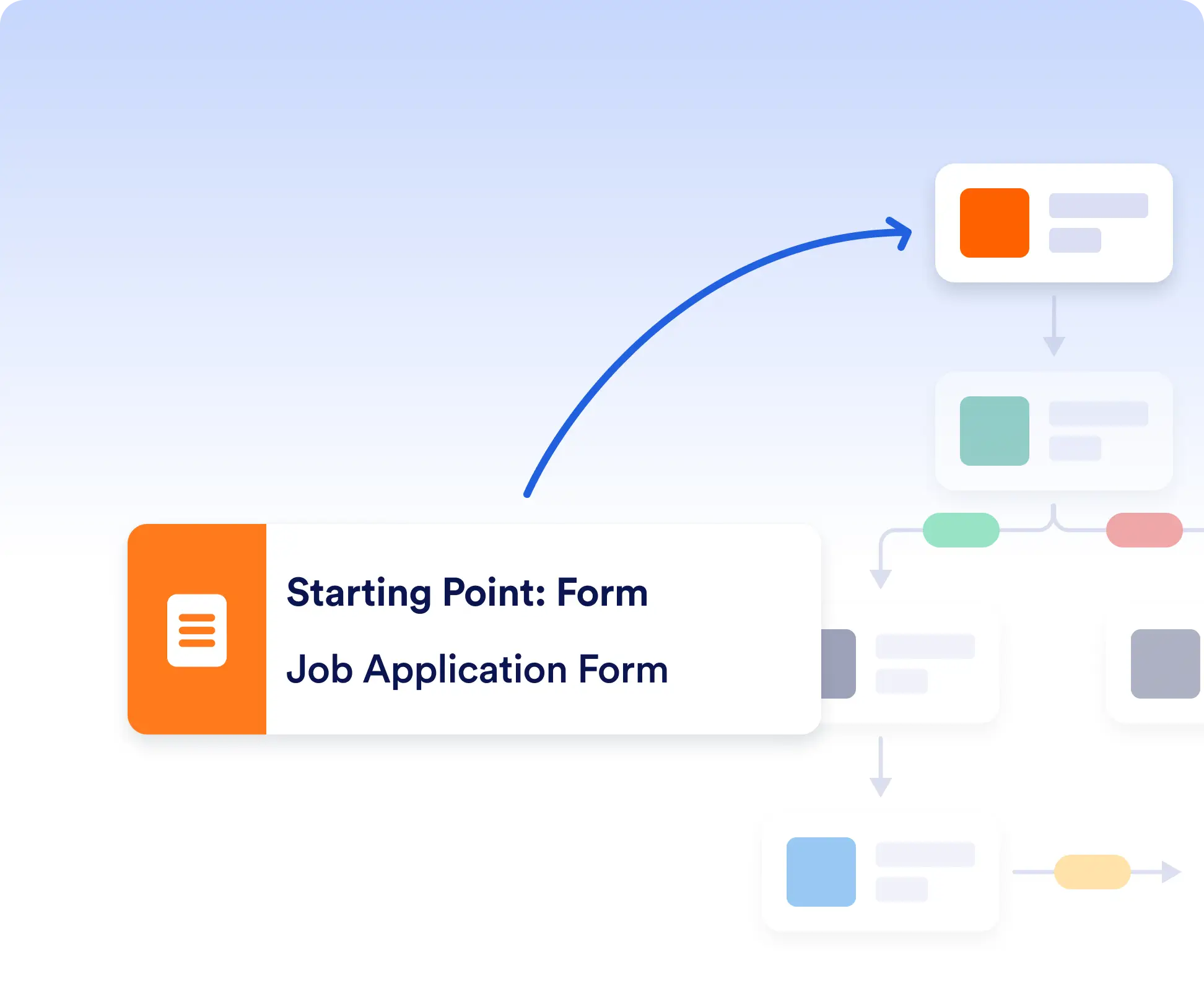
Start with a Trigger Form
Each workflow begins with a form submission. Pick or create a form that kicks off the process such as a request, application, or order.
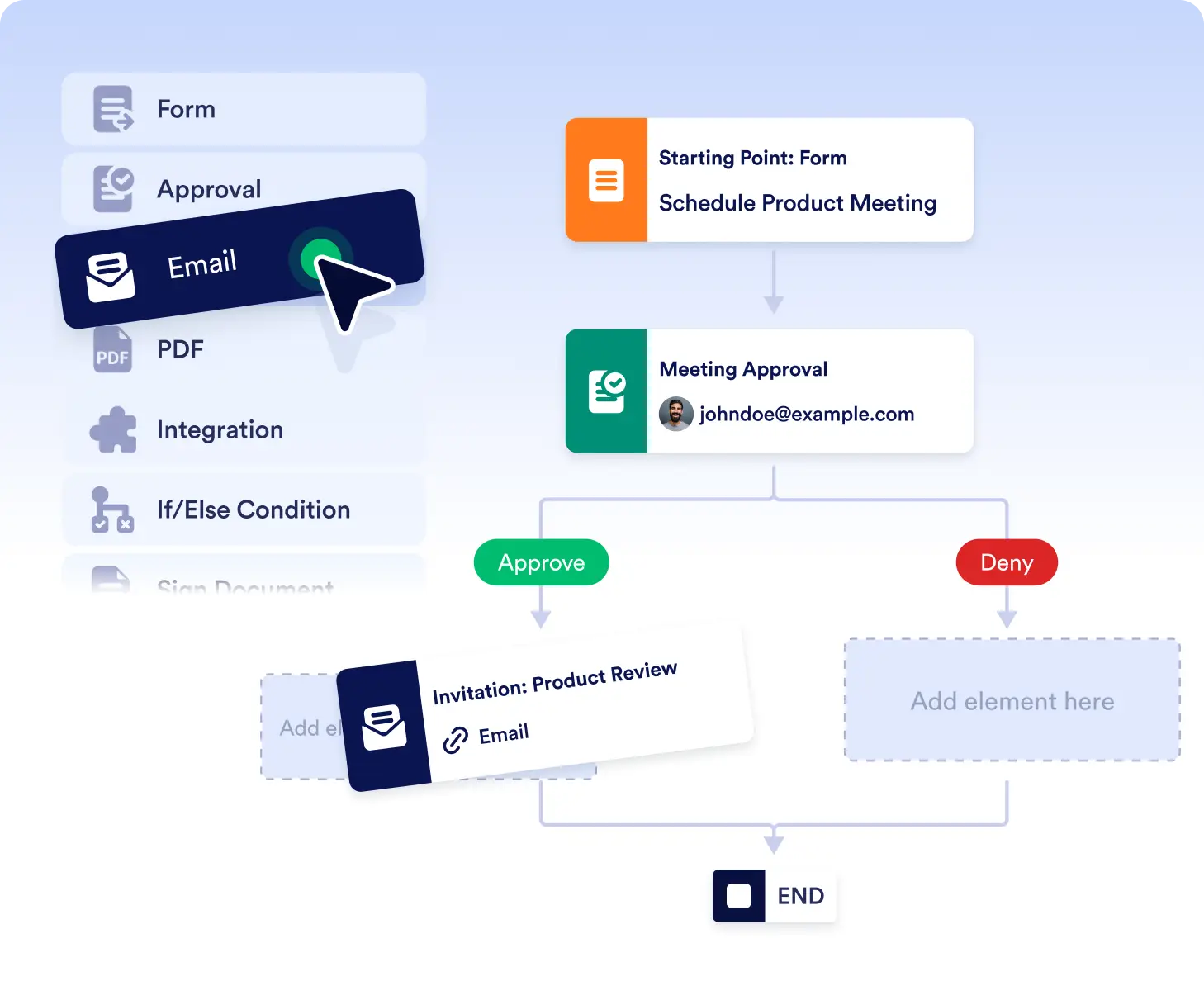
Drag, Drop, and Customize
Design your flow visually with our intuitive builder. Rearrange steps, add logic, or connect integrations with a few clicks.
Create Workflows with No Constraints
Start from a blank canvas and design your workflow from the ground up. Choose your trigger form, add only the steps you need, and control how every part of the process works.
Build Processes That Match Your Exact Logic
When your workflow doesn’t follow standard patterns, building from scratch gives you total control. Add custom paths, conditions, and actions to reflect your real-world process, not a generic template.
Frequently Asked Questions
Have questions about this feature? Explore the FAQs below for quick answers, or reach out to our support team for more details.
You can build anything from simple approval flows to complex, multi-step processes with branching logic. Whether it’s requests, applications, onboarding, or internal operations, you control how every step works.
Not at all. The visual, drag-and-drop builder makes it easy to design workflows without coding. You can rearrange steps, add conditions, and customize actions with just a few clicks.