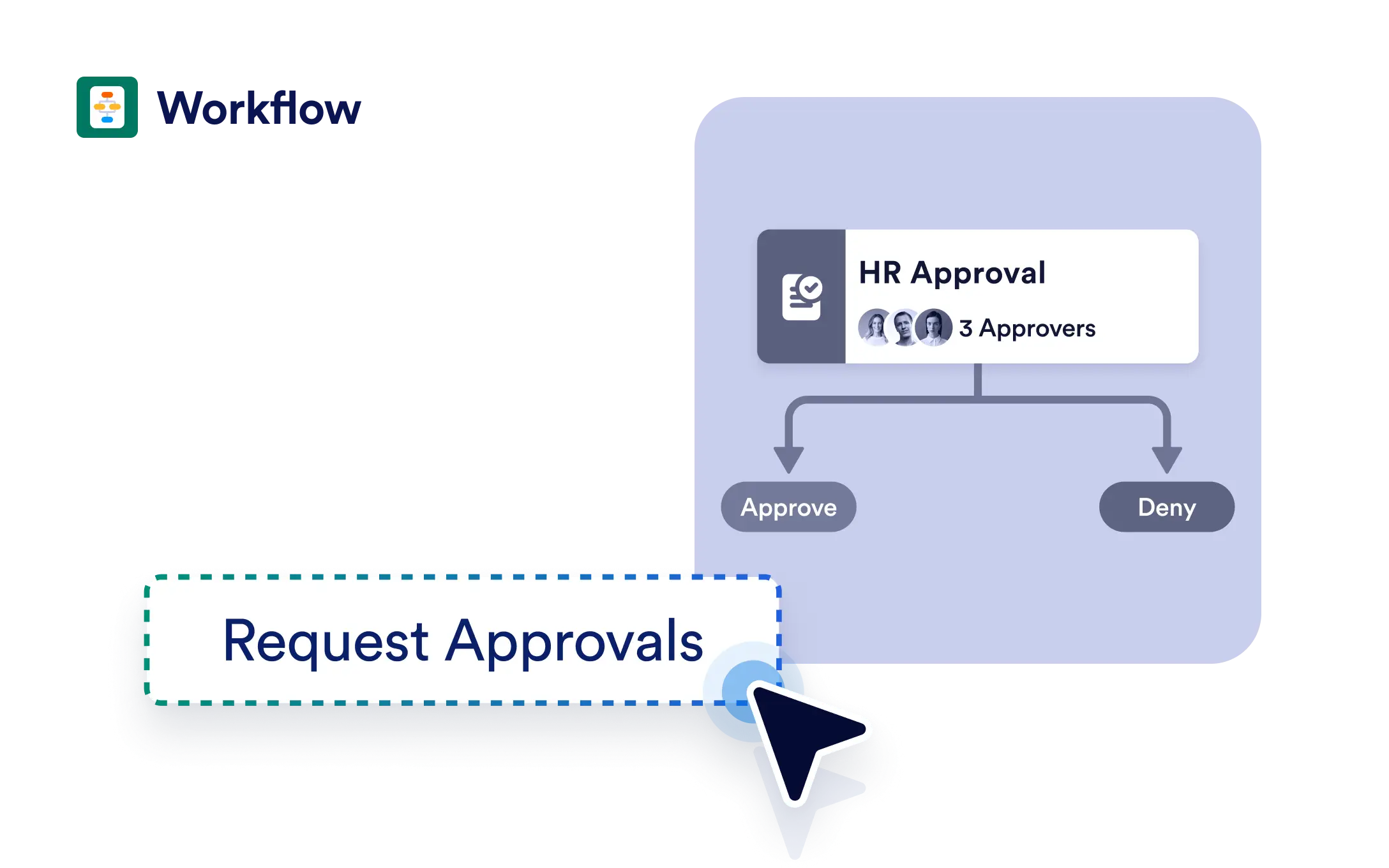
Streamline decisions with a simple, one-step approval flow. Ideal for straightforward processes, this option helps you get up and running in seconds with flexibility to expand later as your needs grow.
Easily Customizable and Scalable
Even though it starts simple, this workflow can grow. Add branching conditions, assign follow-up tasks, integrate apps, or request payments as your needs change.
Ready-to-Use Approval Flow
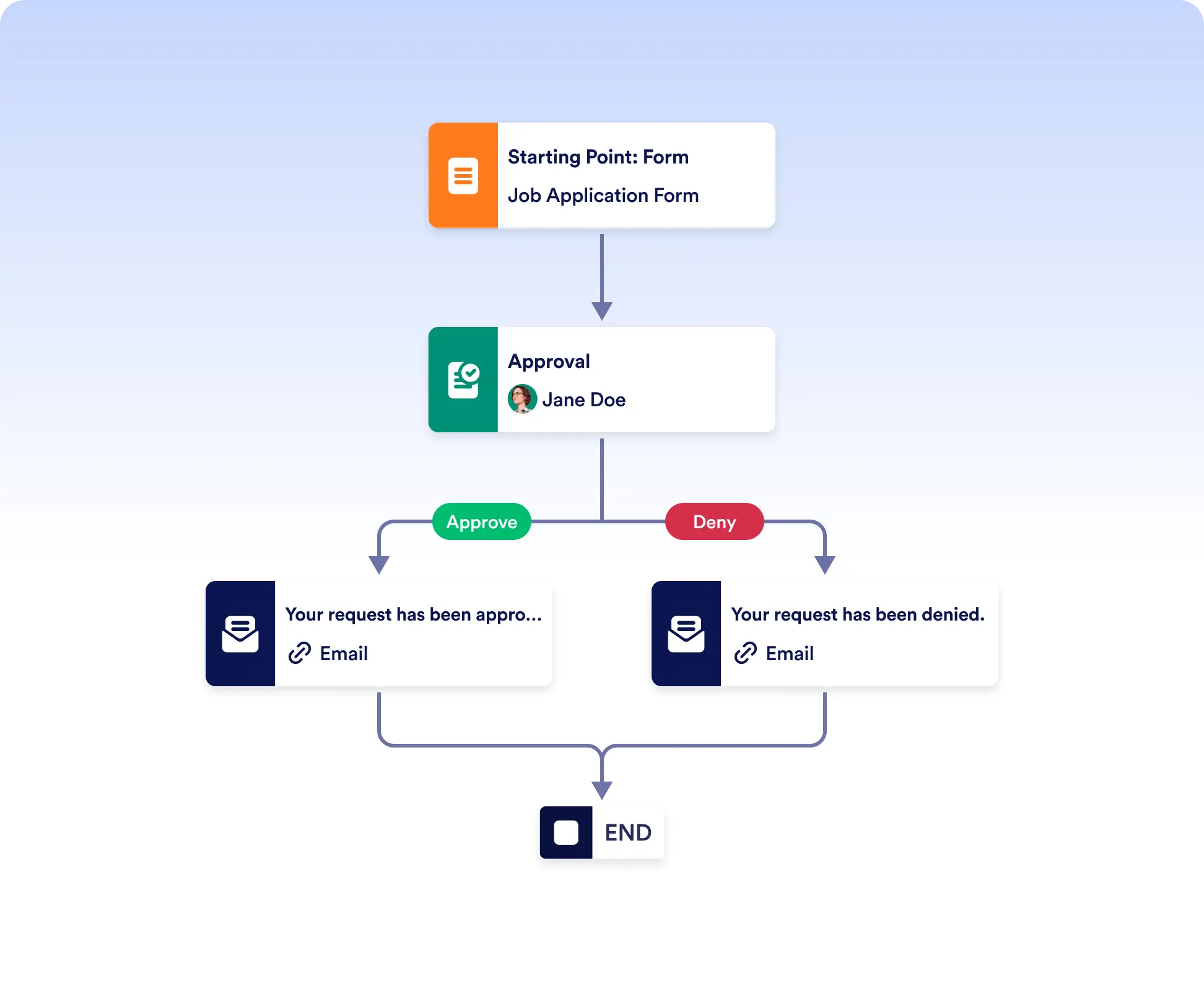
When you choose “One step approval,” your workflow opens with a trigger form and a built-in approval action so you can deploy fast without extra setup.
Launch Approvals in Seconds
Start with a ready-made one-step approval flow and go live immediately. Simply add the approver’s email address, and your workflow is ready to use.
Get Started Immediately, Scale Later
Begin with a simple approval flow and expand when needed. With the approval action already in place, you can start collecting and approving requests right away.
Frequently Asked Questions
Have questions about this feature? Explore the FAQs below for quick answers, or reach out to our support team for more details.
A one-step approval workflow is a ready-to-use process that includes a trigger form and a single approval action. It’s ideal for quick decisions like requests, applications, or order confirmations, allowing you to launch approvals immediately.
Yes. While it starts with a single approval step, you can easily add more actions, branching conditions, integrations, or payment steps as your process grows.
You can go live in seconds. Just select the one-step approval option, add the approver’s email address, and your workflow is ready to start collecting and approving submissions.