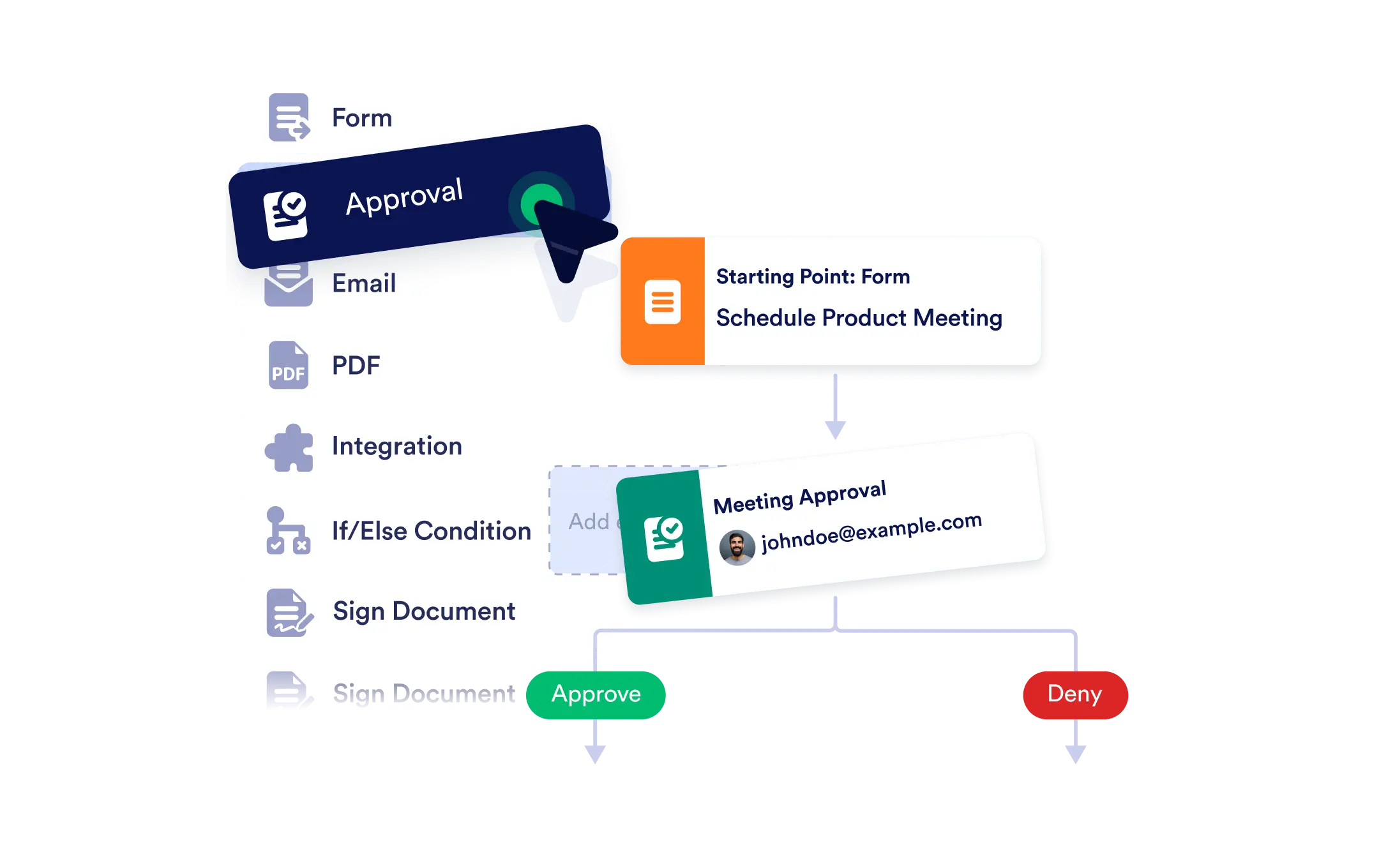
Create end-to-end workflows with ease using our no-code, visual builder. Whether you're automating internal approvals or coordinating multi-step tasks, simply drag, drop, and connect the pieces and bring your processes to life instantly.
Visual Process Mapping
See your entire workflow at a glance. The builder’s clear layout helps you visualize branching paths, conditional logic, and task dependencies.
Add Workflow Elements with Ease
From approvals to emails, just drag what you need onto the canvas. Each element is customizable to match your exact process.
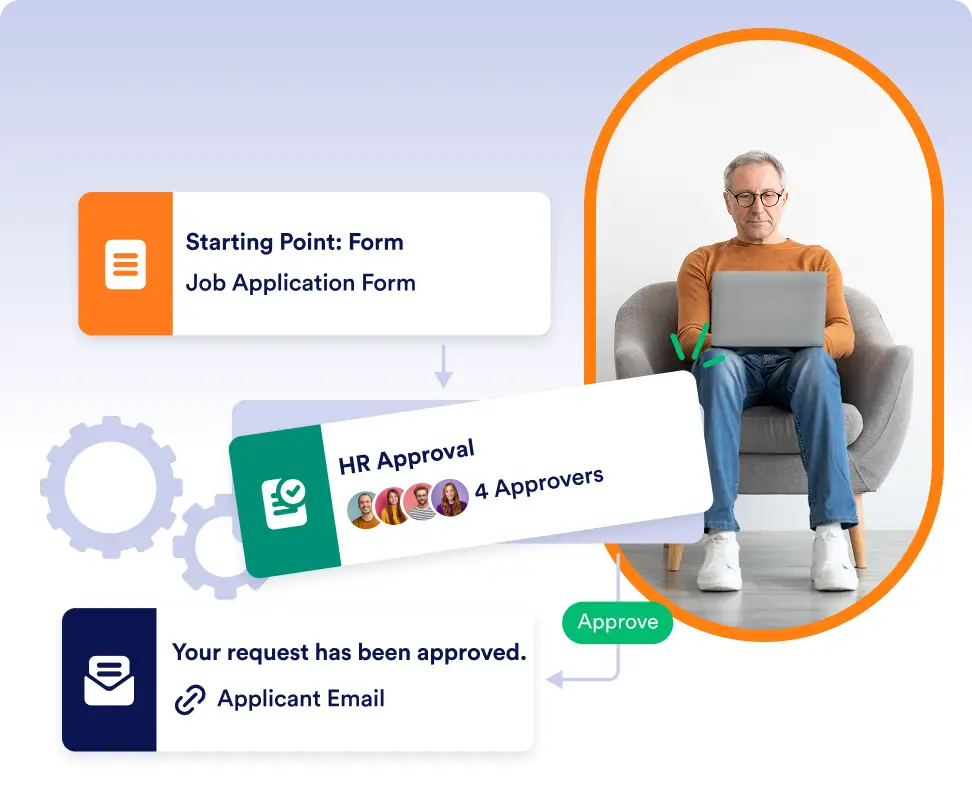
Connect and Configure in Seconds
Use visual connectors to define the sequence of actions. Add logic and rules to personalize how your flow behaves based on form responses or conditions.
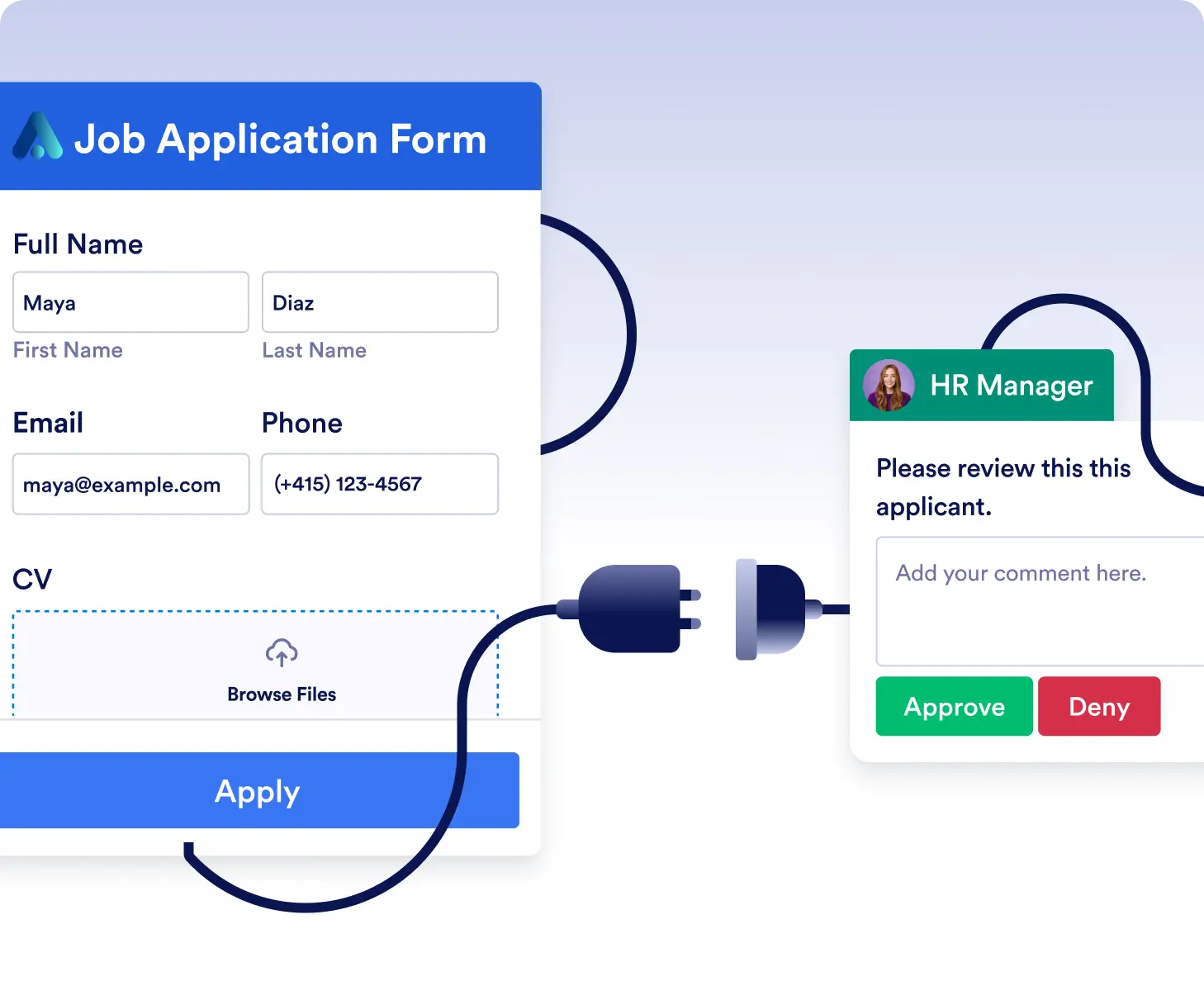
Design approval workflows without coding
Create approval processes for requests, applications, or internal reviews using drag-and-drop elements. Visually connect forms, approvals, and notifications to match how decisions are made in your organization.
Build complex workflows with branching logic
Easily map out workflows that change based on user responses. Add conditional paths, automated emails, or follow-up actions to handle multiple scenarios in a single, organized flow.
Frequently Asked Questions
Have questions about this feature? Explore the FAQs below for quick answers, or reach out to our support team for more details.
You can add approvals, emails, conditions, integrations, payments, and more. Each element can be customized to fit your specific process.
No. The builder is completely no-code. You simply drag elements onto the canvas and connect them visually to create your workflow.
Yes. You can edit, rearrange, or expand your workflow at any time. The visual layout makes it easy to update steps or logic as your needs evolve.