
Bring clarity to your business processes by downloading your flow as an image. Whether you’re collaborating with a team or presenting to leadership, a visual snapshot of your process helps everyone understand the flow at a glance.
Share Your Workflow Visually
With just a click, you can export your entire workflow as a high-quality PNG file, making it easy to share your process with teammates, present polished visuals, or keep clear documentation. This quick export option ensures your workflows remain accessible and ready to use anywhere.
High-Quality PNG Export
Capture your workflow in its entirety by exporting it as a PNG image. It’s perfect for adding to documents, slide decks, reports, or sharing via email or messaging apps.
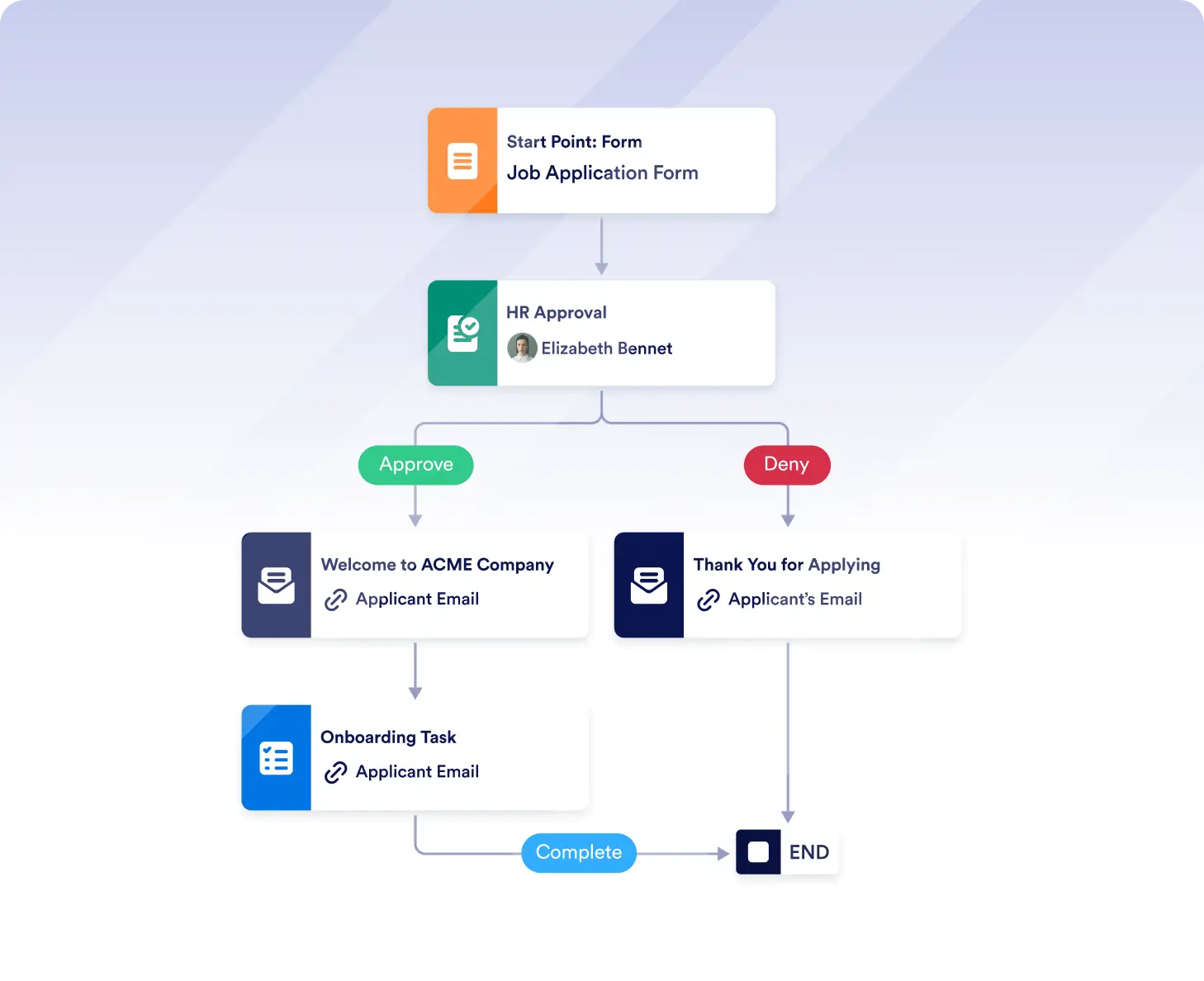
Share workflows with stakeholders
Export your workflow as a high-quality image to share with teammates, clients, or leadership. Visual diagrams make it easier to explain processes and get alignment without walking through the builder.
Export workflows for documentation
Download workflows as PNG files for use in presentations, reports, or internal documentation. Keep a clear visual record of how your processes work at any point in time.
Frequently Asked Questions
Have questions about this feature? Explore the FAQs below for quick answers, or reach out to our support team for more details.
Yes. The Download Flow as Image feature captures your full workflow so all steps and connections are included in a single image.
Workflows are exported as high-quality PNG images, making them easy to share and use across different tools and platforms.
You can add the image to slide decks, documents, reports, emails, or share it through messaging apps for quick collaboration and review.