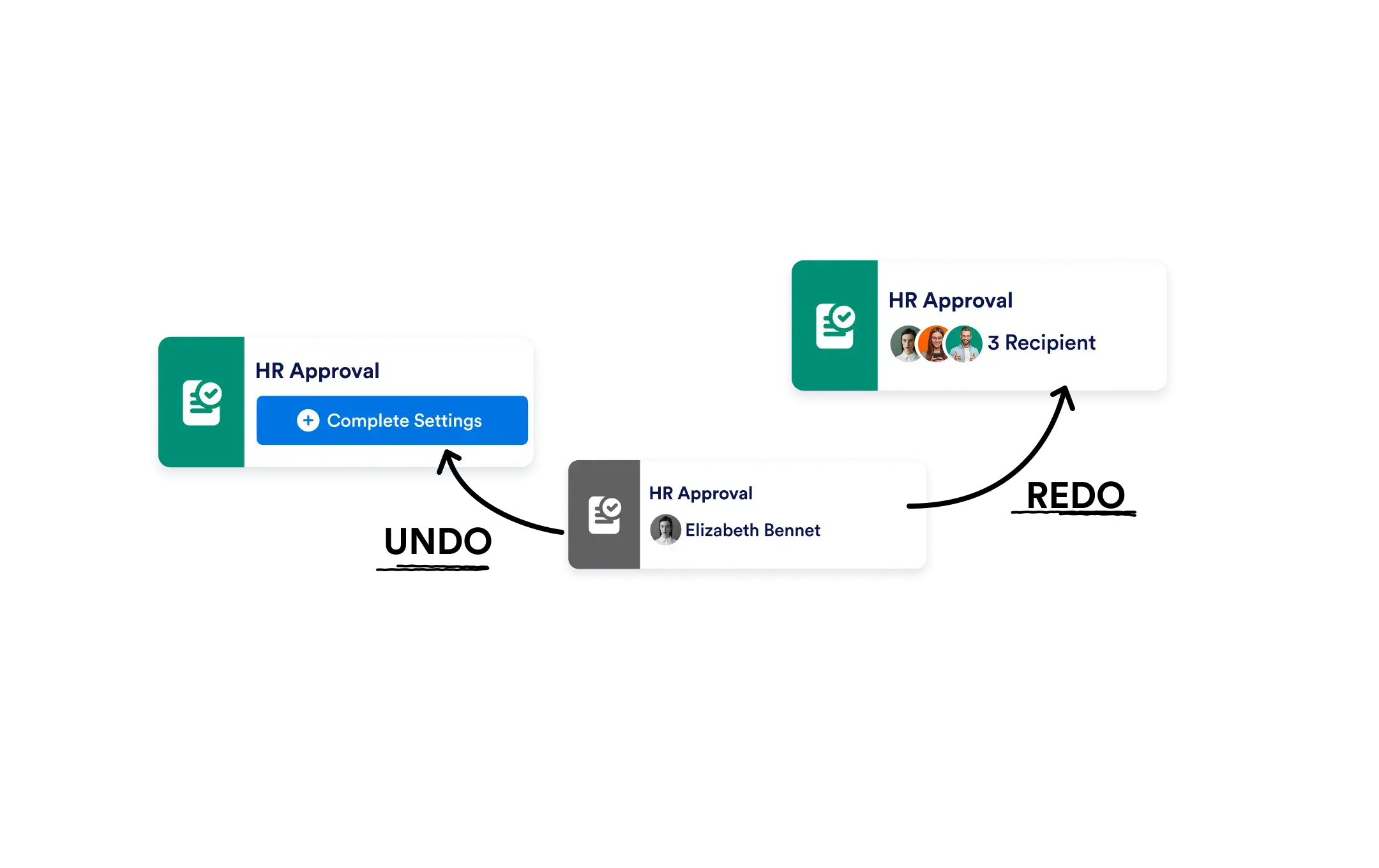
Jotform Workflows’ Undo/Redo feature lets you instantly reverse or reapply changes as you go. Whether you're testing a new path, adjusting logic, or repositioning elements, you can explore confidently knowing every action is reversible.
Experiment Freely with Undo & Redo
Experiment freely with structure and logic, knowing you can always go back. Test different flow paths and ideas without the fear of losing progress.
One-Click Undo/Redo
- Made a change you’re not happy with? Click Undo to reverse your most recent action without starting over.
Want to bring a change back? Click Redo to instantly reapply a step you previously reversed ideal for quick toggling between options.

Quickly fix accidental changes
Reverse unintended edits or repositioned elements with a single click. This helps you recover past changes instantly and keep your workflow moving without interruptions.
Safely test new workflow ideas
Try different logic paths, layouts, or conditions without worrying about mistakes. Undo and redo actions instantly to compare options and refine your workflow with confidence.
Frequently Asked Questions
Have questions about this feature? Explore the FAQs below for quick answers, or reach out to our support team for more details.
You can undo and redo multiple recent actions as you work, allowing you to move back and forth through your changes easily.
Yes. After undoing an action, you can click Redo to instantly reapply the change and continue from there.