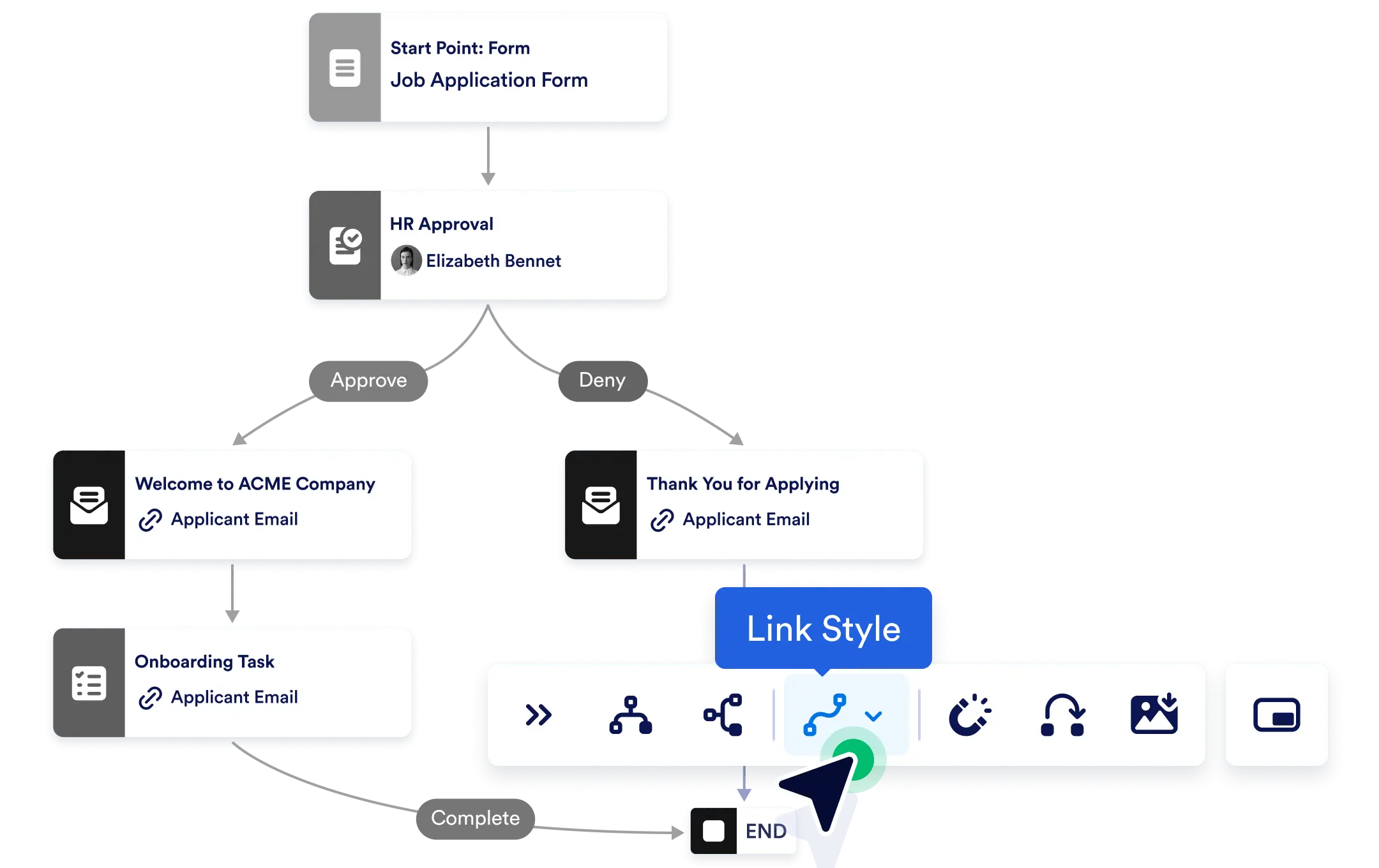
With customizable link styles, you control how these connections look, making your canvas more readable and aligned with your preferred visual logic.
Enhance Readability & Design
Whether you’re organizing a compact flow or mapping a complex process, link styles help you reduce visual clutter and make your workflows easier to interpret at a glance.
Choose from Three Link Styles
Tailor the appearance of your connections with three visual options:
- Smoothstep for clean, rounded transitions
- Bezier for soft, curved lines
- Straight for direct, no-frills connectors
Each style brings a different visual dynamic to your workflow canvas.

Frequently Asked Questions
Have questions about this feature? Explore the FAQs below for quick answers, or reach out to our support team for more details.
You can choose from three styles: Smoothstep for rounded transitions, Bezier for soft curves, and Straight for direct connectors.
Yes. You can switch link styles whenever you want to adjust readability or better fit the complexity of your workflow.
No. Link styling is purely visual and does not impact how your workflow runs or processes data.