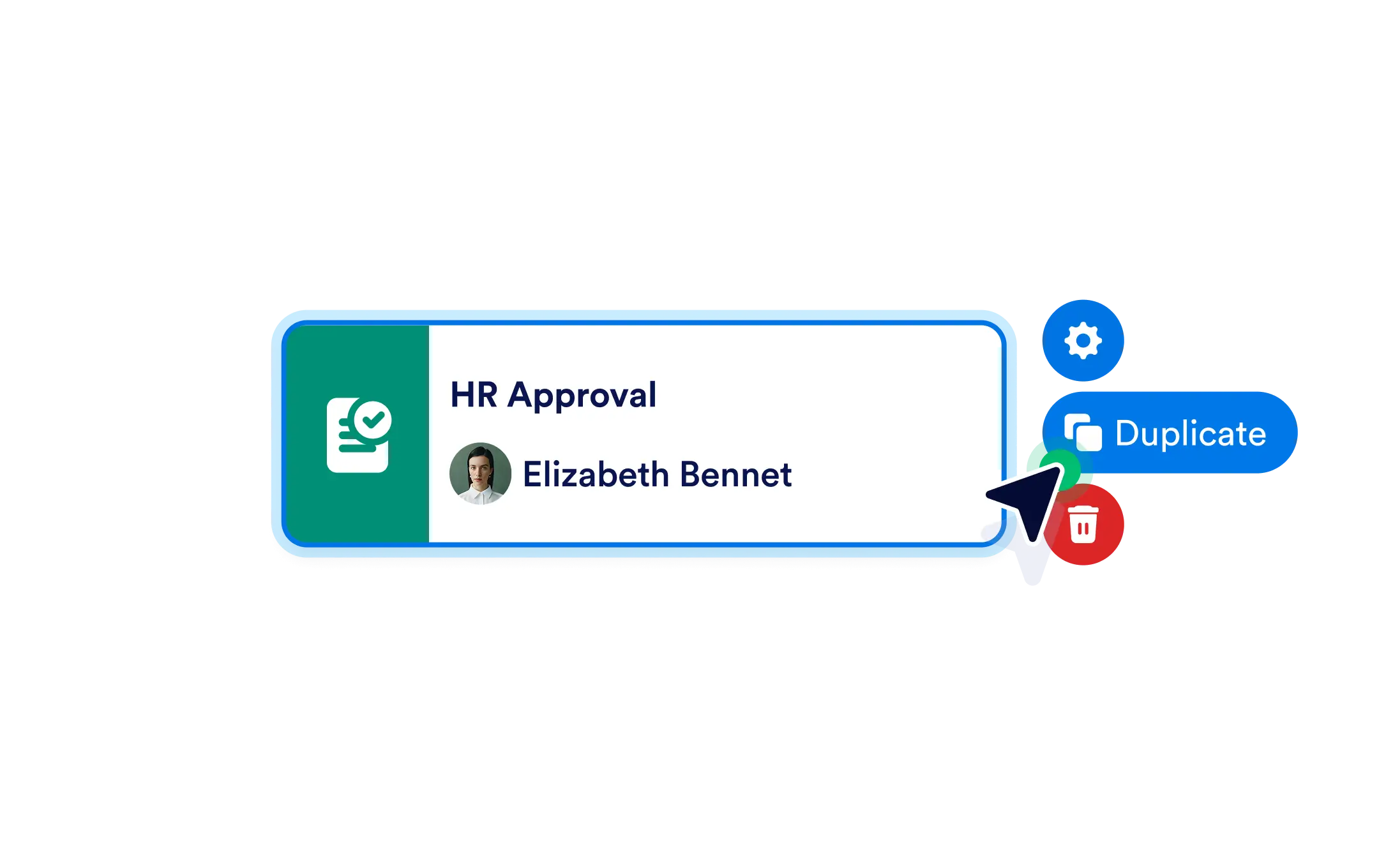
Quickly delete outdated or unnecessary elements to keep your canvas organized, or duplicate fully configured steps to reuse email templates, assigned users, form links, and logic conditions without starting from scratch.
Streamline Workflow Editing with Powerful Shortcuts
Whether you're removing outdated steps or reusing pre-configured elements, managing your workflow structure is fast and intuitive. Focus on building better processes not repeating the same actions.
Delete Unused Elements
Keep your workflow clean by removing steps that are no longer relevant. One click is all it takes to delete any element from the builder canvas.
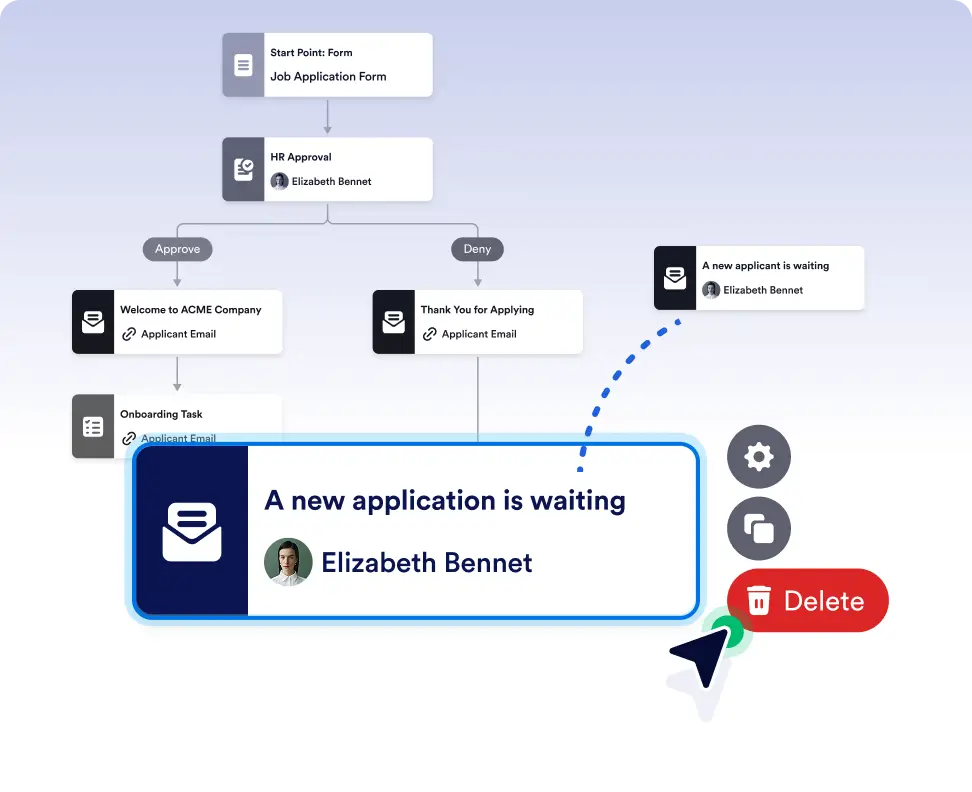
Reuse configured steps to save time
Duplicate steps that already include email content, assigned users, form links, or logic conditions. This helps you build workflows faster without repeating the same setup work.
Keep workflows clean and up to date
Delete outdated or unnecessary steps as your process evolves. Removing unused elements helps keep your canvas organized and your workflows easy to understand.
Frequently Asked Questions
Have questions about this feature? Explore the FAQs below for quick answers, or reach out to our support team for more details.
Duplicating a step creates a copy with all its existing settings, including configurations, assignments, and logic, so you can reuse it immediately.
Deleting a step removes it from the flow, so it’s best to review connections afterward to ensure your workflow logic remains complete and accurate.
Yes. You can delete any element on the canvas that you no longer need with a single click.