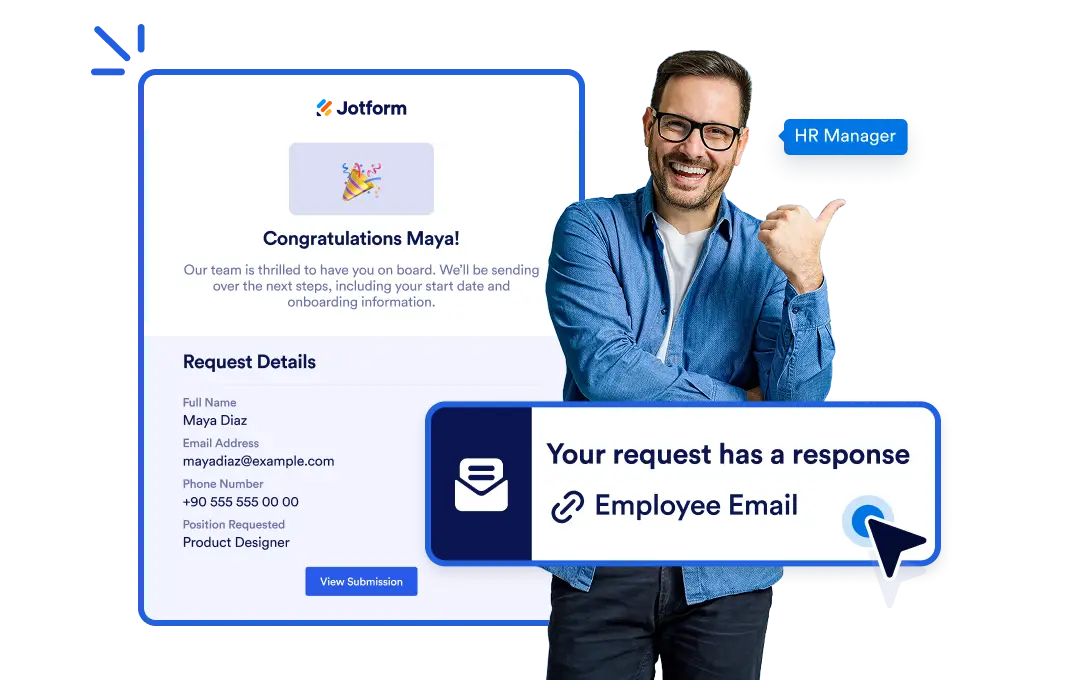
Add an email step anywhere in your flow to automatically send customized messages complete with attachments and dynamic workflow data without lifting a finger.
Email Anyone, Anytime
Add a “Send Email” element to your workflow, set your recipient and message, and let Jotform do the rest no manual sending required.
Send Emails Automatically
Add an email step anywhere in your flow to automatically send customized messages. Say goodbye to follow-up emails. Automated notifications keep your team and clients informed at every step of your workflow, ensuring timely updates without the need for manual effort.
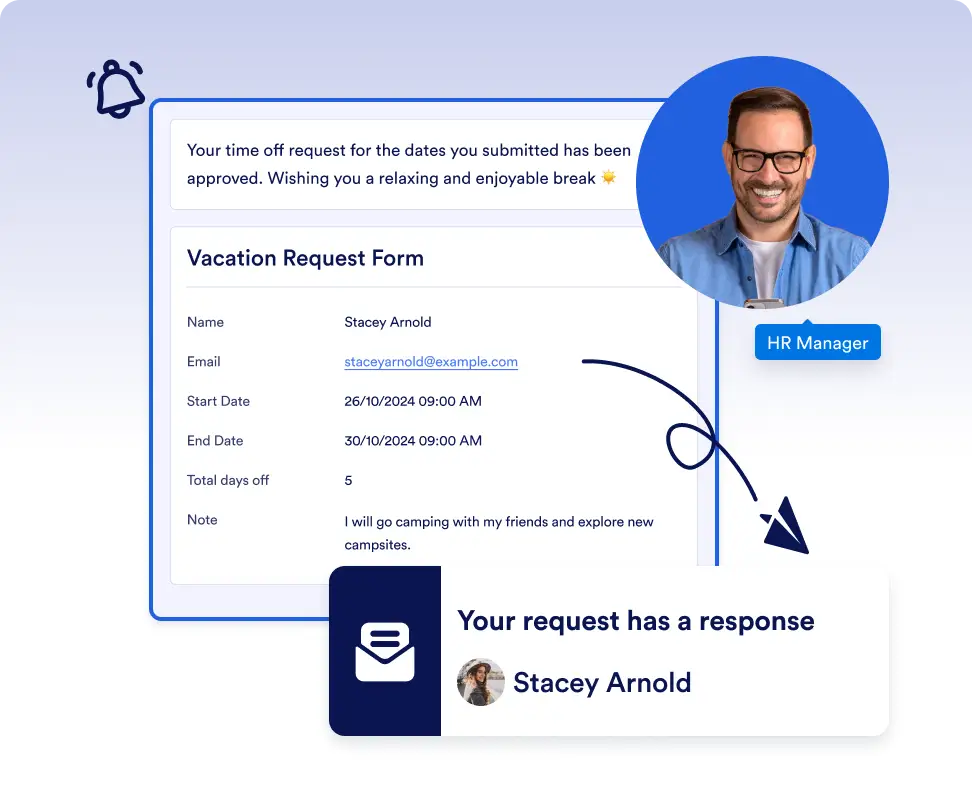
Send approval and status update emails
Automatically notify stakeholders when a task is approved, rejected, or completed. Keep everyone informed at the right moment without relying on manual follow-ups.
Deliver personalized messages at key steps
Send customized emails with dynamic data, attachments, or links based on workflow conditions. This ensures every recipient gets relevant information exactly when they need it.
Frequently Asked Questions
Have questions about this feature? Explore the FAQs below for quick answers, or reach out to our support team for more details.
You can send emails to anyone, including internal team members, clients, or external partners, by defining recipients in the Send Email step.
Yes. You can include dynamic workflow data, attachments, and personalized fields in your email messages.
You can add the Send Email element at any stage of your workflow, allowing emails to trigger exactly when specific actions or conditions are met.