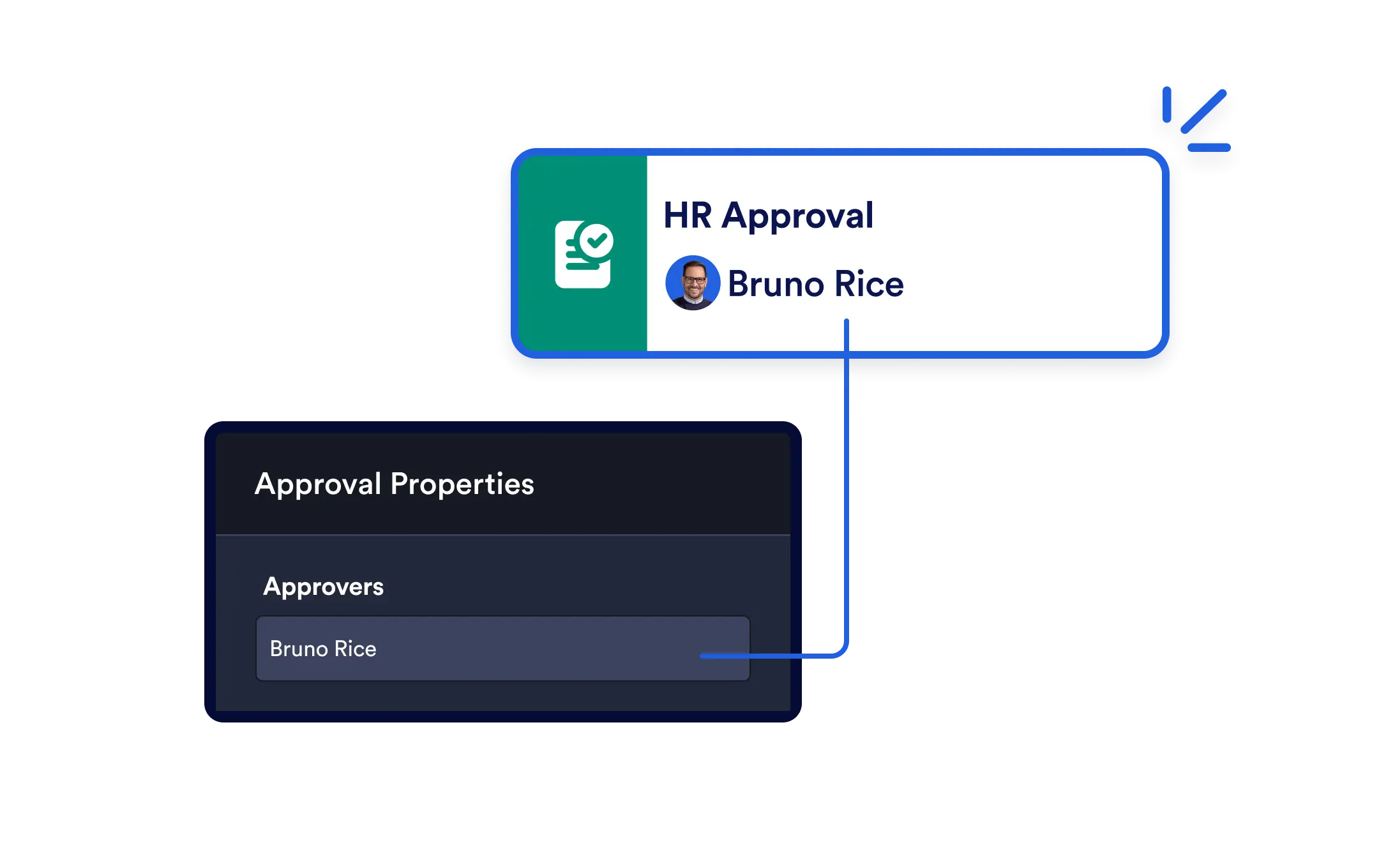
Empower your teams to make timely decisions within your workflow. Whether you’re collecting sign-offs, verifying submissions, or routing tasks, the Approval element helps you automate decisions, complete with notifications, signature capture, and seamless progression.
Drag-and-Drop Approval Logic
Add an approval step anywhere in your workflow. Just set the approver’s email, configure the settings, and let the automation do the rest.
Easy-to-Configure Approvals
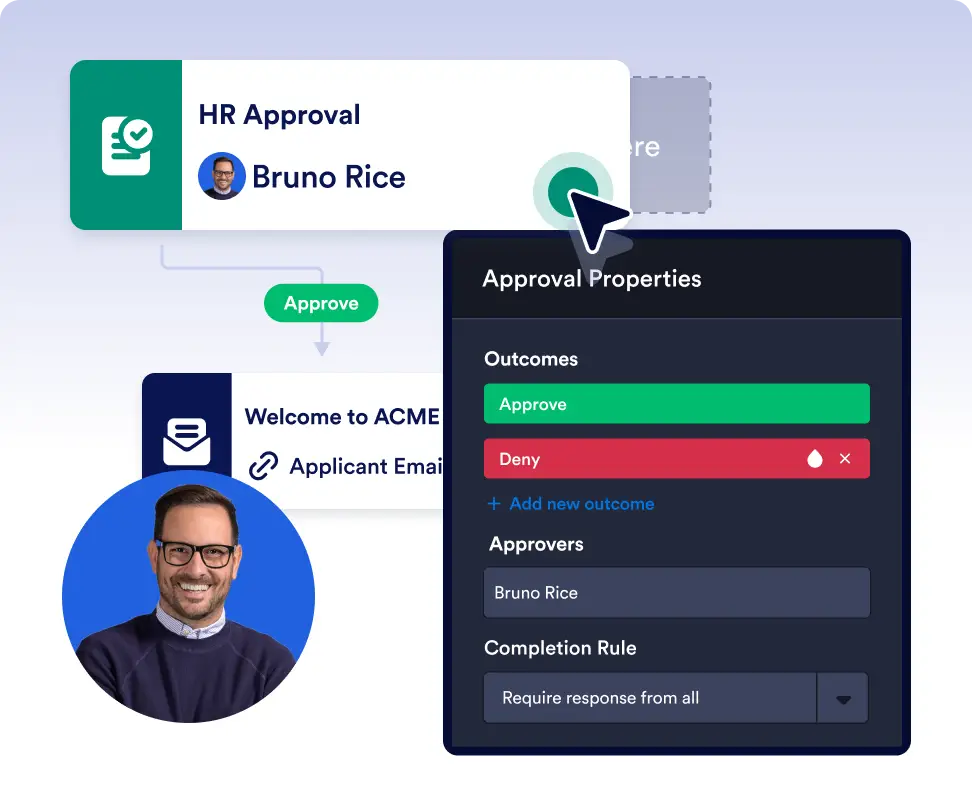
Drag the Approval element into the builder, enter the approver’s email address, and customize your settings. Setup takes seconds.
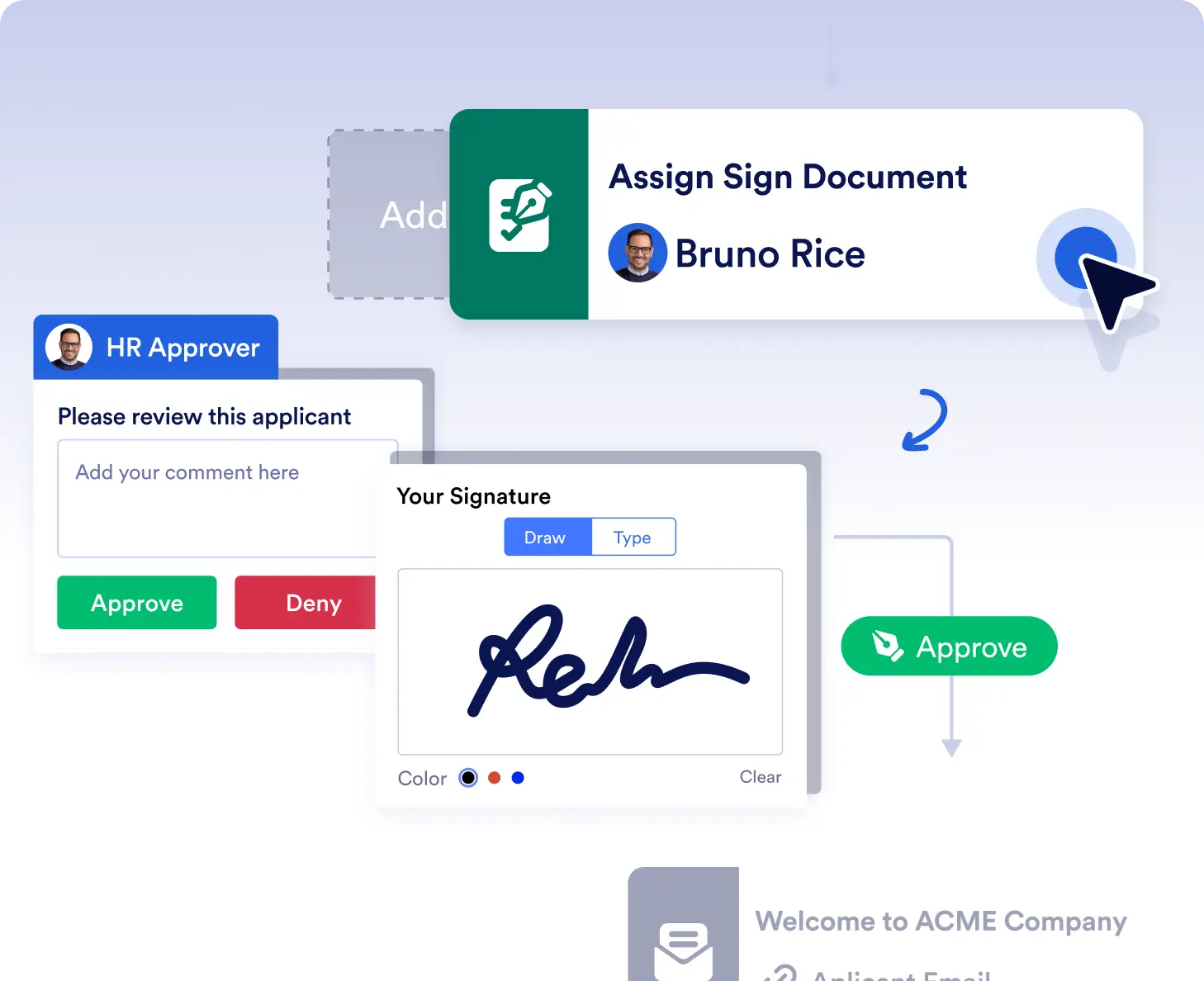
Request Signatures When Needed
Add a signature to your approval steps to capture both consent and verification perfect for workflows that require authorization with confirmation.
Collect approvals and sign-offs faster
Add approval steps to route requests to the right decision-makers automatically. Approvers receive email notifications and can approve or reject with a single click, keeping processes moving without delays.
Verify submissions and route tasks confidently
Use approvals to review submissions, validate information, or confirm next steps before a workflow continues. Optional signature capture adds an extra layer of confirmation when authorization is required.
Frequently Asked Questions
Have questions about this feature? Explore the FAQs below for quick answers, or reach out to our support team for more details.
Any recipient with an email address can be set as an approver, including team members, managers, or external stakeholders.
Approvers receive an automatic email notification with a direct link to review and complete the approval.
Yes. You can enable signature capture in approval steps to collect consent or verification as part of the decision process.