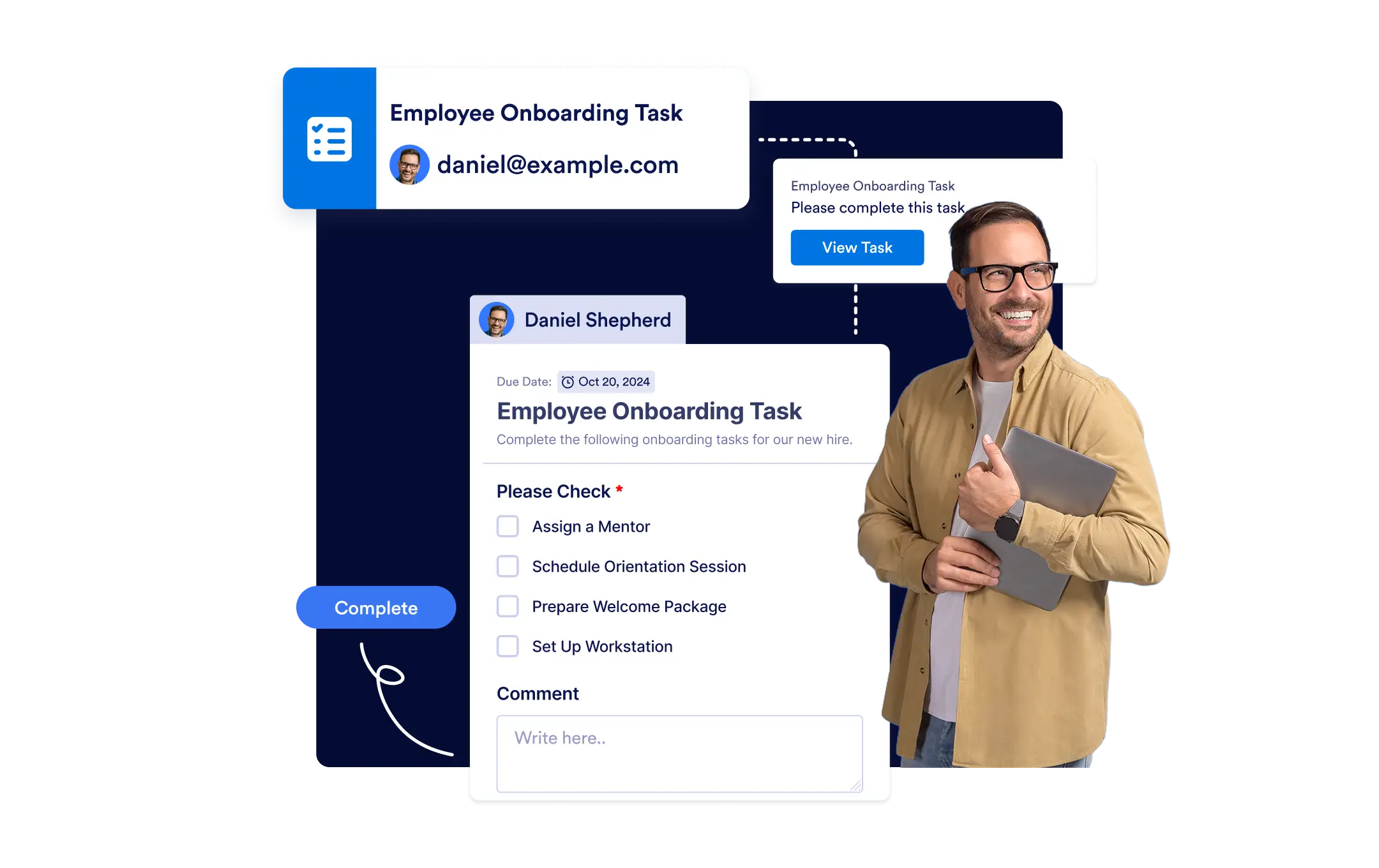
Design each task to fit your process with checklists, upload fields, and due dates, then set custom outcomes to ensure clear next steps for every scenario.
Create Tailored Tasks
Empower your team to work smarter with task assignments in Jotform Workflows. Easily create, customize, and manage tasks in your workflow, track progress in real time, and keep everyone on the same page.
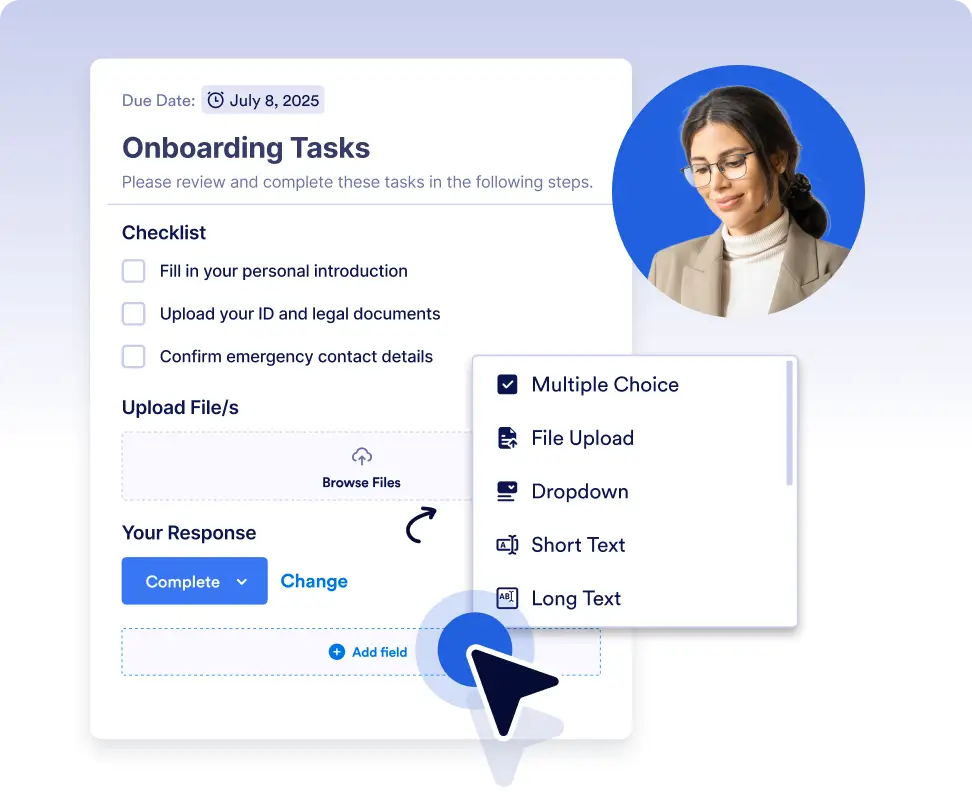
Customizable Task Design
Design each task to fit your process add checklists, upload fields, and due dates to create detailed assignments tailored to your team’s needs.
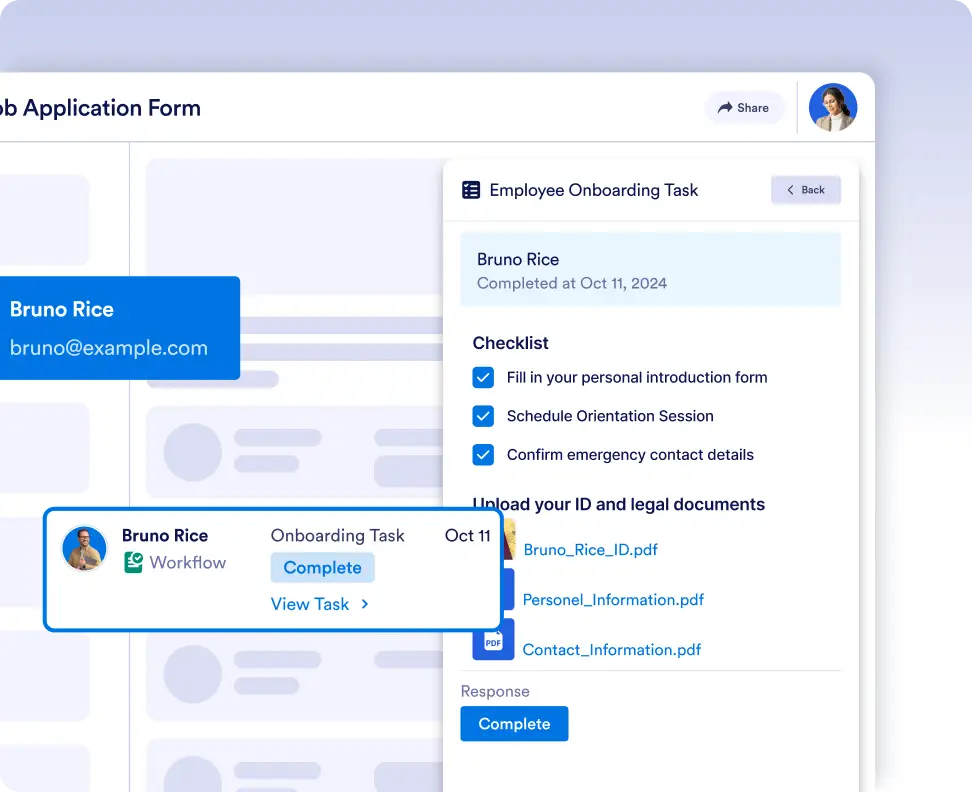
Real-Time Progress Tracking
Stay informed on task statuses with live updates in the Workflow Inbox and Tables. Monitor completion progress, see who’s responsible, and gain insights into how each task was completed.
Turn workflows into actionable tasks
Create and assign tasks directly in your workflow to guide team members through specific actions. With clear task details and due dates, everyone knows exactly what to do and when to do it.
Never lose track of task progress
Monitor task progress in real time to ensure nothing slips through the cracks. See who’s responsible, what’s completed, and what’s still pending, all without leaving your workflow.
Frequently Asked Questions
Have questions about this feature? Explore the FAQs below for quick answers, or reach out to our support team for more details.
You can customize tasks with checklists, upload fields, due dates, and other fields to match your exact process requirements.
Task status and progress can be viewed in real time through the Workflow Inbox and Tables, giving you full visibility into completion and ownership.
Yes. You can define custom outcomes for tasks so your workflow continues differently based on how a task is completed.