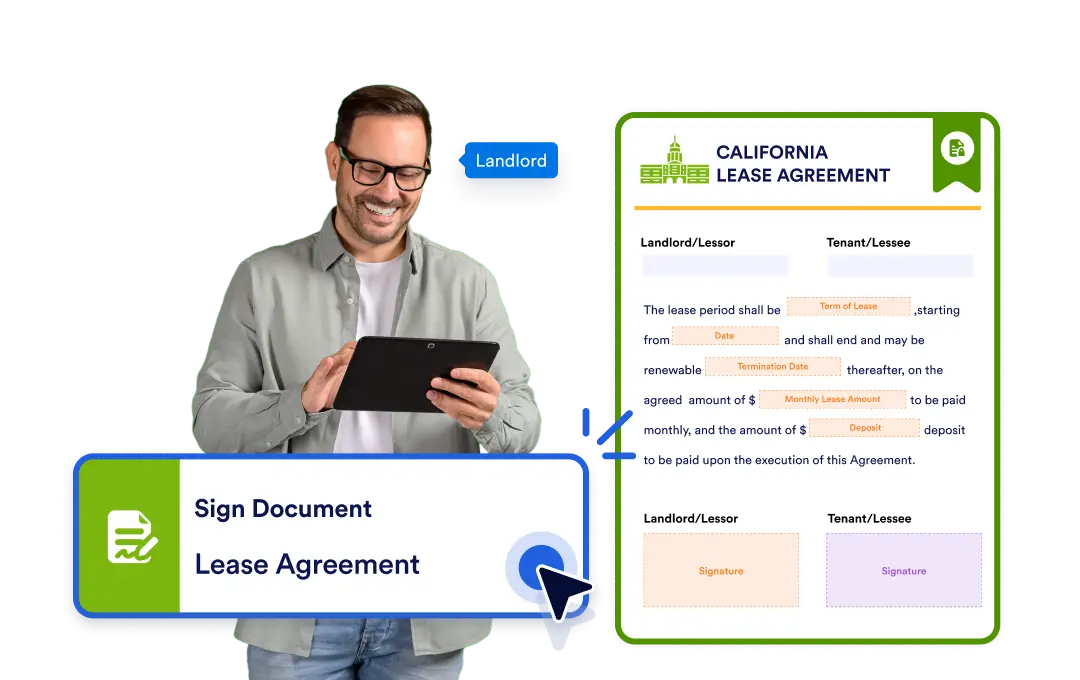
Streamline your workflows and get important documents signed seamlessly with Jotform Workflows. Effortlessly collect signatures as part of your process, ensuring nothing stalls your progress.
Seamless Signature Collection
When your workflow reaches the document signing step, the document is instantly assigned for signature. Once it’s signed, your workflow continues to the next step no manual follow-up required.
Trigger Signature Requests Automatically
Add document signing to your workflow in seconds with the intuitive drag-and-drop builder. Simply choose the document you want signed and place it wherever it fits best in your process.
When your workflow hits the “Sign Document” step, the document is assigned for signature right away. The recipient receives the request instantly, ensuring no time is lost in moving things forward.
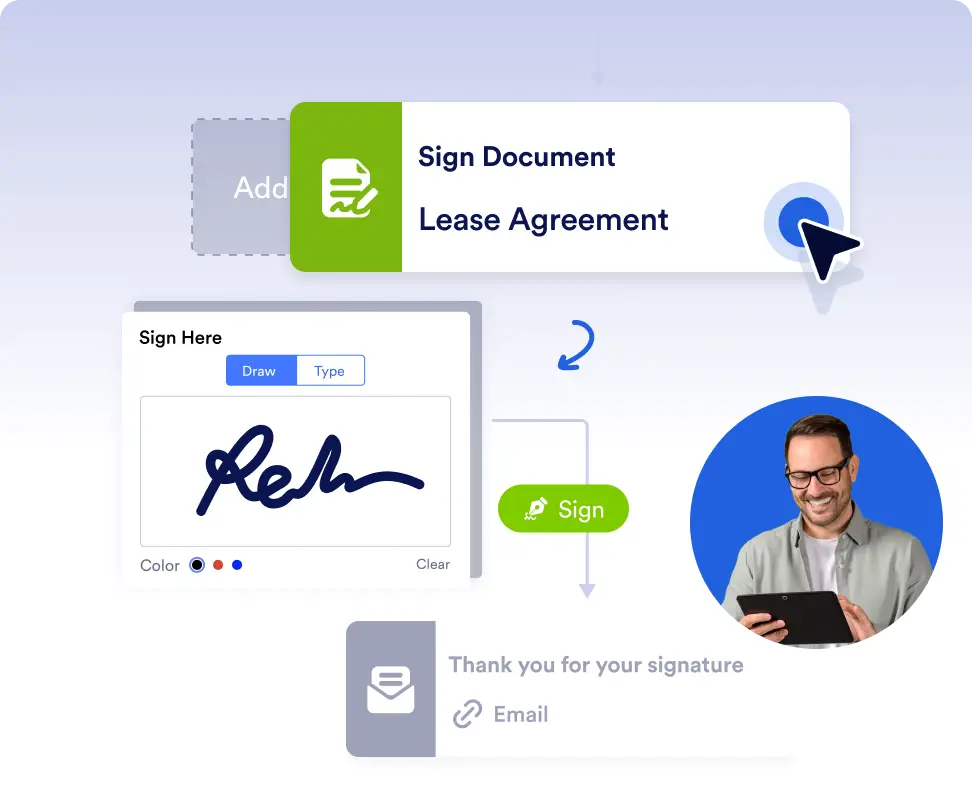
Request signatures automatically
Automatically request document signatures at the exact step they’re needed. This is ideal for contracts, consent forms, or approvals that must be completed before the workflow continues.
Keep documents moving with zero follow-up
Assign signature requests instantly and let the workflow progress as soon as the document is signed. Eliminate manual reminders and ensure critical documents are completed on time.
Frequently Asked Questions
Have questions about this feature? Explore the FAQs below for quick answers, or reach out to our support team for more details.
Signature requests are sent automatically when the workflow reaches the Sign Document step.
Yes. You can add the Sign Document step at any point in your workflow using the drag-and-drop builder.
No. Recipients can sign documents through the signature request without needing a Jotform account.
Once the document is signed, the workflow automatically continues to the next step.