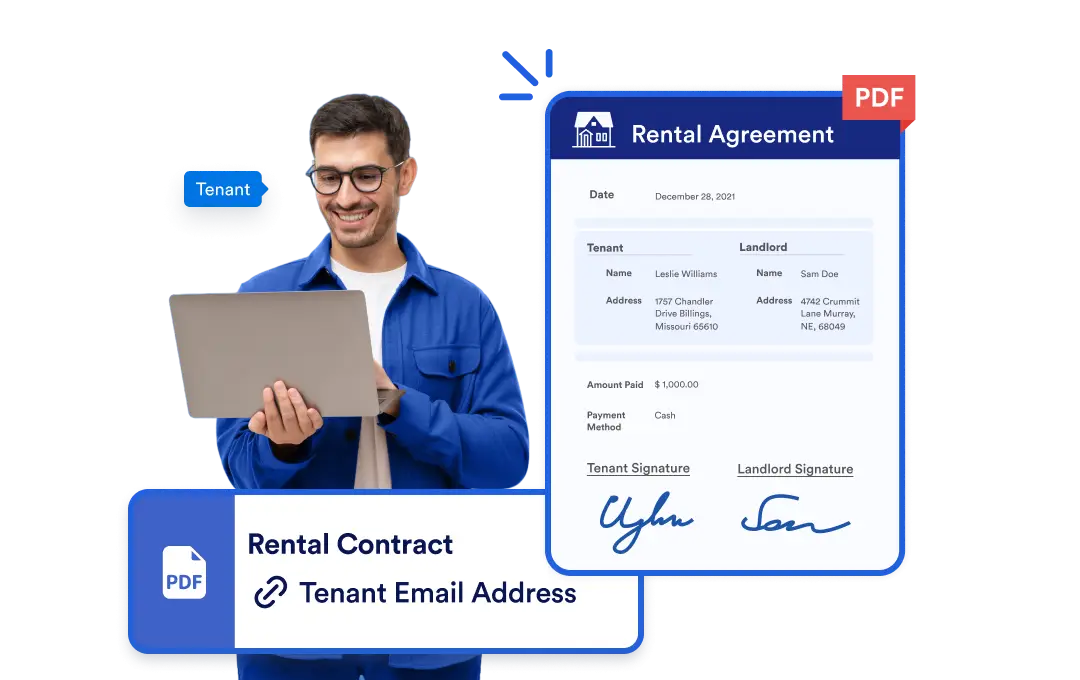
Effortlessly share PDF documents with your team or clients at any step of your workflow. Jotform Workflows lets you send PDFs seamlessly whether they’re form submissions or custom files so your processes stay efficient and professional.
Send PDF Documents Automatically
Integrate PDF delivery into your workflow in seconds by dragging and dropping the “PDF” element. Tailor each workflow to your team’s or clients’ specific needs.
Drag-and-Drop PDF Sending
Add the “PDF” element to any step in your workflow. Choose from form submission PDFs or upload your own custom PDFs to send to recipients automatically. No manual file handling, no extra steps.
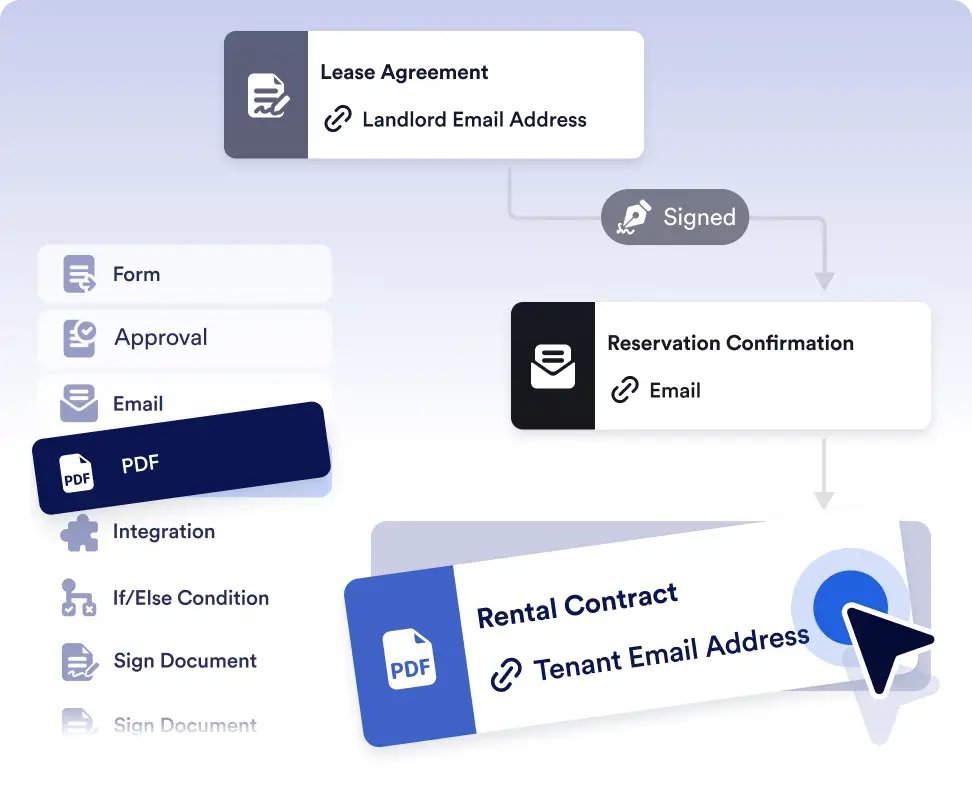
Send invoices, receipts, or confirmations instantly
Automatically generate and send PDF versions of form submissions when a workflow reaches a specific step. Ideal for invoices, payment receipts, or confirmation documents that need to be delivered right away.
Documents delivered automatically
Send submission PDFs or custom documents to internal teams or external recipients as part of your workflow. This ensures everyone receives the right documents at the right time without manual downloads or emails.
Frequently Asked Questions
Have questions about this feature? Explore the FAQs below for quick answers, or reach out to our support team for more details.
Yes. You can select specific forms within your workflow and generate PDFs only for the submissions you need.
PDFs are automatically sent when the workflow reaches the step where the PDF element is placed.
Yes. You can include multiple submission PDFs or custom documents in the same PDF step.