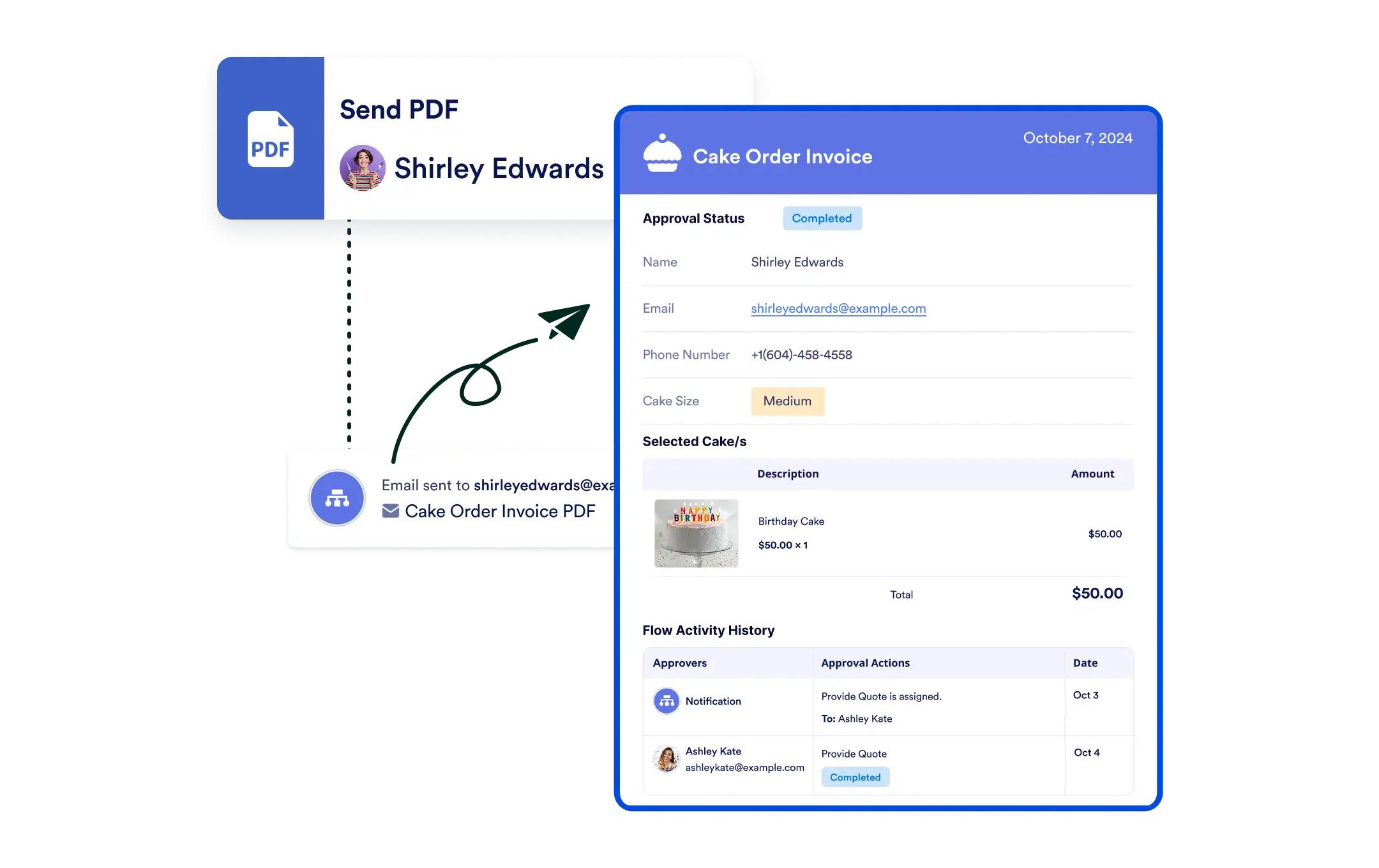
Keep stakeholders in the loop with automated flow reports. Jotform Workflows lets you send detailed activity snapshots, complete with customizable information and secure password protection, so your team stays informed and your workflows stay transparent.
Effortless Flow Report Sharing
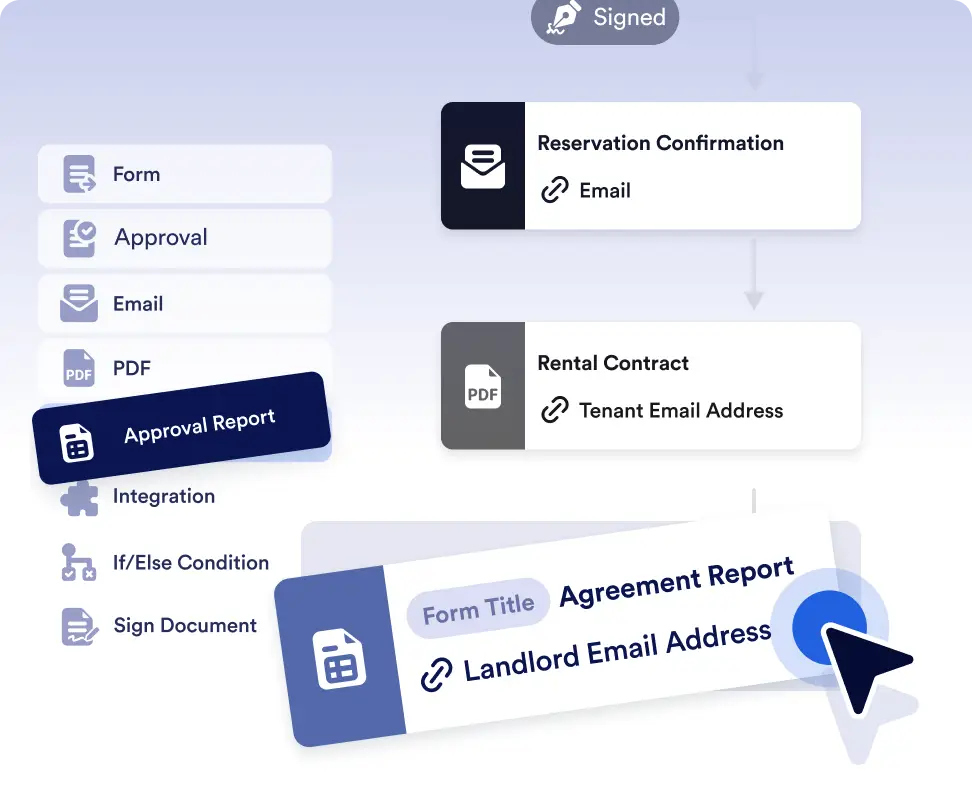
Adding a flow report to your workflow is as simple as dragging and dropping the “Send Flow Report” element. Configure the report name and recipients no manual setup or additional tools required.
Drag-and-Drop Flow Report Automation
Simply drag and drop the “Send Flow Report” element into your workflow, set the report name, and choose your recipients. No coding or extra effort required.
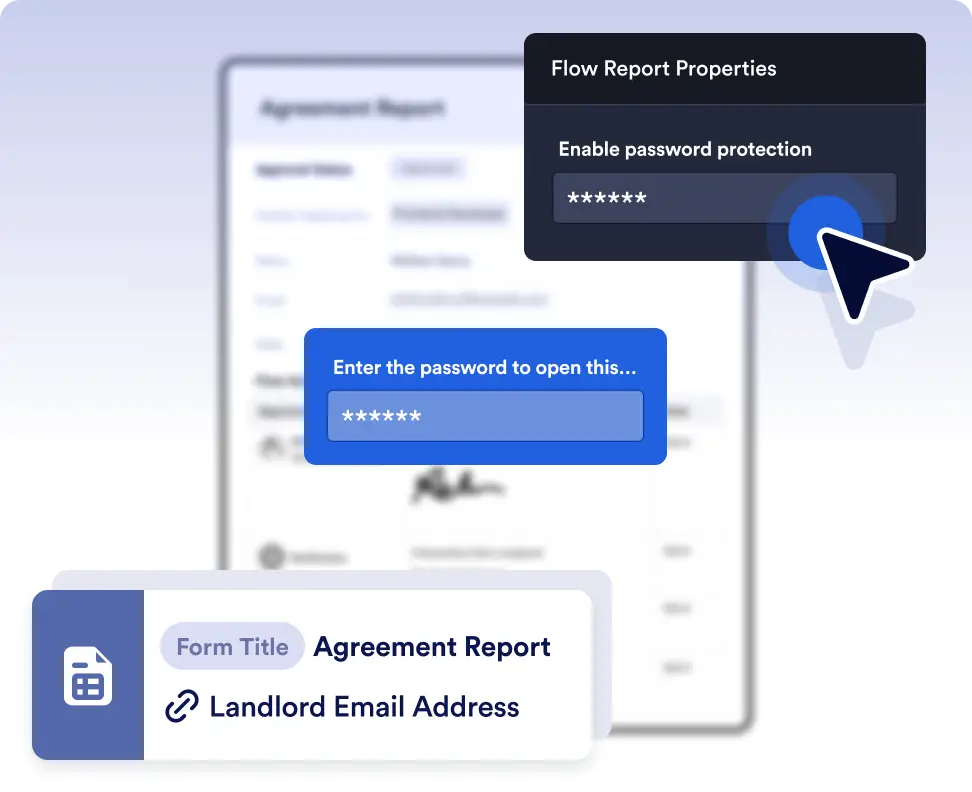
Built-in Password Protection
For added security, enable password protection for flow reports to ensure that sensitive information stays confidential and is only accessed by those who need it.
Share workflow activity with ease
Automatically send flow reports to stakeholders at key points in your workflow. Everyone can see who completed which steps, when actions occurred, and how the process is progressing without asking for updates.
Create a reliable workflow activity trail
Use detailed flow reports to create a clear activity trail for reviews, audits, or internal reporting. Password-protected reports ensure sensitive workflow data is shared securely with the right people.
Frequently Asked Questions
Have questions about this feature? Explore the FAQs below for quick answers, or reach out to our support team for more details.
You can customize flow reports to show actor or event avatars or icons, actor email addresses, comments, and signatures. This lets you control the level of detail included in each report based on your team’s needs.
Flow reports show detailed workflow activity, including completed steps, actions taken, and participant involvement, based on your configuration.
Yes. You can enable built-in password protection to ensure only authorized recipients can access sensitive workflow information.