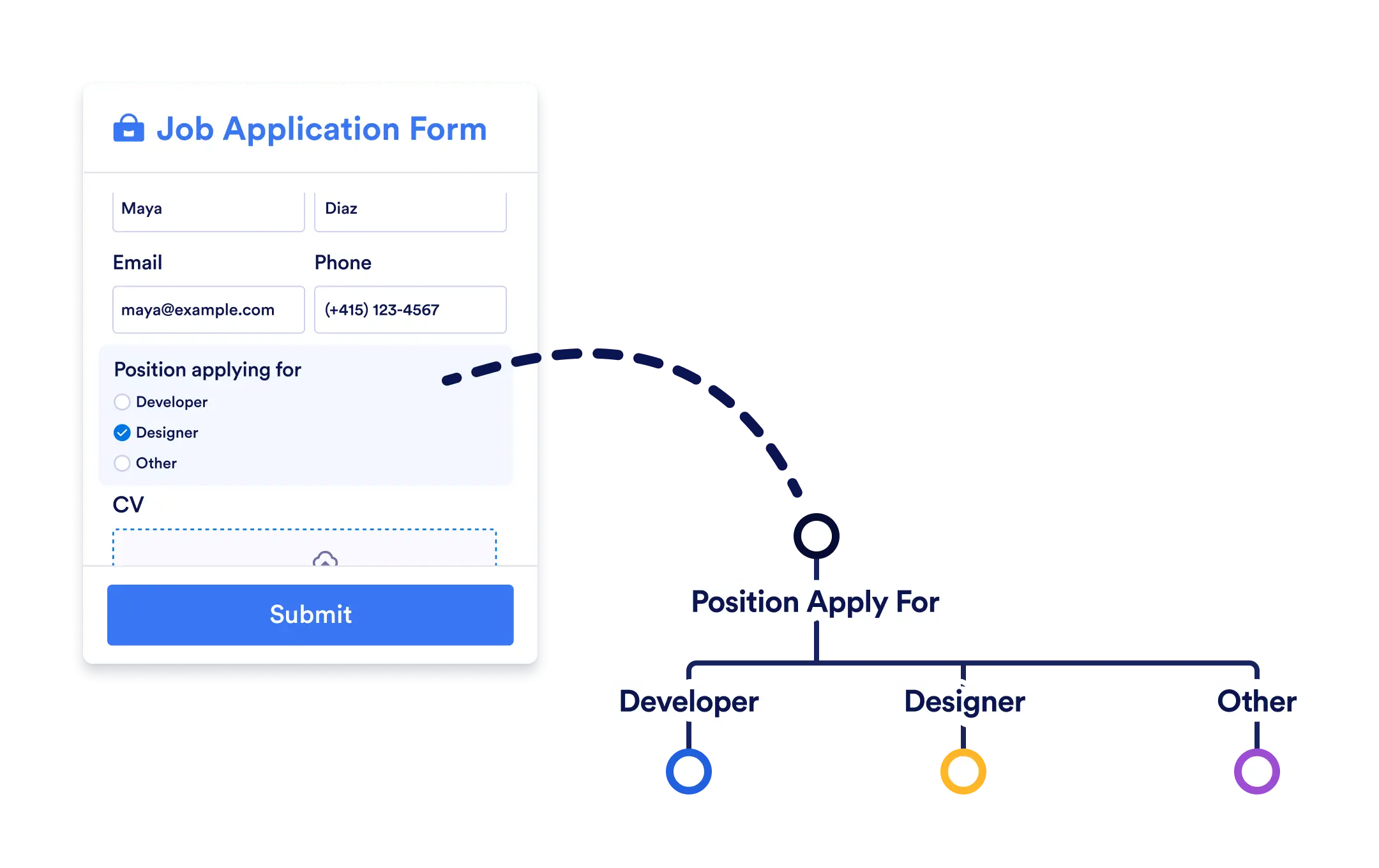
Conditional Branch goes beyond simple yes/no logic. Create workflows that automatically branch into multiple paths each tailored to your specific conditions.
Dynamic Decision Points
Use Conditional Branch to evaluate form submissions, approval results, or task outcomes. Whether you’re checking leave days, expense amounts, or project status, your workflow automatically takes the right path.
Custom Routing Based on Workflow Data
Adding a Conditional Branch is as simple as dragging it onto your workflow canvas. Then, set your conditions for each path and link them to actions.
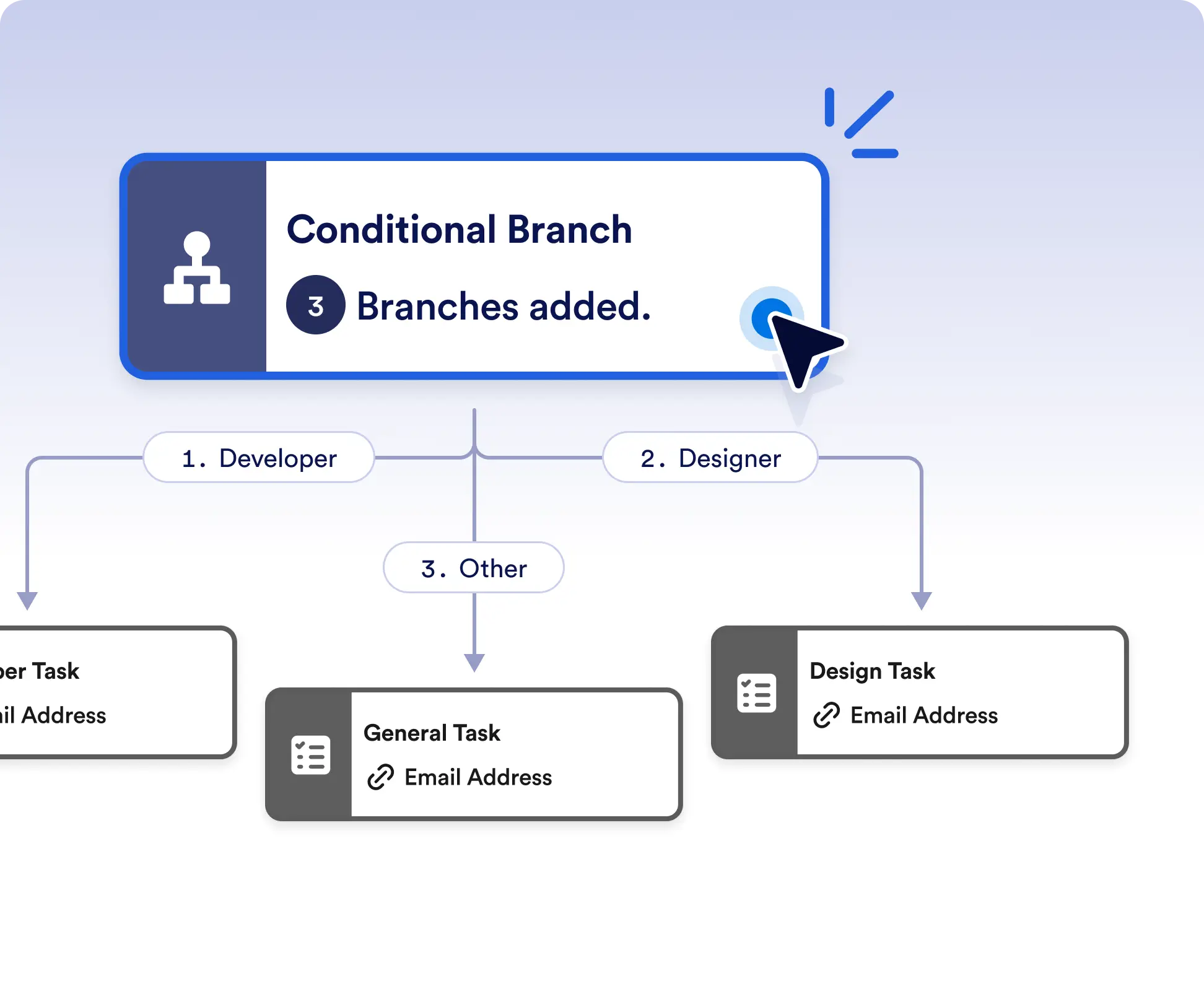
Route your flow across multiple paths
Automatically send requests, tasks, or approvals down different paths based on specific conditions. This is ideal for workflows that require more than simple yes or no decisions.
Dynamic workflow routing
Create dynamic decision points that adapt to real workflow data. Route flows differently based on form responses, approval outcomes, or task results to match real-world scenarios.
Frequently Asked Questions
Have questions about this feature? Explore the FAQs below for quick answers, or reach out to our support team for more details.
Conditional Branch allows you to create multiple paths based on different conditions, while If/Else is limited to true or false logic.
You can use form submissions, approval results, task outcomes, and other workflow data to define conditions for each branch.
You can define a default path to ensure the workflow continues even if none of the specified conditions are met.