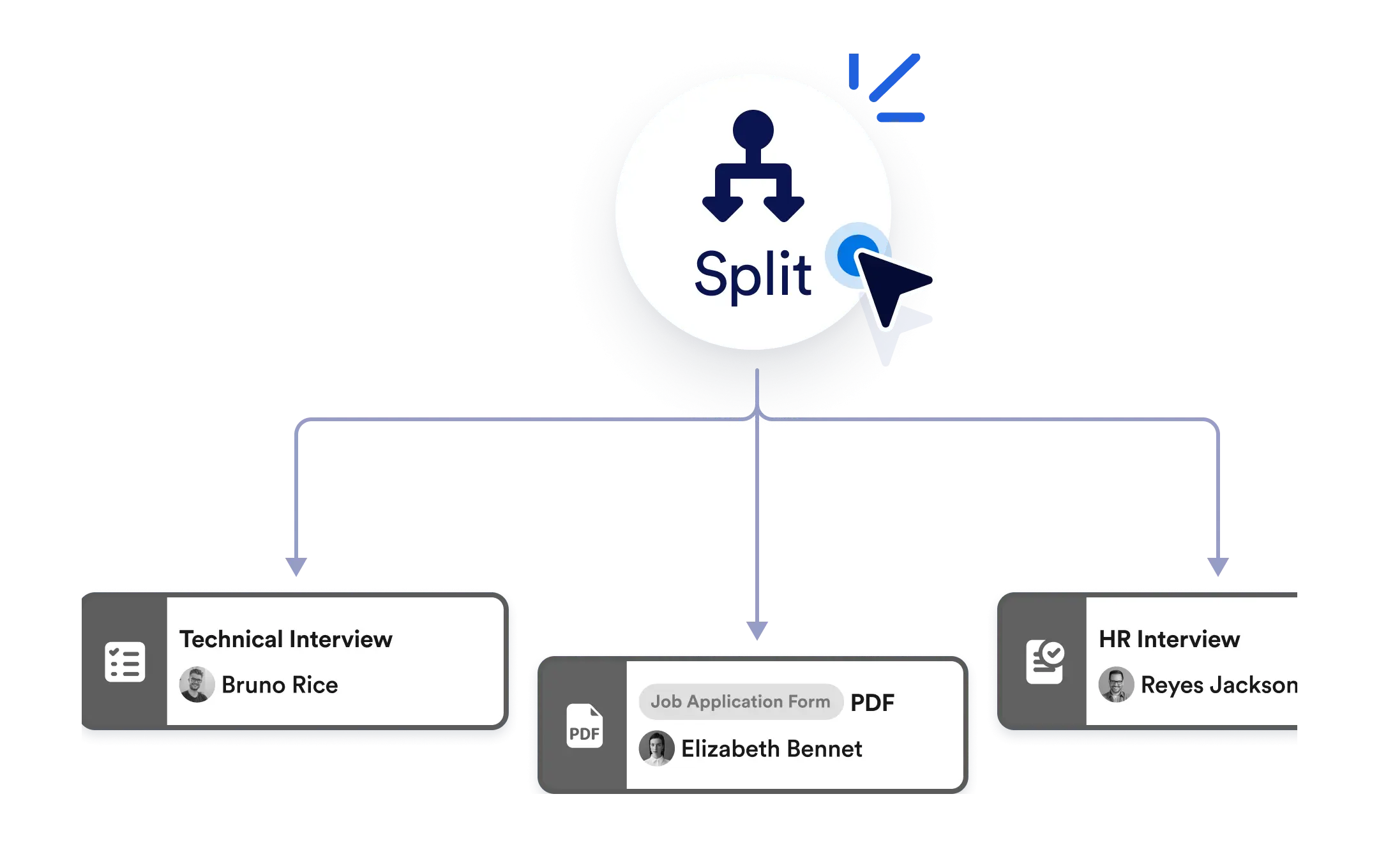
No need to wait for one task to finish before starting the next. Use the Split element to branch your workflow into parallel actions, boosting efficiency and keeping your team productive.
Parallel Actions
Add the Split element to your workflow and instantly create multiple branches. From sending notifications to assigning tasks and requesting approvals, everything can happen simultaneously.
Trigger Multiple Actions Instantly
Simply drag and drop the Split element onto your workflow canvas. Create branches by connecting it to as many actions as you need no coding or complex setup required.
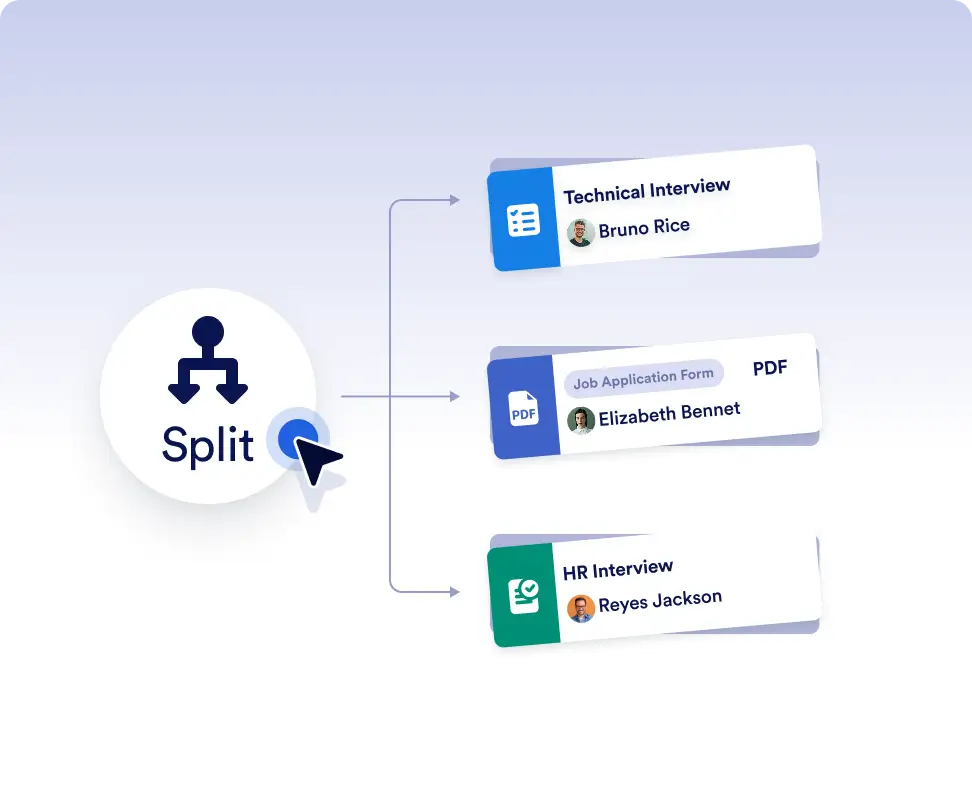
Run multiple actions at the same time
Trigger tasks, approvals, emails, or PDF sending simultaneously instead of running them one by one. This helps you move faster and keep workflows efficient, especially when steps don’t depend on each other.
Keep everyone moving at once
Use parallel actions to notify multiple teams, assign work to different roles, or request approvals at the same time. Everyone can start working immediately without waiting for previous steps to finish.
Frequently Asked Questions
Have questions about this feature? Explore the FAQs below for quick answers, or reach out to our support team for more details.
The Split element allows your workflow to branch into multiple paths so several actions can run at the same time.
You can run tasks, approvals, form assignments, PDF sending, notifications, and more all simultaneously.
Yes. You can use a Merge Branches element to bring parallel paths back together and decide when the workflow should continue.