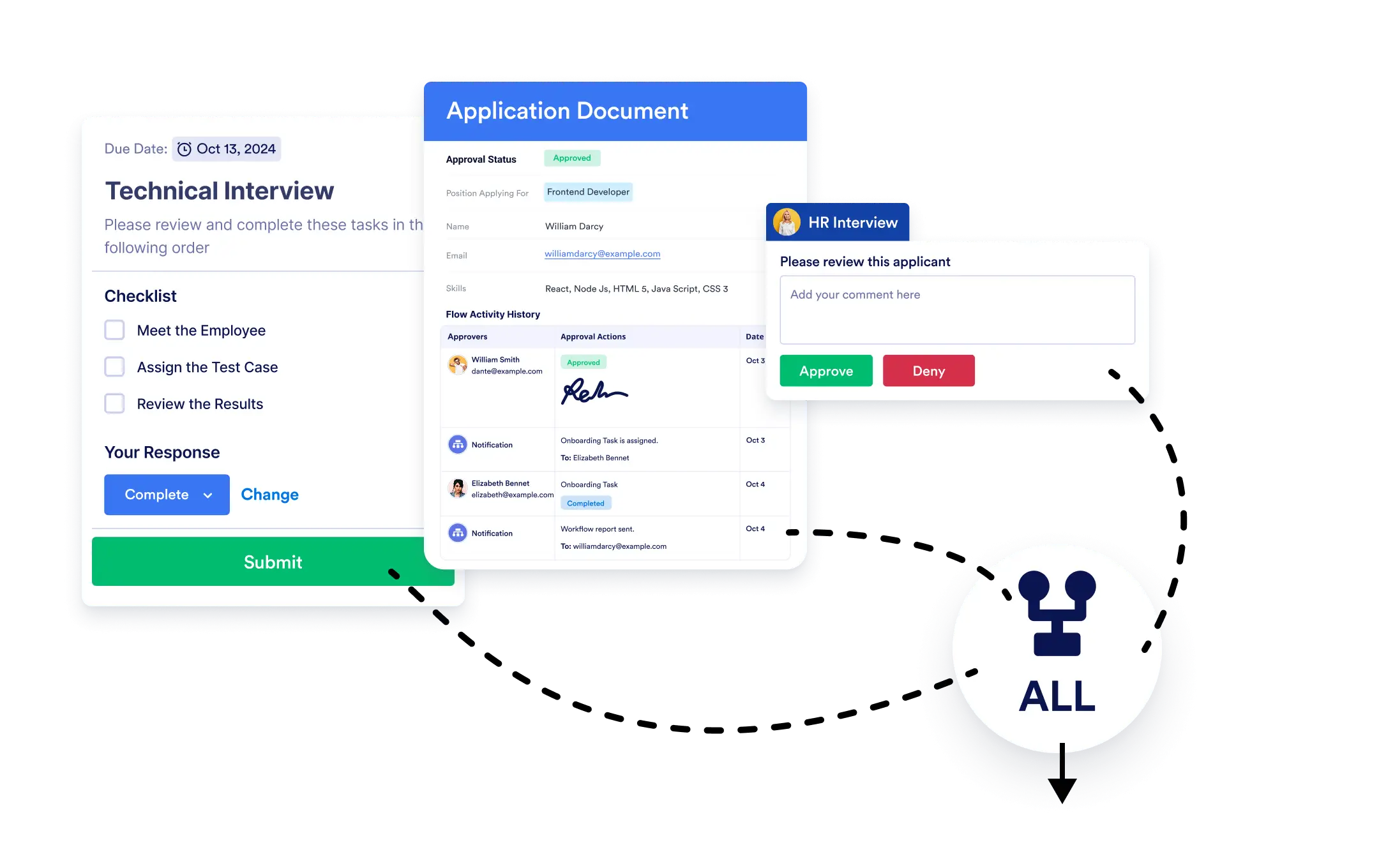
Decide when to continue your workflow. Whether you want to wait for all tasks to finish or move on once a single branch is done, Jotform Workflows makes it simple.
Branch Merging
Combine parallel paths effortlessly by dragging and dropping the Merge Branches element wherever you need to rejoin your workflow’s paths.
Merge Parallel Paths Easily
Simply drag the Merge Branches element to your workflow and connect your branches. Set your completion criteria in seconds and watch your workflow handle complex scenarios effortlessly.
Set Your Merge Criteria:
- Wait for all connected branches to finish before moving forward, or
- Move ahead as soon as any branch connected to the Merge Branches element is completed.
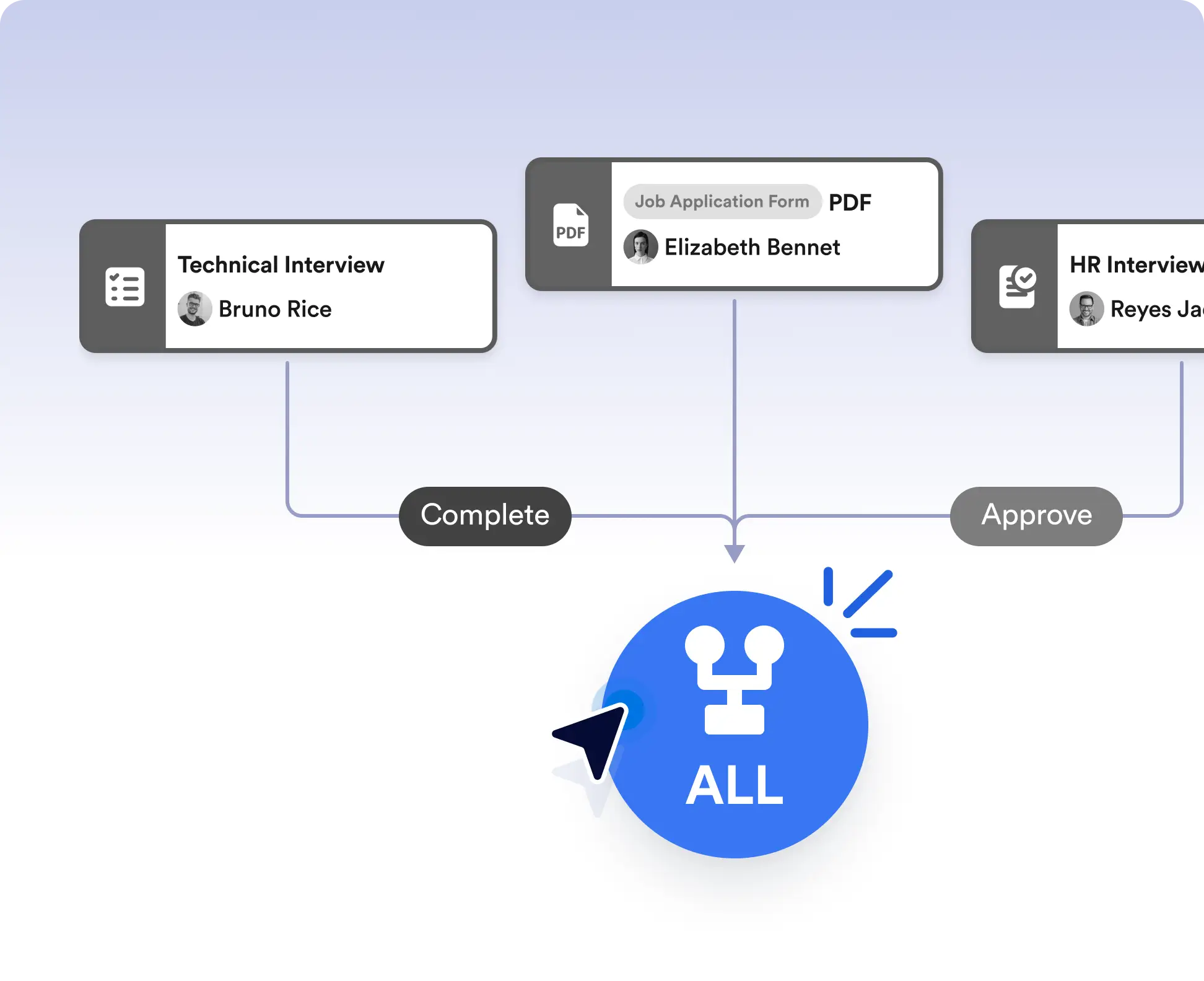
Run tasks in parallel, then merge them
Run multiple tasks or approvals at the same time, then merge them back into a single path. Choose to continue only after all branches are completed, making this ideal for reviews, multi-step checks, or parallel data collection.
Continue after the first completed action
Move your workflow forward as soon as one branch is finished when timing matters. This works well for scenarios like first-response handling, optional tasks, or competitive approvals where waiting on every path isn’t necessary.
Frequently Asked Questions
Have questions about this feature? Explore the FAQs below for quick answers, or reach out to our support team for more details.
Merge Branches lets you bring parallel workflow paths back together and control when the workflow should continue.
You can choose to wait for all connected branches to finish or allow the workflow to continue as soon as any one branch is completed.
Yes. You can use multiple Merge Branches elements to manage complex workflows with several parallel sections.