Take control of your processes by automating task creation directly in Jotform Boards. With simple setup and powerful integration, Jotform Workflows ensures your tasks are created exactly when and where they’re needed.
Create Tasks Effortlessly in Jotform Boards
With Jotform Workflows’ seamless connection, you can automatically create tasks in your chosen board when your workflow reaches a certain step. Just select the board, map the fields, and let the integration handle the rest.
Trigger Task Creation Automatically
When configuring the integration, you can choose the Jotform Board where your new task will be created and match your form fields to the board’s task fields, ensuring that every task is complete and contextual for effective management.
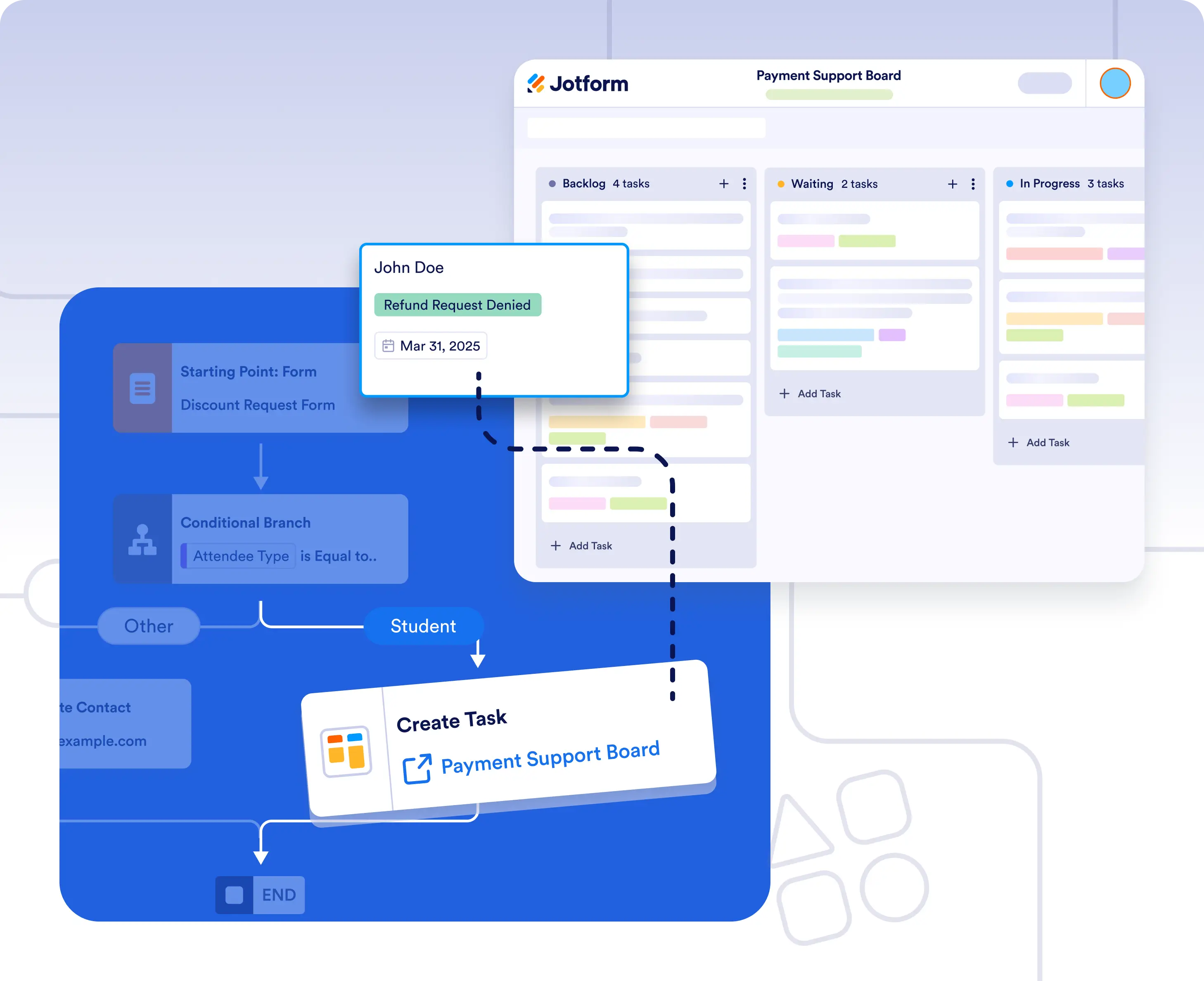
Add tasks to Jotform Boards at key steps
Create tasks in Jotform Boards the moment a workflow reaches a specific step. This is ideal for converting form submissions, requests, or approvals into clearly assigned work without manual follow-up.
Create tasks with the right details every time
Ensure tasks are created in the right board with the right details every time. By mapping workflow data to task fields, teams get full context and can track progress from start to finish.
Frequently Asked Questions
Have questions about this feature? Explore the FAQs below for quick answers, or reach out to our support team for more details.
Tasks are created automatically when the workflow reaches the step where the Boards integration is added.
Yes. You can select the specific Jotform Board where new tasks should be created during setup.
Yes. You can match form fields and workflow data to board task fields so each task includes the right details.