
Integrate Airtable directly into your Jotform Workflows to automate the creation of new records whenever a form is submitted.
Instant Record Creation in Airtable
Eliminate manual data entry and reduce errors by directly mapping form fields to Airtable columns. Perfect for managing customers, orders, projects, and more.
Effortless Airtable Record Creation
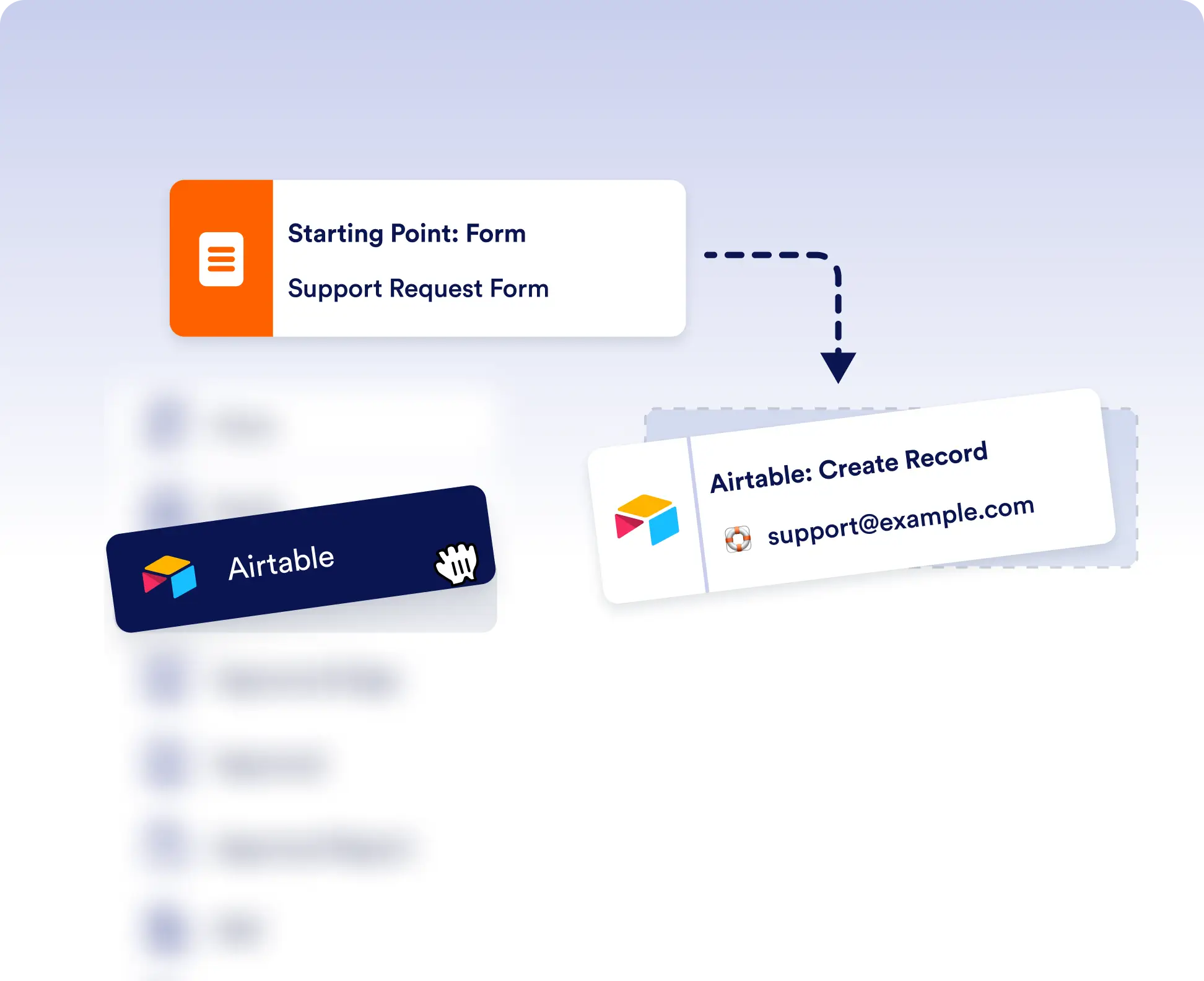
To enable the Airtable integration, just drag and drop it into your flow, select the ‘create records’ action, and connect your Airtable base. No complex setup, just instant automation. Each form submission in your workflow triggers the creation of a new Airtable record.
Customizable Field Mapping
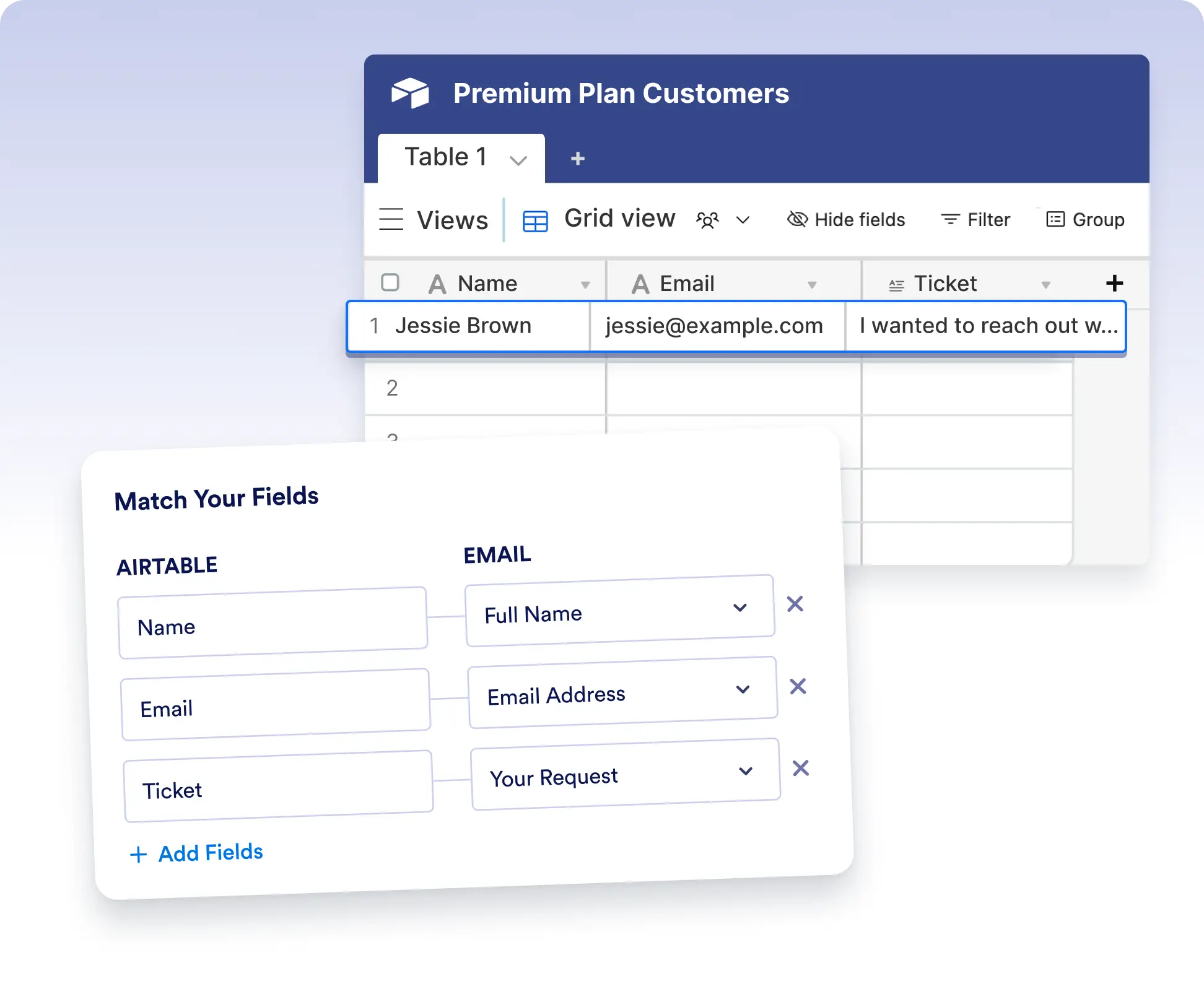
Easily map form fields to Airtable table columns. This ensures your data is structured exactly how you need it, ready for reporting, analysis, or collaboration.
Add only the right data to Airtable
Instead of sending every submission to Airtable, use workflow logic to filter records and create Airtable entries only when specific conditions are met. This helps keep your tables clean, relevant, and focused on the data that truly matters.
Map workflow data precisely into Airtable
Precisely map workflow data to specific Airtable fields to ensure every record is clean, consistent, and well organized.
Frequently Asked Questions
Have questions about this feature? Explore the FAQs below for quick answers, or reach out to our support team for more details.
A new record is created automatically when the workflow reaches the Airtable step and the form submission is processed.
Yes. You can customize field mapping to ensure each form response is saved in the correct Airtable column.
Yes. During setup, you can select the exact Airtable base and table where new records should be created.