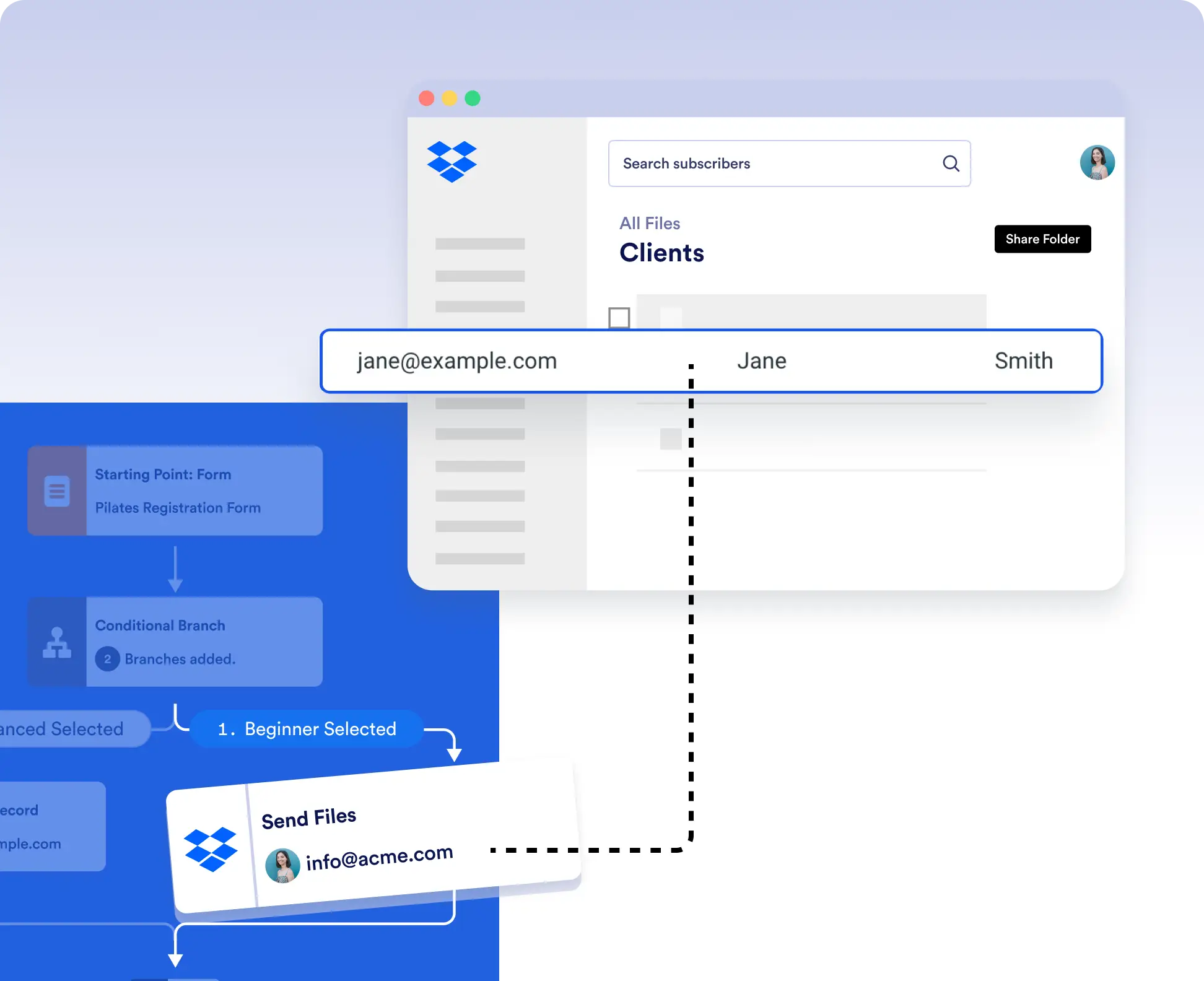
Send files collected through forms such as resumes, invoices, contracts, or reports to specific Dropbox folders based on conditions in your workflow. For example, upload only approved documents or route files based on user selections.
Conditional File Delivery
Use IF/Else conditions or branch logic to determine exactly when files are sent to Dropbox. For example, send accepted applications to an HR folder and rejected ones to an archive all without manual sorting.
Seamless, No-Code Setup
Authorize Dropbox once, then configure your Send Files action using Jotform’s visual workflow builder. Drag, drop, and deploy.