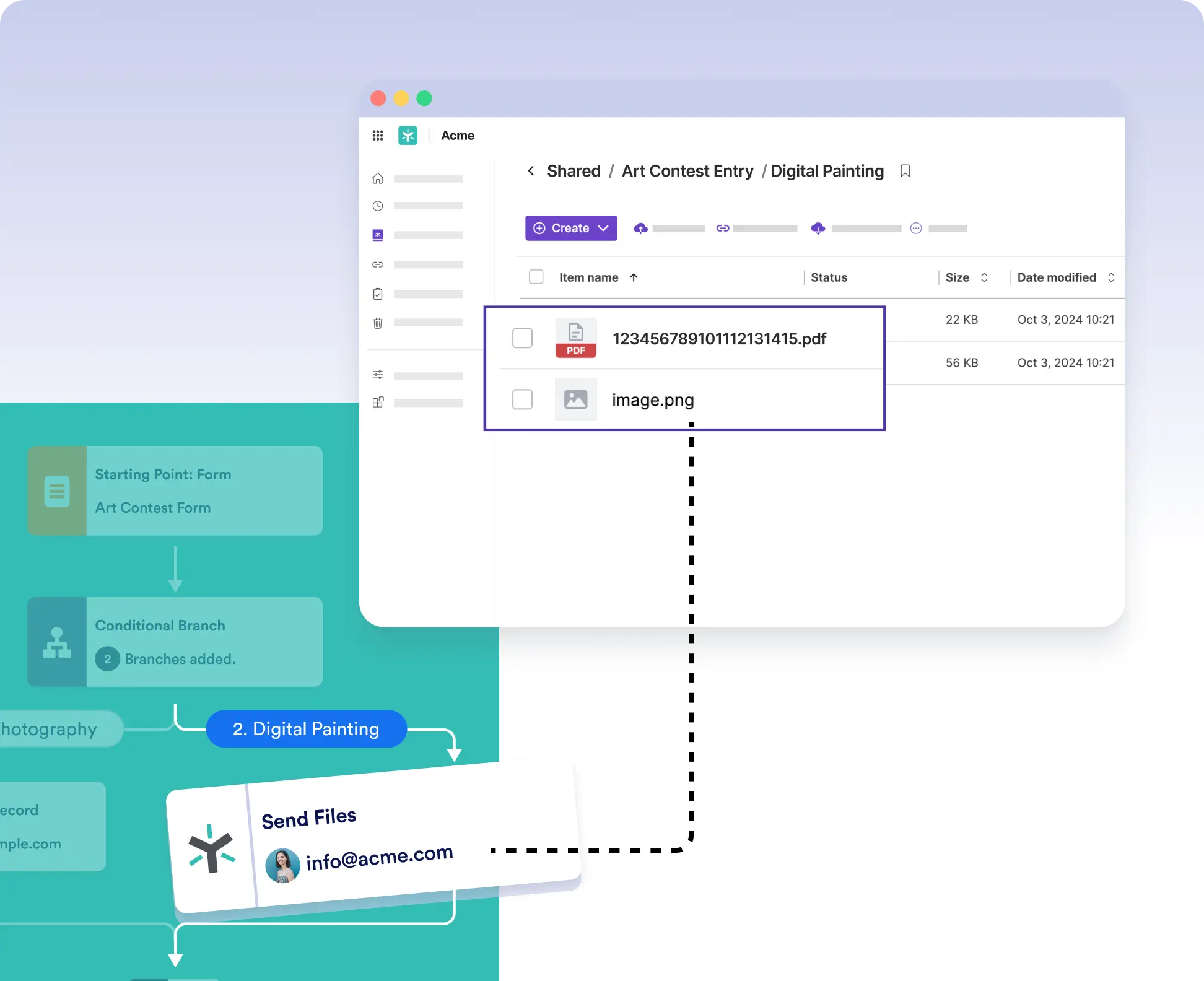
Add the Egnyte integration to any point in your workflow to send files right when you need to, after an approval, based on a field response, or at the end of a process.
Trigger File Transfers Based on Workflow Logic
Only send files to Egnyte if the submission is approved, meets a budget threshold, or matches a department selection. Use workflow logic to eliminate unnecessary file transfers.
Seamless Egnyte Integration
Once you connect your Egnyte account, simply drag the integration into your flow, set up the “Send Files” action, and start delivering documents to the right place automatically.