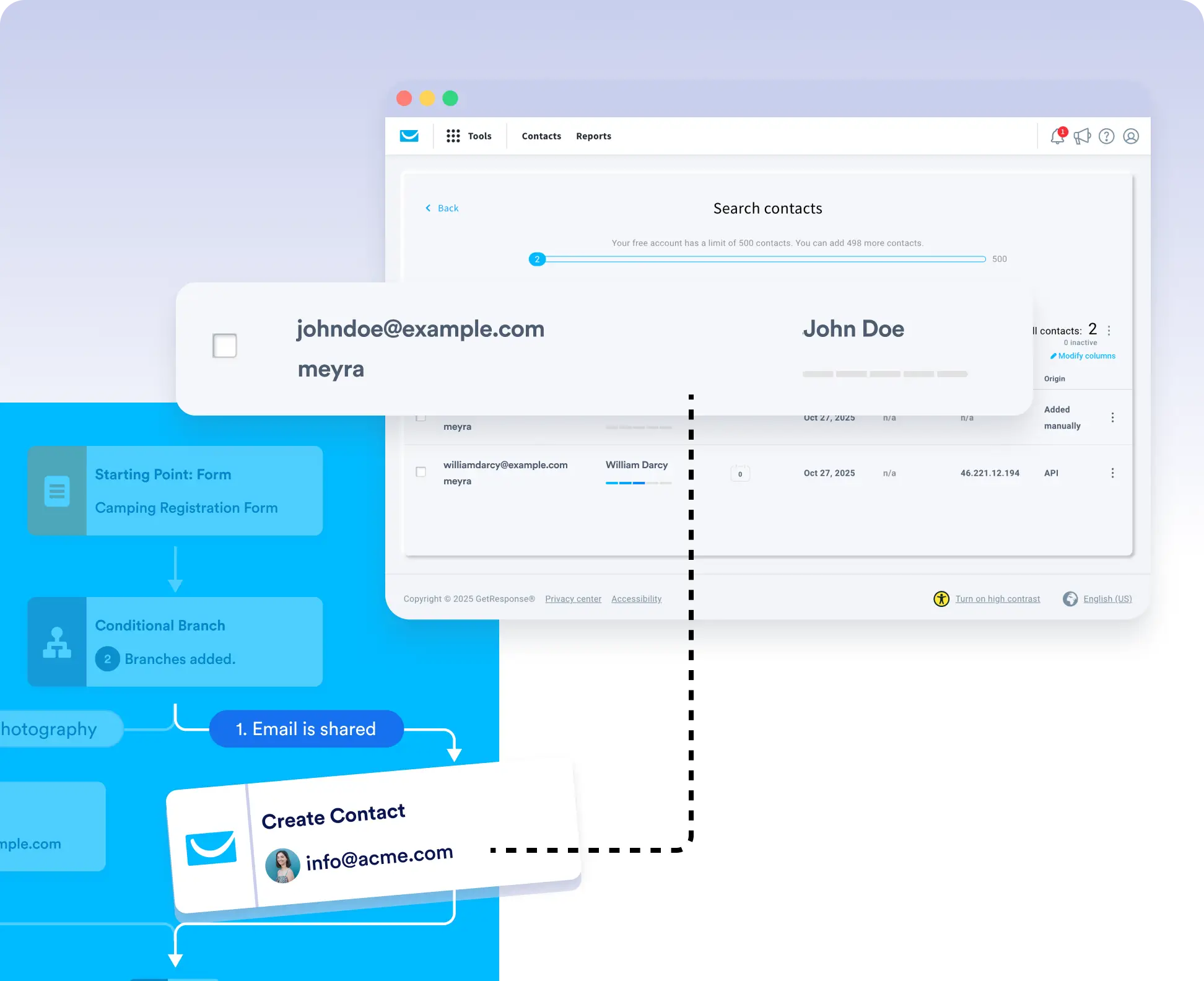
Automatically Add Qualified Leads to GetResponse
Streamline your email marketing by connecting Jotform Workflows with GetResponse. With the GetResponse integration, you can automatically create contacts using form submission data collected in your workflow. Simply drag and drop the integration into your flow, apply conditional logic, and start syncing high-quality leads directly to your GetResponse lists.

Add only the right leads to your marketing campaigns. With conditional workflows, you can filter submissions and create contacts in GetResponse automatically based on the rules that matter to your business.
Conditional Contact Creation
Use workflow conditions such as approval outcomes, checkbox selections, or form scores to decide which submissions qualify as valid leads. Avoid cluttering your CRM with unqualified contacts.
Auto-Add Leads to GetResponse
No coding required. Just connect your GetResponse account, map your form fields, and set conditions. Your contact creation logic runs automatically behind the scenes.