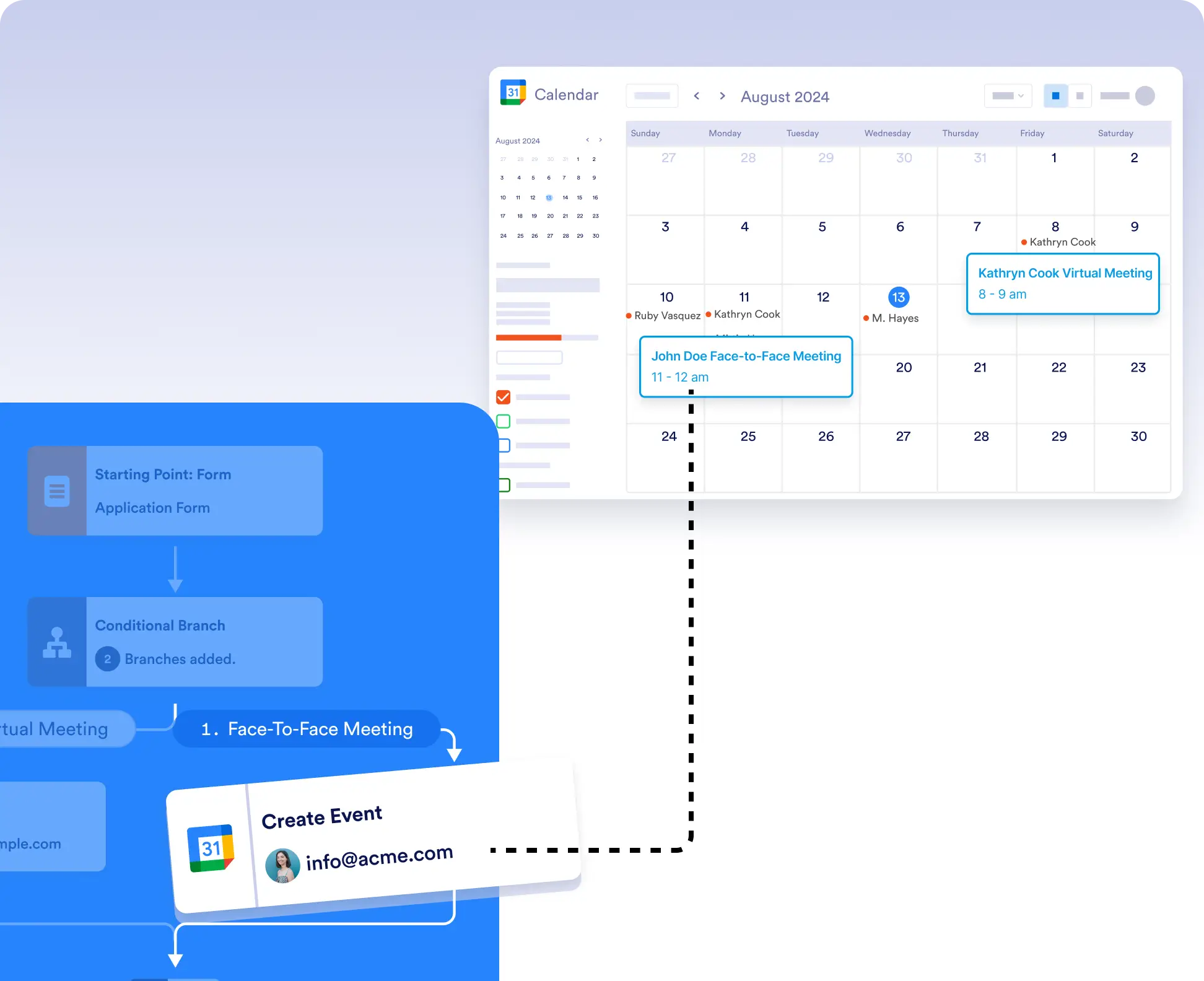
Whether you’re coordinating meetings, setting appointments, or planning events, automatically add them to Google Calendar without leaving your workflow. Use conditional logic to control exactly when and where events are created.
Flexible Event Creation with Conditional Logic
Don't want every submission to trigger a new event? Use conditional logic to create calendar events only when specific conditions are met, or route different events to different calendars.
Easy Setup and Authorization
To get started, simply drag the Google Calendar integration into your workflow, choose “Create Event” or “Create Event with Google Meet,” connect your account, and map your form fields.